AI-Powered Smart Data Capture: The Future of Data Entry in 2025

AI-powered smart data capture is rewriting the rules of data entry. Manual typing, sorting, and organizing are rapidly being replaced. From insurance claims to e-commerce receipts, industries are unlocking massive value through automation. With smart data capture tools in 2025, powered by AI OCR, machine learning, and advanced analytics, businesses are slashing manual effort and boosting accuracy like never before. Here’s a deep look at what’s driving this transformation and what you can expect.


1. Understanding AI-Powered Smart Data Capture

Smart data capture uses artificial intelligence to extract, interpret, and process data from a wide range of sources. Unlike traditional manual entry, AI-powered methods capture data in real time from forms, emails, PDFs, images, audio, and even handwritten notes. They recognize patterns and context, making extraction far more reliable. The move from keystrokes to algorithms means less tedium and fewer errors, freeing people for higher-value tasks.


2. The Role of AI in Data Capture Automation

AI is the engine behind smart data capture tools in 2025. Machine learning lets these tools “learn” from corrections, so they get better over time. Natural Language Processing (NLP) helps systems understand and classify text—even in complex, messy formats. Computer vision brings new power, making sense of scanned papers, receipts, and forms, no matter how they look or who filled them out. Combined, these AI techniques automate workflows that once took hours or days.

  • Machine learning: Corrects and predicts data patterns.
  • NLP: Reads and interprets sentences, pulling out names, dates, and more.
  • Computer vision: “Sees” text, logos, tables, and images in scanned content.

smart data capture tools 2025, OCR data entry automation 2025, AI intelligent data capture software

3. Key Technologies Behind Smart Data Capture

Optical Character Recognition (OCR) Upgrades

OCR technology in 2025 is almost unrecognizable from older systems. Modern AI OCR not only reads typed fonts but can accurately convert cursive and non-standard handwriting into digital text. It recognizes multi-language documents, stamps, and even watermarks, all at speeds that support real-time processing. The result? Accurate, quick digitization for everything from medical charts to delivery notes.

Natural Language Processing (NLP)

NLP is getting smarter at understanding unstructured or semi-structured data, such as emails or chat logs. It extracts key information—names, addresses, amounts, opinions—without human help. This is essential for companies drowning in emails or customer feedback. AI intelligent data capture software uses NLP to organize messy data into clear, workable formats.

Computer Vision

Computer vision lets smart data capture tools interpret images, forms, and even complex layouts. For example, a system can scan a bill of lading, find the shipper’s name, date, and cargo list—even if they’re handwritten or out of order. This turns once-painful paperwork into a rich data stream for analytics and reporting.

Machine Learning Algorithms

AI-powered solutions rely on machine learning models that improve through use. By comparing captured data to known standards and learning from corrections, these systems boost their accuracy continuously. This self-improvement keeps data entry workflows sharp as document types and business rules change.


4. Benefits of AI-Powered Smart Data Capture

Increased Accuracy

Smart data capture tools in 2025 achieve over 99% accuracy in data extraction, beating manual entry on nearly every metric. AI spots duplicates, typos, and outliers, preventing costly errors before they spread.

Time Efficiency

OCR data entry automation in 2025 reduces time spent on data entry from hours or days to minutes per document. Instant capture and routing mean faster business cycles and faster service for customers.

Cost Reduction

Fewer manual processes mean lower payroll and less need for expensive error correction. Companies also reduce spending on paper, printing, and storage.

Scalability and Flexibility

AI intelligent data capture software can handle thousands or millions of documents per day, in any format—typed, handwritten, scanned, or digital. This flexibility is what makes modern automation so powerful.

Improved Data Quality and Consistency

AI brings standardized checks and business rules. This means consistent data, fewer mismatches, and better analytics.

Enhanced Compliance and Security

Automated audit trails track every data change. Encryption and built-in security controls help companies meet strict privacy and compliance rules without extra overhead.


smart data capture tools 2025, OCR data entry automation 2025, AI intelligent data capture software

5. Applications of AI-Powered Smart Data Capture

Healthcare

Hospitals and clinics use smart data capture to pull information from patient records, doctors’ notes, and insurance forms. This speeds up patient onboarding, insurance billing, and lab result processing.

Finance and Banking

Financial institutions automate the extraction of invoice data, loan applications, and regulatory reports, ensuring accuracy and speeding up compliance workflows.

Retail and E-Commerce

Retailers capture order data, process receipts, and analyze customer feedback, all through automated tools that keep inventory and customer records up to date.

Manufacturing

Manufacturers use AI smart data capture to collect production numbers, track defects, and streamline inventory updates, which supports better quality control.

Government and Public Sector

Agencies digitize applications, census forms, and other records. This creates accessible, searchable databases, cuts paperwork, and improves citizen service.


6. Types of Data Suitable for AI Smart Capture

Structured Data

Examples include invoices, tax forms, and spreadsheets—documents with clear, repeating fields.

Semi-Structured Data

This covers PDFs, emails, and XML files where the format is somewhat regular but not fully controlled. AI excels at reading these, locating relevant info even when layouts change.

Unstructured Data

Examples include handwritten notes, scanned images, audio files, and free-form surveys. Smart data capture tools in 2025 use a mix of OCR, NLP, and computer vision to bring these into digital workflows.


7. Top Features in 2025 Smart Data Capture Solutions

Real-Time Data Capture and Processing

Systems process documents the moment they arrive—no batching or waiting. This is critical for logistics, finance, and customer service.

Multilingual Support

Global businesses need data capture that works in dozens of languages and dialects. AI now supports real-time translation and cross-language verification.

Integration with Existing Systems

Most smart data capture tools offer direct connections to ERP, CRM, and accounting platforms through APIs, making integration simple.

User-Friendly Interfaces

Modern tools feature dashboards anyone can use. They offer visual feedback, customizable workflows, and quick setup wizards.

Automated Error Detection and Correction

AI spots inconsistencies, flags missing data, and often suggests the right fix—saving time and avoiding mistakes.

Mobile and Cloud-Based Access

Remote work is easier thanks to cloud-based capture and mobile apps, letting teams scan, upload, and validate documents from anywhere.


smart data capture tools 2025, OCR data entry automation 2025, AI intelligent data capture software

8. Challenges and Considerations

Data Privacy and Security Concerns

Sensitive personal or financial data is often at stake. Companies must choose solutions with built-in encryption, user controls, and compliance certifications.

Handling Complex or Poor Quality Documents

Stained, torn, or low-quality scans still present a challenge. While AI is improving, edge cases may still require some manual review.

Training AI Models with Quality Data

AI relies on clean, representative data for training. Feeding systems poor samples leads to weaker results and more errors.

Resistance to Adoption

Shifting from manual to AI-powered entry requires training and change management—some teams may resist at first. Clear, ongoing support can ease this transition.

Cost of Implementation and ROI

Upfront investment in software and training must be weighed against long-term efficiency gains. Most organizations see a fast payback period, but planning is essential.


9. Trends Shaping Smart Data Capture in 2025

AI-Powered Analytics

Captured data feeds instantly into analytics engines, enabling real-time insights and predictive modeling.

Automation Beyond Capture

Smart data capture tools now integrate with robotic process automation (RPA), so captured data flows automatically into next steps—approvals, payments, or workflow triggers.

Edge Computing for Speed

AI processing happens closer to data sources, reducing lag—important for IoT and logistics.

Personalized Solutions

Vendors offer industry-specific AI capture tools tailored to banking, healthcare, retail, and more.

IoT Data Capture

Smart sensors and devices now feed directly into data workflows, creating automated pipelines from the physical to the digital world.


10. How Businesses Prepare for AI Smart Data Capture

Assess Current Data Entry Processes

Mapping out current workflows highlights pain points and bottlenecks that automation can target.

Select the Right Technology Partners

Key factors: accuracy, reliability, integration options, security certifications, and customer support.

Prioritize Data Governance and Compliance

Set clear policies on data handling, retention, and access before rollout.

Train Employees and Stakeholders

Provide clear, structured onboarding and ongoing training to help teams adapt.

Pilot Testing and Gradual Rollout

Start with small projects, refine based on feedback, and scale up once confident.


smart data capture tools 2025, OCR data entry automation 2025, AI intelligent data capture software

11. Real-World Success Stories

Case 1: Healthcare Provider Accelerates Patient Intake

  • Problem: Long waits, lost forms, error-prone manual entry.
  • Solution: AI-powered OCR and NLP digitized patient records at the point of entry.
  • Results: 40% faster onboarding, millions saved in admin costs, higher patient satisfaction.

Case 2: Financial Firm Streamlines Invoice Processing

  • Problem: Slow, expensive data entry for thousands of invoices each month.
  • Solution: AI intelligent data capture software automated extraction, validation, and entry into ERP.
  • Results: 60% fewer errors, faster payments to vendors, and a much lower operational cost.

Case 3: Retail Company Automates Customer Feedback Capture

  • Problem: High manual workload sorting and analyzing thousands of survey forms and online reviews.
  • Solution: Smart data capture tools with OCR and NLP identified relevant data across emails, feedback forms, and scanned handwritten cards.
  • Results:
    • Real-time insights into customer sentiment
    • 45% improvement in actionable feedback response time
    • Reduced manual review hours, freeing staff for higher-value activities

12. The Future Beyond 2025

AI-powered smart data capture is set to get even smarter. Expect integration with augmented reality, where users can “see” data overlaid on documents or products in real time. Blockchain may secure captured information, creating tamper-proof digital records and audit trails. As AI approaches full autonomy, routine data management may need almost no human input. Companies will also pay closer attention to ethical AI, building checks for privacy, bias, and security into every layer of automation.


13. Summary of Key Takeaways

  • Smart data capture tools in 2025 blend OCR, NLP, and machine learning for serious automation.
  • Manual data entry is being replaced with real-time, scalable, and accurate AI-driven workflows.
  • Industries from healthcare to retail are already seeing faster processes, lower costs, and better compliance.
  • AI intelligent data capture software supports structured, semi-structured, and unstructured data.
  • Challenges include document quality, privacy, and change management, but the ROI is clear for most businesses.
  • Future trends include multimodal AI, blockchain integration, AR, and the shift to fully autonomous data management.

14. Additional Resources

For anyone looking to get ahead in data entry, it’s the perfect time to explore the growing field of AI-powered smart data capture. Tools are more accessible, affordable, and accurate than ever, unlocking new possibilities for organizations of every size.


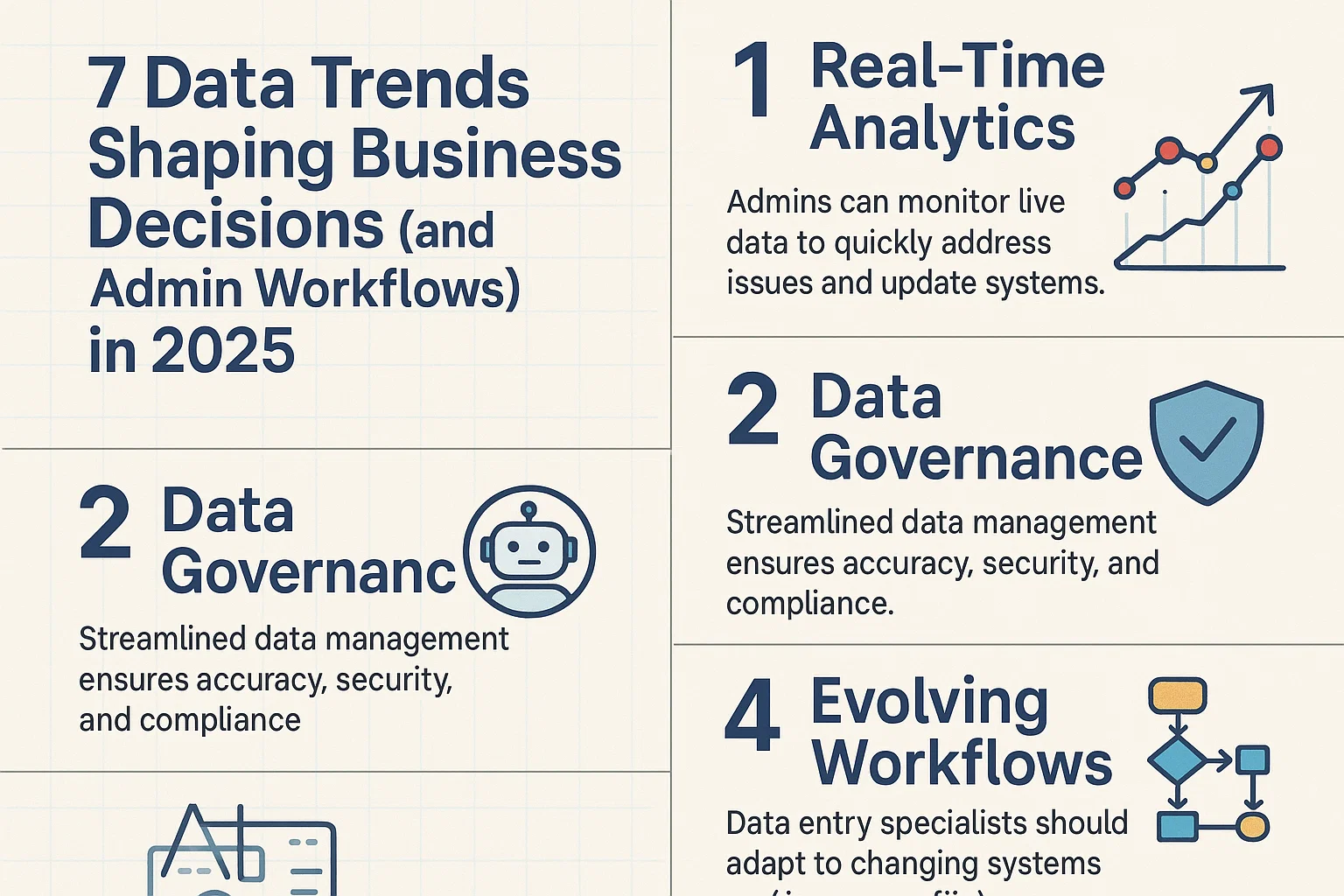
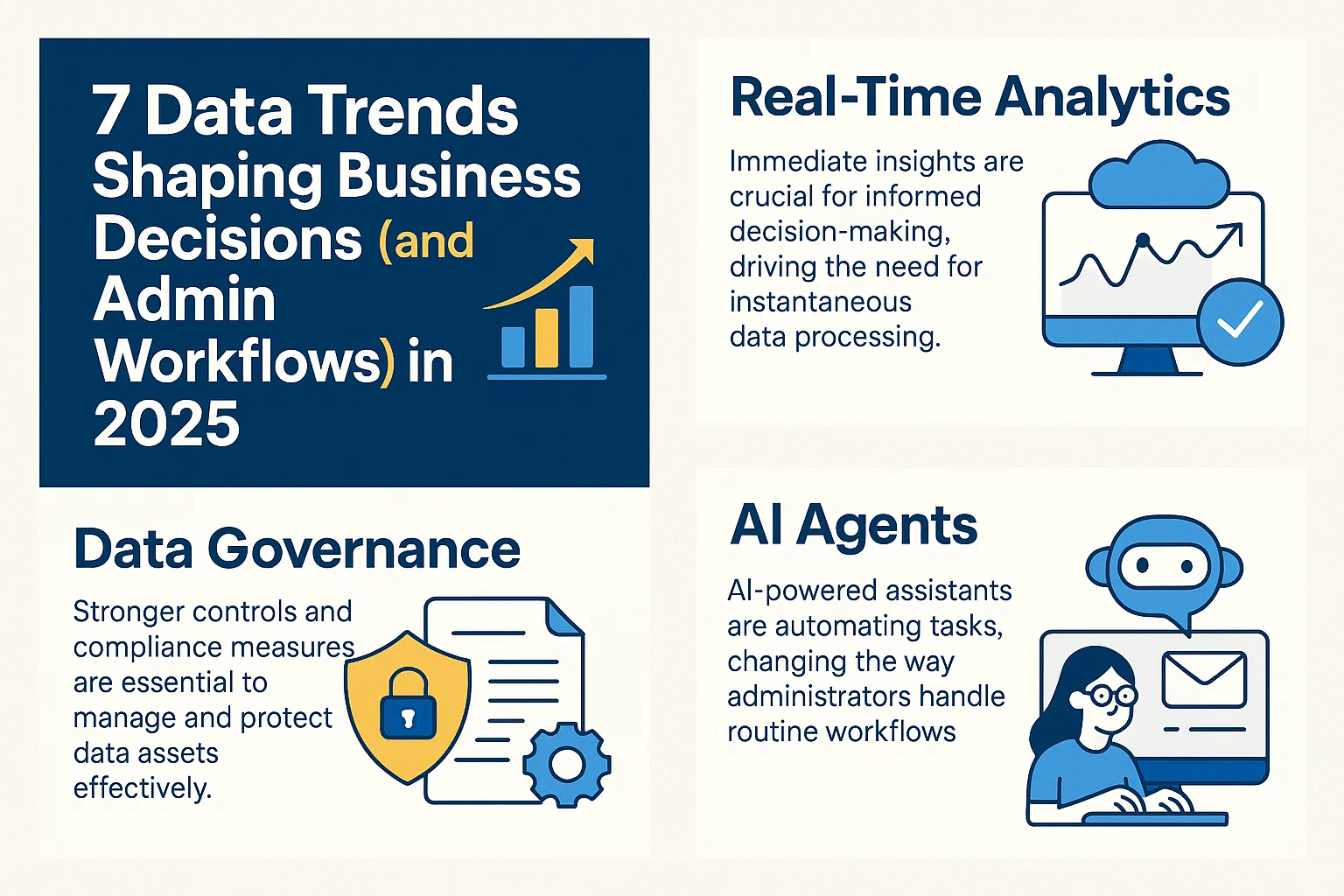
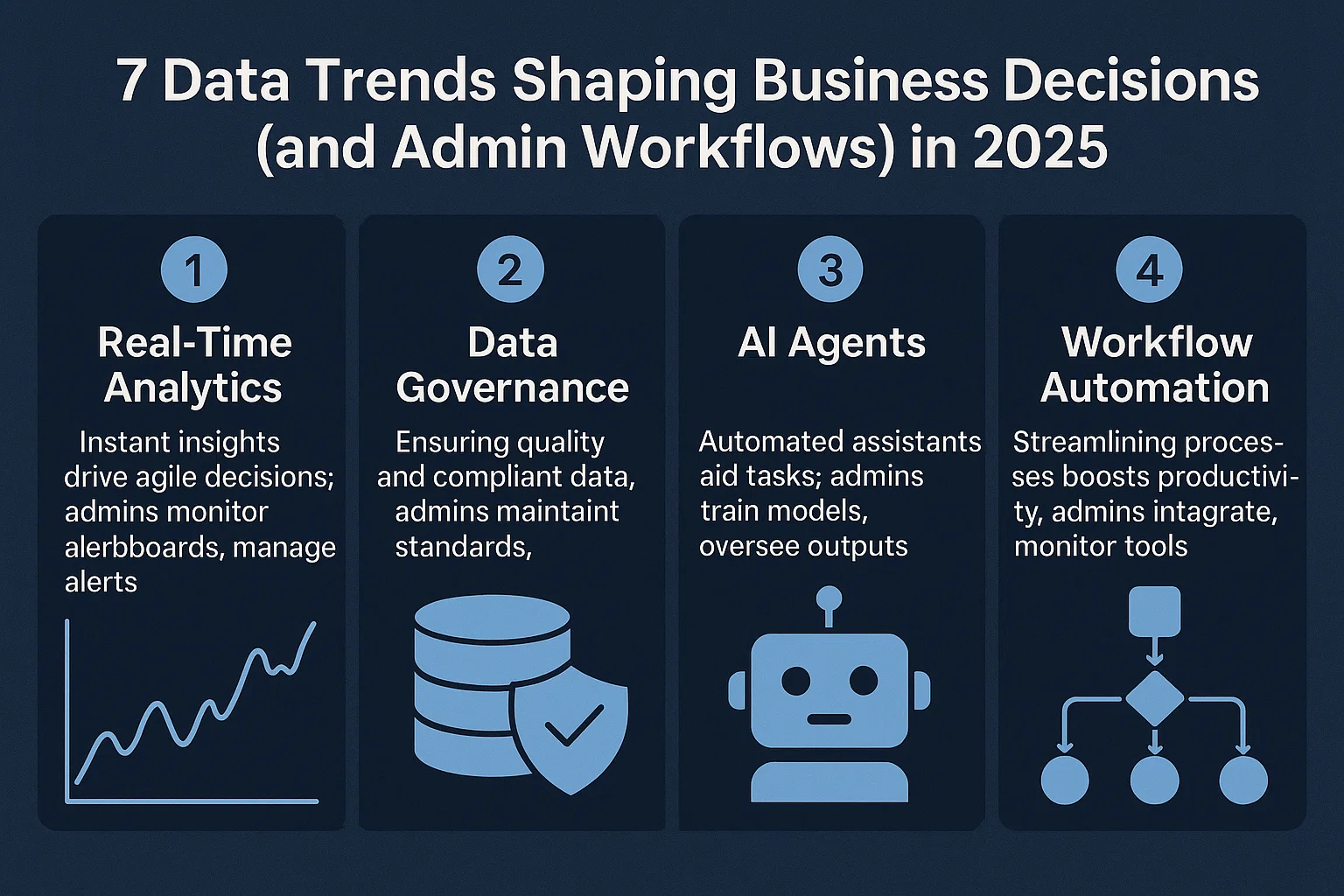
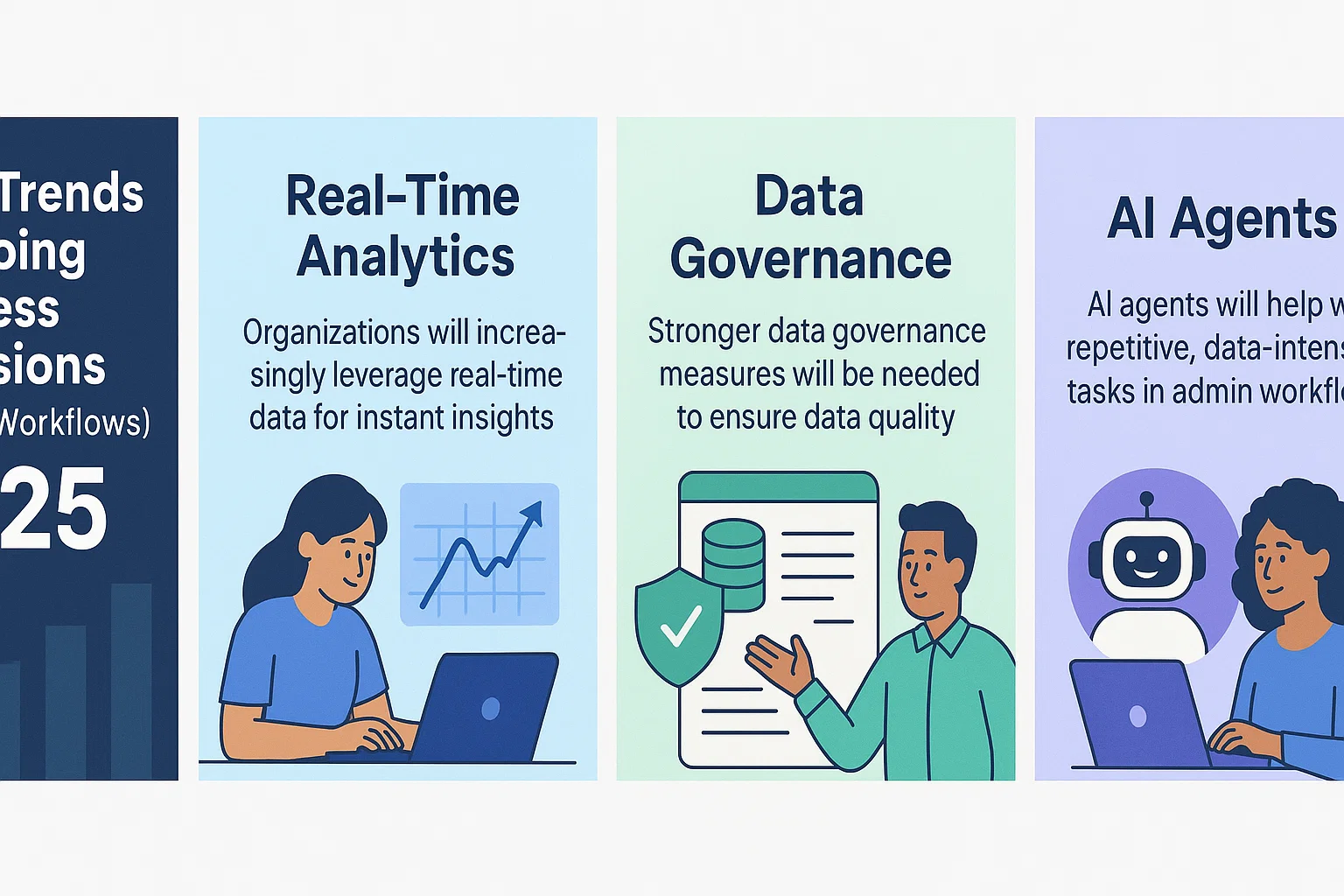
7 Data Trends 2025: Real-Time Data Workflows for VAs, Admin Dashboard Analytics, Governance Tips

7 Data Trends for 2025: Real-Time Data Workflows for VAs, Admin Dashboard Analytics Best Practices, and Data Governance Tips for Virtual Assistants

Businesses now rely on real-time data workflows for VAs, admin dashboard analytics best practices, and data governance tips for virtual assistants to keep ahead. As we move into 2025, smarter use of data—powered by instant analytics, AI, and new governance rules—shapes the way VAs and admin pros get work done. These trends are changing more than just how data is managed, they’re opening new doors for speed, accuracy, and decision making.

Understanding real-time analytics and strong data governance helps VAs and data-entry teams adapt to shifting demands. AI agents automate routine admin work while dashboards surface insights in seconds, pushing productivity forward. Taking advantage of these shifts isn’t just smart, it’s essential for anyone tracking the latest trends and looking for better ways to support growing business needs.

If you’re interested in learning how foundational data skills and smart workflows impact daily admin work, explore this simple guide to data management jobs, real examples, and tools shaping 2025.

Rise of Real-Time Data Workflows for VAs in 2025

Work feels different in 2025 for virtual assistants and admin teams. Fast, accurate data is always at your fingertips, shaping the way tasks are managed and decisions are made. Businesses want smooth workflows, fewer errors, and smart use of time. The biggest shift? Real-time data workflows for VAs, admin dashboard analytics best practices, and data governance tips for virtual assistants all now drive daily routines—powered by tools that help you work smarter, not harder.

The move to real-time everything means admins and data-entry specialists can respond as things happen. Edits, approvals, and forward planning are now possible without the old lag of waiting for reports or chasing updates. This approach isn’t just for the tech savvy; it’s now baked into best practices for anyone serious about delivering value in 2025.

real-time data workflows for VAs, admin dashboard analytics best practices, data governance tips for virtual assistants

Automating Administrative Decisions with Real-Time Insights

Manual admin work eats up hours, and mistakes slip in when data is old. Real-time insights change this. Now VAs and office teams get instant updates on everything from project deadlines to sales tallies—no more second-guessing over outdated exports.

  • Automation in Action: When new data hits (like customer orders or approvals), AI-powered automations run checks and kick off next steps. Invoicing, follow-ups, even resource planning happen without an admin touching a spreadsheet.
  • Smart Triggers: Automatic alerts flag missing info, bottlenecks, or anything off-pattern. Teams fix issues while they’re small, rather than patching up problems after the fact.
  • Consistent Reporting: Real-time dashboards mean every team member—and the boss—sees the same story, at the same moment. Less confusion means faster, better decisions.

With these changes, administrative work becomes smoother and more predictive. No need to shuffle between tabs or dig up files. Admins now focus time on what matters: troubleshooting, personalizing support, and flagging next steps. This supports the core promise of real-time data workflows for VAs—working at the speed of business.

Collaborative Dashboards: Empowering Admin Teams

Imagine never emailing a status update again. Now, team dashboards connect everyone in real time, keeping updates, files, and messages in one place. This isn’t a distant future; it’s the current best practice for high-performing admin teams and VAs.

  • Streamlined Updates: When someone marks a task as done, the change appears for the whole team. No more waiting for summary emails or cross-checks.
  • Live Communication: Admins chat, tag, and comment within the dashboard, linking conversations to actual data points or files. This makes it easy to trace decisions and find answers fast.
  • Role-Based Views: Custom dashboards show only what’s relevant for each user. VAs don’t get swamped by extra noise—they focus on their own priorities, all with up-to-the-minute context.

Here’s a real-world scenario: An outsourced team manages orders. A dashboard tracks every step—from order entry to delivery status—in real time. Issues are flagged, supervisors comment directly where fixes are needed, and clients can peek at the live board any time they need answers. Want to work this way? See more on boosting efficiency with a Outsourced Data Entry Process, which explains proven methods for dashboard-driven teamwork.

Using collaborative dashboards and powerful automations, admin teams step into a role that’s both responsive and proactive. Every daily update doubles as a business asset, supporting smarter, data-driven decision-making across the board.

real-time data workflows for VAs, admin dashboard analytics best practices, data governance tips for virtual assistants

Advanced Admin Dashboard Analytics: Best Practices for 2025

Analytics have evolved from simple scorecards into all-in-one control centers for business decisions. In 2025, admin dashboard analytics best practices focus on turning streams of raw data into direct actions that improve team efficiency. Admins and virtual assistants who know how to use real-time data workflows can guide operations, flag risks early, and boost productivity—without getting lost in endless charts.

From Raw Data to Actionable Intelligence: Highlight how admins should interpret and use analytics to inform day-to-day operations.

Raw numbers mean little until you know what to do with them. A smart admin dashboard sorts through the clutter, highlighting trends and patterns that matter for your team. It’s like having a GPS for your day-to-day workflow, guiding where you focus and when you pivot.

Here’s how admins and VAs can put analytics into action:

  • Identify performance gaps fast: If project timelines start slipping, dashboard trends show it instantly. Act before delays stack up.
  • Spot growth areas: See which services or tasks are rising in demand by tracking volume over time. Channel resources where they make the most impact.
  • Reduce errors and rework: Analytics flag repeated issues, such as data entry mistakes or missed customer touchpoints. Fix the process, not just the symptom.
  • Make every meeting count: Show up with real numbers. Use dashboard snapshots to turn updates into decisions, not just reports.

Admins who master these techniques build trust across the business. They transform real-time data workflows for VAs into daily wins by helping teams see what needs attention and why. To explore how strategic choices depend on good analytics, check out details on Local vs Offshore Data Entry Services—you’ll see how data-driven decisions play out in real projects.

Custom Alerts and Predictive Analytics in Dashboards: Detail the value of predictive analytics and automated alerts for proactive admin workflow management.

The real magic comes when dashboards move beyond just tracking what happened. Predictive analytics and custom alerts give admins a head start, acting like a trained lookout who warns about what’s ahead—not just what’s in the rear-view mirror.

Key benefits for 2025 include:

  • Automated alerts: Get instant notifications on outliers—like invoices missed, sudden spikes in requests, or inventory shortages—so you fix problems early, not after they spread.
  • Forecasting workload changes: Predict busy seasons, potential bottlenecks, or drops in volume based on historical trends. Prep your team before the crunch hits.
  • Smarter resource planning: Use forecast data to adjust scheduling, budgets, and hiring without guesswork.
  • Reduced overwhelm: Let the dashboard sift through noise, only pinging you when something truly needs attention.

Think of predictive analytics as the difference between driving a car with headlights versus in the dark. You see what’s coming and have time to steer clear of trouble.

Admins and VAs using these tools don’t just react—they guide the flow of work, setting up teams for fewer surprises and smoother days. And if you want deeper insights into how analytics and governance shape lasting success, learn more with these profitable data entry strategies designed for virtual assistants and data pros.

With dashboard analytics now a daily habit, admins move from chasing data to using it as their playbook. That’s how the best in 2025 drive smarter, faster business decisions.

real-time data workflows for VAs, admin dashboard analytics best practices, data governance tips for virtual assistants

AI and Machine Learning: Transforming Admin and Data Entry Roles

Artificial intelligence and machine learning are rewriting the playbook for admin and data-entry tasks. The impact isn’t just technical, it’s practical and immediate. As companies embrace real-time data workflows for VAs, admin dashboard analytics best practices, and data governance tips for virtual assistants, the lines between routine, repetitive work and high-value problem-solving are fading. Modern AI agents take on much of the grind, leaving admins free to focus on work that moves the business forward.

Smart AI Agents in Admin Workflows

Smart AI agents are showing up everywhere in back-office operations. These digital assistants can book meetings, screen emails, organize files, and even flag critical data points across dozens of platforms. Real success stories come from businesses that have automated scheduling across teams, let AI manage their inboxes, or rely on bots to keep databases clean and properly categorized—no more late-night number crunching or endless file naming.

Consider these tasks AI agents already handle with speed and precision:

  • Calendar management: AI quickly finds open slots, checks preferences, sends calendar invites, and even reschedules when needed.
  • Email triage: Bots sort incoming messages, prioritize urgent requests, and draft replies for review, saving hours each week.
  • Data tagging and categorization: Machine learning scans and classifies invoices, receipts, or customer records, making future searches effortless.
  • Communication handoffs: AI agents can handle routine chat support, escalate complex requests, and give VAs more time for bigger projects.

Businesses that use real-time data workflows for VAs unlock a new level of accuracy. Instead of endlessly chasing manual updates, teams gain up-to-date context that drives better decisions. If you’re looking to stay ahead, learning how these agents fit into dashboards and process flows is essential. For detailed insights on managing these changes in your own operation, explore case studies and guides available on admin support automation and efficiency, which highlight the latest tools and their real-world impact.

Continuous Learning: Upskilling for the Future Admin

Automation changes more than process, it shifts the skills admins need to thrive. The most successful admin professionals and VAs in 2025 are those who pursue continuous learning, especially in AI and data analytics. Why? Because the technical tools that make real-time data workflows for VAs possible only shine when there’s someone ready to guide them and unlock their full power.

Here’s why ongoing training isn’t optional:

  • Tech moves fast: Platforms, data privacy standards and analytic features change year to year, and admins need to stay ahead.
  • Collaboration depends on digital literacy: To be effective, admins must know how to use advanced dashboards, trigger automations, and spot data inconsistencies before they cause problems.
  • Analytics as a core skill: Admins that understand analytics direct resources, flag issues, and spot new growth areas faster than those tied to old-school methods.

Practical ways to upskill:

  1. Join short courses on AI basics, machine learning, or analytics from trusted providers.
  2. Experiment with dashboard tools by taking on small projects or pilot tasks.
  3. Stay connected to professional networks focused on admin tech, sharing lessons and new tips as the field evolves.

For those eager to get started, exploring a guide to data transcription skills can give you a sense of how foundational skills have shifted and lay out a roadmap for continuous improvement.

Admin work is no longer just following instructions—it’s about partnering with AI, guiding strategic choices, and becoming the connector between data and business decisions. Continuous upskilling turns that potential into a must-have skill set.

real-time data workflows for VAs, admin dashboard analytics best practices, data governance tips for virtual assistants

Data Governance Tips for Virtual Assistants in the Modern Era

Staying on top of data governance is one of the smartest moves a virtual assistant or admin specialist can make. With more companies relying on real-time data workflows for VAs, admin dashboard analytics best practices, and data governance tips for virtual assistants, the rules of the game keep shifting. Today’s admins don’t just protect data, they help shape every decision, big or small. Here’s how to build a data-smart routine that protects your business and builds trust at every turn.

Developing Secure Data Handling Protocols

Every virtual assistant and admin worker needs to set high standards for data handling. Protecting sensitive details and getting the facts right isn’t just good practice—it’s essential for client trust and long-term growth.

To help, here are several key steps to build into your daily workflow:

  • Use strong passwords and update them often. Don’t recycle old logins. Two-factor authentication (2FA) adds an extra layer of protection.
  • Limit access to sensitive data. Only people who need to see personal or financial info should have access, and you should review access rights regularly.
  • Encrypt sensitive files before sharing. When sending information, use trusted platforms with end-to-end encryption.
  • Keep a data access log. Track who accessed what and when. This helps spot suspicious activity and supports any audit requests.
  • Double-check data at every stage. Accuracy is non-negotiable. Use checklist tools or dashboard reminders to catch typos, switched fields, or missing numbers before submitting reports.
  • Educate yourself on phishing and scams. Never open links or files from unknown sources, especially if requests seem urgent or “off.”
  • Delete data responsibly. When files are no longer needed, remove them with secure erase features—not just moving them to the trash.
  • Back up data often. Store copies in verified, secure locations, and test restores to ensure they work.

Adopting these habits helps keep data tight, accurate, and confidential. If you want more detailed processes, check out guides like the outsourced data entry process, which breaks down secure and organized data flows for teams and individuals alike.

Navigating Regulatory Changes and Compliance Standards

Laws and regulations shift fast, affecting how admins and VAs handle daily work. With new privacy rules popping up every year, it’s essential to know what’s coming and how to adjust.

Here’s a look at how to keep up with compliance standards in 2025:

  • Monitor new data privacy regulations. From updates to the EU’s GDPR to new state laws in the US (like California’s CPRA) and rising rules in Asia, staying informed is non-negotiable.
  • Understand industry-specific guidelines. Healthcare, finance, and retail all have unique data rules (like HIPAA in healthcare). Stay tuned to announcements in your sector.
  • Join professional networks and forums. Groups for VAs and data-entry specialists often share regulation updates, compliance tips, and case studies that make complex news clear and actionable.
  • Use compliance checklists and audit tools. Many admin dashboard analytics best practices now include built-in compliance modules, which flag risks and help track changes.
  • Document your process changes. When a new rule arrives, adjust your procedures in writing. Keep copies of compliance statements and share them with your clients or supervisors.
  • Take regular training. Most compliance risks result from simple mistakes. Short refresh courses on data handling, new laws, and ethical standards go a long way.
  • Communicate shifts with your team. If you lead a group, share plain updates about how any regulation affects roles and data access.

Being proactive with compliance means less stress when rules update or audits arrive. If you want to see how smart compliance tools fit into the bigger workflow, check out how admin dashboard analytics best practices streamline regulatory tracking and reporting for busy VAs.

By baking these habits into your routine, you’ll handle data smarter, work with confidence, and deliver real value to every project—no guesswork needed.

real-time data workflows for VAs, admin dashboard analytics best practices, data governance tips for virtual assistants

Big Data and the Democratization of Decision-Making

Big data is no longer just a trend for tech giants. In 2025, it’s a tool every business uses to power smart decisions. The buzz around real-time data workflows for VAs, admin dashboard analytics best practices, and data governance tips for virtual assistants is about opening up access—not just for analysts and IT, but for everyday admin teams. With new tools and smart automation, even non-technical staff now pull insights directly and use them to shape daily work. Let’s look at how self-service analytics and big data make decision-making more accessible and practical than ever.

Self-Service Analytics for Non-Technical Admins

Today’s analytics platforms are built so any virtual assistant or admin can find answers fast. You don’t need a computer science degree to use them. Modern tools come with:

  • Drag-and-drop dashboards that update in real time
  • Easy-to-read charts and graphs built automatically from raw data
  • One-click filters for slicing data by project, client, or time range
  • Step-by-step guides for building custom reports or setting up regular alerts

For VAs and admin staff, these features mean less waiting on IT, fewer bottlenecks, and quicker decisions. Picture an admin looking to report on last month’s client requests or track overdue invoices. With today’s software, it’s as simple as selecting the right fields and clicking “generate.”

This shift is important for several reasons:

  • Speed: Teams access up-to-date insights, cutting the lag between gathering info and acting on it.
  • Independence: Staff can run their own reports, leading to more confident and data-backed decisions.
  • Ownership: When admins explore their data, they spot issues and growth areas sooner.

Admin teams that use self-service analytics are trusted partners in business planning. They spot patterns in customer service tickets, schedule trends, or payment delays—and can fix issues before they grow.

For those wanting to develop these skills, practical resources on what is data management explain the basics and lay the path for building analytic confidence in day-to-day work.

Integrating Big Data with Everyday Admin Tasks

Big data isn’t just for massive datasets or endless spreadsheets. Admin teams use it every day, often without realizing it. By feeding live information from multiple sources into workflow tools, administrators automate tasks and enhance productivity.

Here are some actionable ways big data revolutionizes daily admin work:

  • Automated task tracking: Instead of chasing status updates across email after email, admins use workflow dashboards that show real-time progress. When a step stalls, the system flags it and prompts action.
  • Smart document routing: Big data systems match incoming documents—like contracts or forms—to the right team members using set criteria and past assignment history.
  • Resource allocation: By analyzing workload data, admins can balance team assignments, prevent burnout, and adjust schedules before issues appear.
  • Expense and invoice validation: Data tools automatically flag duplicate claims, errors, or missing fields by comparing entries against huge volumes of historic data.

Consider the time saved when invoice matching is instant, or when a dashboard highlights which support tickets need urgent attention. Admins have the power to spot trends, correct errors, and support fast decision-making—all thanks to the smart use of big data.

The real key is blending automation and human input: let robust data workflows do the heavy-lifting, while admins focus on the priorities that need their judgment and creativity. The best admins are making use of proven outsourced data entry process options to combine big data with real-time results, showing just how much daily admin life has changed when everyone has access to smarter tools.

real-time data workflows for VAs, admin dashboard analytics best practices, data governance tips for virtual assistants

Key Takeaways

Staying current with data trends is essential for anyone working in modern admin, VA, or data-entry roles. The trends shaping 2025, like real-time data workflows for VAs, admin dashboard analytics best practices, and smart data governance tips for virtual assistants, bring both opportunity and new responsibilities. Let’s break down the main lessons every admin and VA should remember from these changing workflows.

Adaptability Matters Most

Admin staff and VAs who stay flexible handle new tools, tasks, and policies best. As real-time data becomes the new standard, teams must move from routine, repetitive updates to fast, responsive actions. You’ll stand out by blending technology skills with critical thinking.

  • Tools change quickly; your willingness to learn keeps you valuable.
  • Accept automation for busywork, but always layer human insight on top.
  • Use dashboards and workflows to track business health, not just tasks.

Data Skills Are Now a Core Requirement

Gone are the days when basic spreadsheet skills were enough. Today, VAs and admins use advanced dashboards and AI-driven alerts to guide decisions. The more you develop your confidence with these tools, the more you’ll help drive everyday business results.

  • Learn how to set up and customize dashboard analytics to fit your daily needs.
  • Get comfortable with real-time alerts and predictive tools—they drive faster responses.
  • Regularly review analytics best practices, as dashboards get smarter each year.

Need a refresher on what good analytics look like? Read up on admin dashboard analytics best practices for practical tips on turning data into wins.

Strong Data Governance Builds Trust

Smart data handling is now the minimum bar, not just a bonus. Admins and VAs who apply top-level data governance tips for virtual assistants avoid risk, keep client and company data safe, and build trust in every project.

  • Set up strong data handling protocols—passwords, encryption, access logs, and regular audits.
  • Stay informed on relevant privacy laws. Small mistakes can lead to big compliance gaps.
  • Support your team by sharing updates and documenting new procedures.

For help identifying scam job postings and learning digital safety, review advice on spotting legitimate data entry jobs.

Collaboration and Communication Drive Results

Modern admin work is not just about solo productivity. Collaborative dashboards and shared analytics help everyone see the same story, in the same moment.

  • Use shared dashboards to update the team, assign work, and highlight wins.
  • Communicate in context: Tag files, leave notes, and create alerts for smooth handoffs.
  • Take advantage of live tools to make updates clear to everyone—no more missed emails or delayed decisions.

Continuous Learning Rewards Curiosity

Roles will keep changing in 2025 and beyond. Those who stay curious and invest in learning—whether about AI agents, compliance standards, or workflow tools—will have the sharpest edge. Try online courses, webinars, and pilot projects to build new skills.

  • Ask to join a test project when your company tries out new AI or dashboards.
  • Share insights with coworkers: knowledge grows when you teach others.
  • Watch for industry guides and thought leadership from trusted sources.

If you feel overwhelmed, start with the basics and build up. Sometimes the best way to learn is to try and see what works.

real-time data workflows for VAs, admin dashboard analytics best practices, data governance tips for virtual assistants

Big Data Isn’t Just for Experts

Everyone on the team, from VAs to project leads, uses big data trends in daily work now. Tools have gotten easier, making analytics and governance skills accessible—even for those without a deep tech background.

  • Use self-service analytics to answer your own questions and solve problems quickly.
  • Blend human judgment with data recommendations for balanced decisions.
  • Embrace updates to reporting tools—these changes almost always make your workflow better.

Get foundational tips on effective data management by exploring what is data management for simple explanations.


By tying together these key lessons, admin professionals, VAs, and data-entry specialists position themselves for 2025’s workplace demands. Whether your focus is efficiency, accuracy, or safety, these trends provide a strong roadmap for building an adaptive, tech-savvy admin career.

Frequently Asked Questions About 2025 Data Trends for Admins and VAs

As real-time data workflows for VAs, admin dashboard analytics best practices, and data governance tips for virtual assistants continue to shape daily work, it’s common for professionals to have questions. This section gathers top queries and gives clear, actionable answers to help you make the best choices for your team and workflow.

What Are Real-Time Data Workflows and Why Do VAs Need Them?

Real-time data workflows mean that information updates instantly—no more waiting for end-of-day summaries or digging through old emails. For VAs and admin teams, this leads to faster responses, fewer mistakes, and a clear view of all moving parts. You see shifts as they happen, so you can adjust on the fly instead of playing catch-up.

This speed is critical in today’s business environment, where decisions must be made quickly and accurately. Whether tracking client requests or reviewing sales trends, having live data keeps your workflow efficient and clients happy.

How Do Admin Dashboard Analytics Best Practices Improve Decision-Making?

Dashboards collect and visualize your business data, turning it into clear charts or reports. By following best practices—like customizing views, setting up alerts, and focusing only on metrics that matter—you turn raw numbers into useful actions. This helps teams spot risks, catch opportunities, and maintain productivity.

Admins who master these methods keep projects moving and deliver steady results. If you want to dig deeper or see real examples, explore advice on admin dashboard analytics best practices to unlock more value from your analytics tools.

What’s the Importance of Data Governance for Virtual Assistants?

Data governance is about protecting data from loss, leaks, and errors. For VAs, this means always handling information safely, setting clear rules, and backing up files. It’s about creating trust with clients and teammates.

Good governance habits—using strong passwords, encrypting files, and understanding compliance standards—help prevent time-consuming mistakes and avoid security issues. Teams that keep governance top of mind run smoother and face less risk from audits or errors.

Can AI Automate Data Entry and Admin Workflows?

Yes, AI automates many repetitive admin and data-entry tasks, saving time and reducing errors. Modern AI agents sort emails, tag documents, schedule meetings, and even check information against thousands of records—freeing up admins and VAs for higher-level work.

To learn more about automation’s growing role, check out the guide on AI in Data Entry Automation, which answers common concerns and gives practical examples.

How Do I Keep Up With Changing Trends and Skills?

Staying sharp in 2025 means regular learning. Follow industry blogs, join online communities, and take short courses when you spot new tools or standards. Try small projects to practice using new dashboards or AI assistants; these bite-sized challenges build confidence quickly.

Regular feedback from your team or manager also keeps you on track and reveals areas for growth.

What If My Company Isn’t Using These Data Trends Yet?

If your company isn’t there yet, start simple. Suggest using a shared dashboard for project tracking or introduce secure password practices for your team. Show how small changes increase speed and accuracy, and chances are, others will follow.

Often, sharing one small win—like speeding up a task with automation—sparks wider interest in new tools or workflows.

Do I Need Advanced Technical Skills to Benefit From These Trends?

Not at all. Modern tools are designed for non-technical staff. Most virtual assistants and admin teams can use basic dashboards or AI-powered tools with minimal training. If you can use a spreadsheet or run a report, you’re already on the path.

If you want to boost your confidence, there are plenty of friendly resources and step-by-step guides available within the admin software platforms and professional forums.


These FAQs should set you up to better understand the major trends—real-time analytics, data governance, and AI—that are changing admin and VA work. For a deeper dive or more advanced workflow tips, review the detailed breakdowns in the rest of this article.

Conclusion

These seven data trends mark a new chapter for admins and VAs. Real-time data workflows, dashboard analytics, and strong data governance now shape every part of daily work. AI agents clear manual tasks off your plate, while dashboards give instant answers and forecasts—helping you work smarter and spot opportunities for your team.

If you build on these skills and stay open to new tools, you’ll adapt quickly and offer more value in any admin or VA role. Strong data habits, a focus on learning, and a willingness to try updated processes will set you apart in 2025. The workplace will keep shifting, but those who use big data, AI, and smart governance stay ahead, ready for every new challenge or project.

Stay curious and keep refining your approach, whether it’s by practicing with new dashboard features, reviewing data governance tips for virtual assistants, or adopting fresh best practices in analytics. The admins and VAs who invest in skill-building today will be tomorrow’s go-to experts.

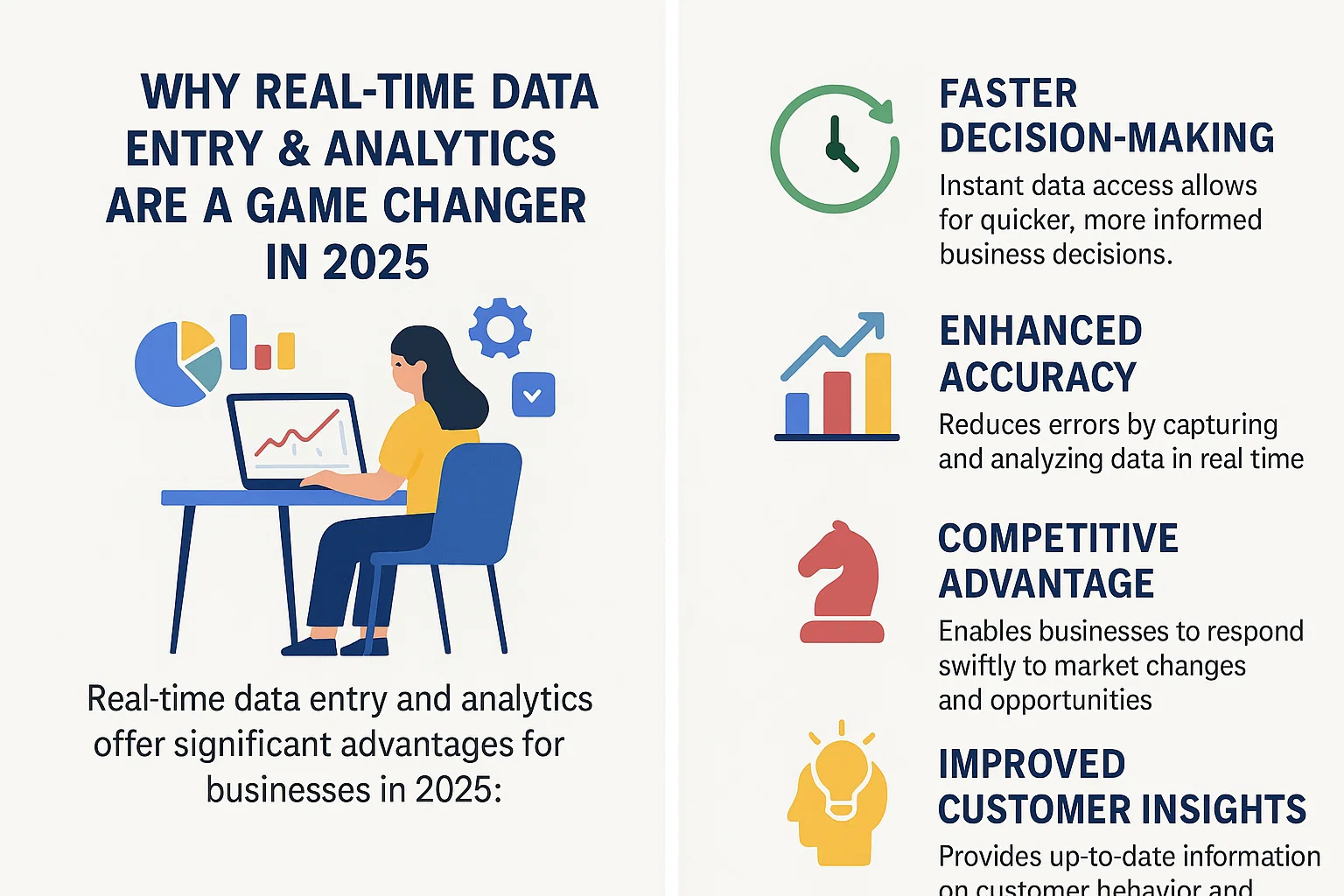
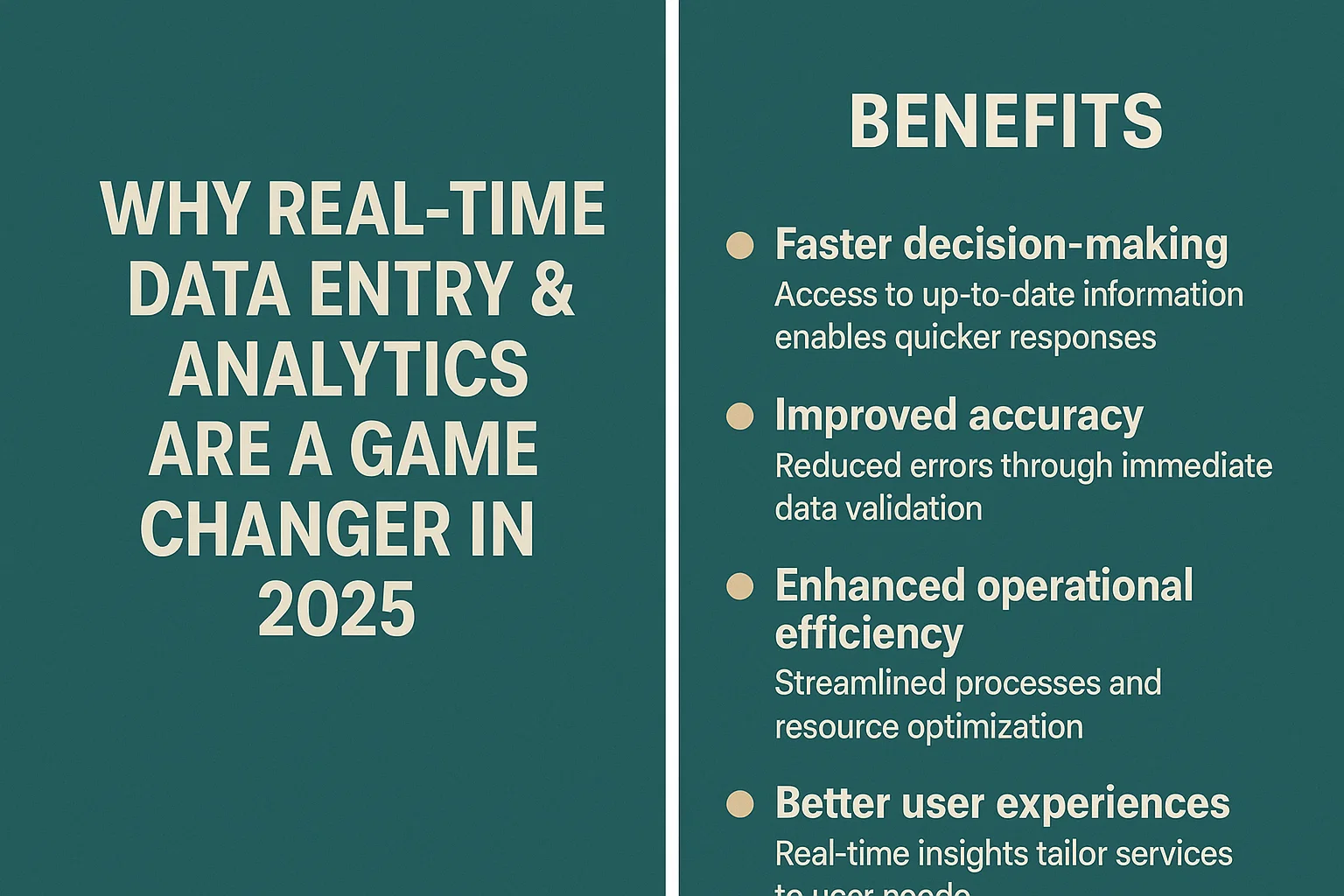
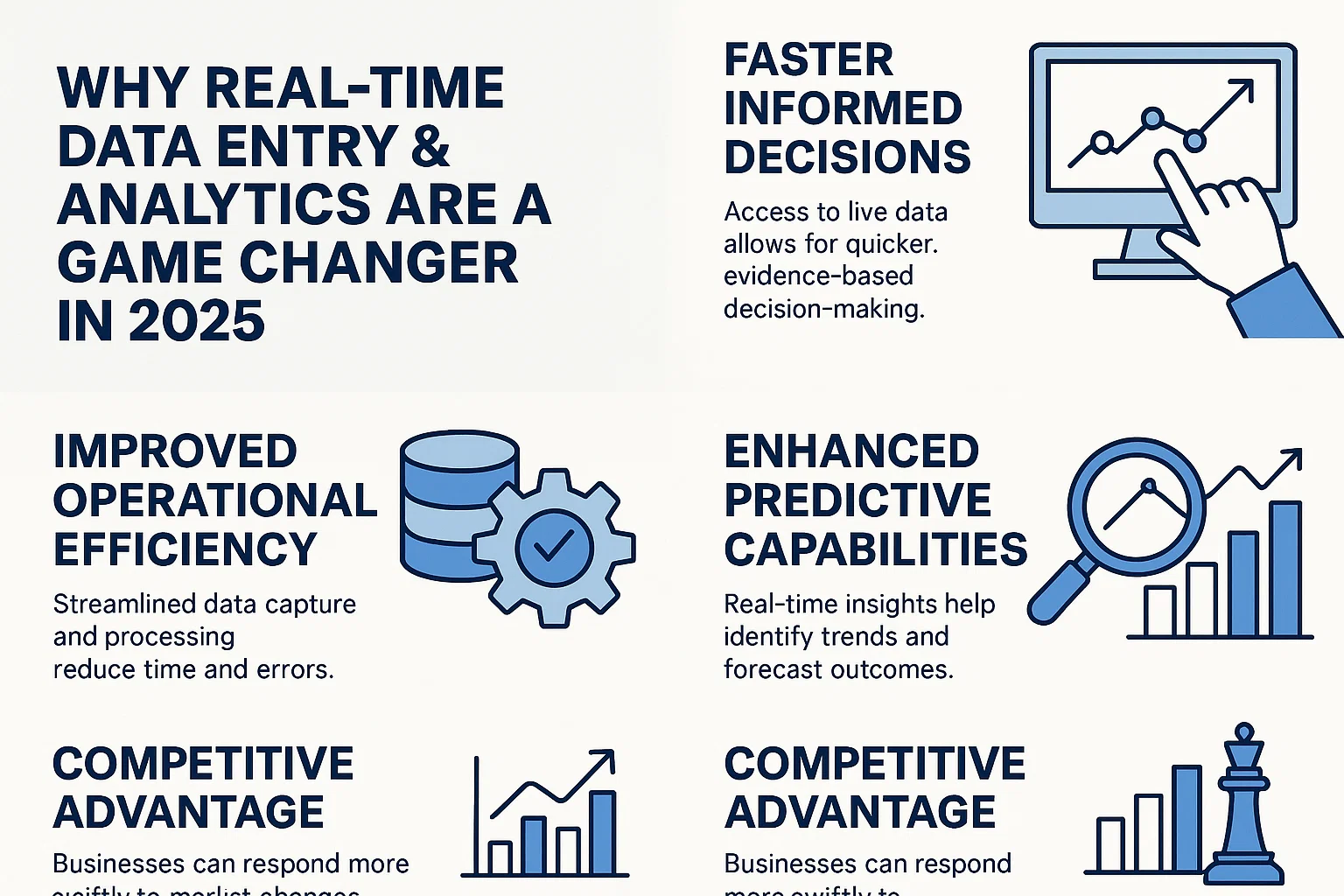
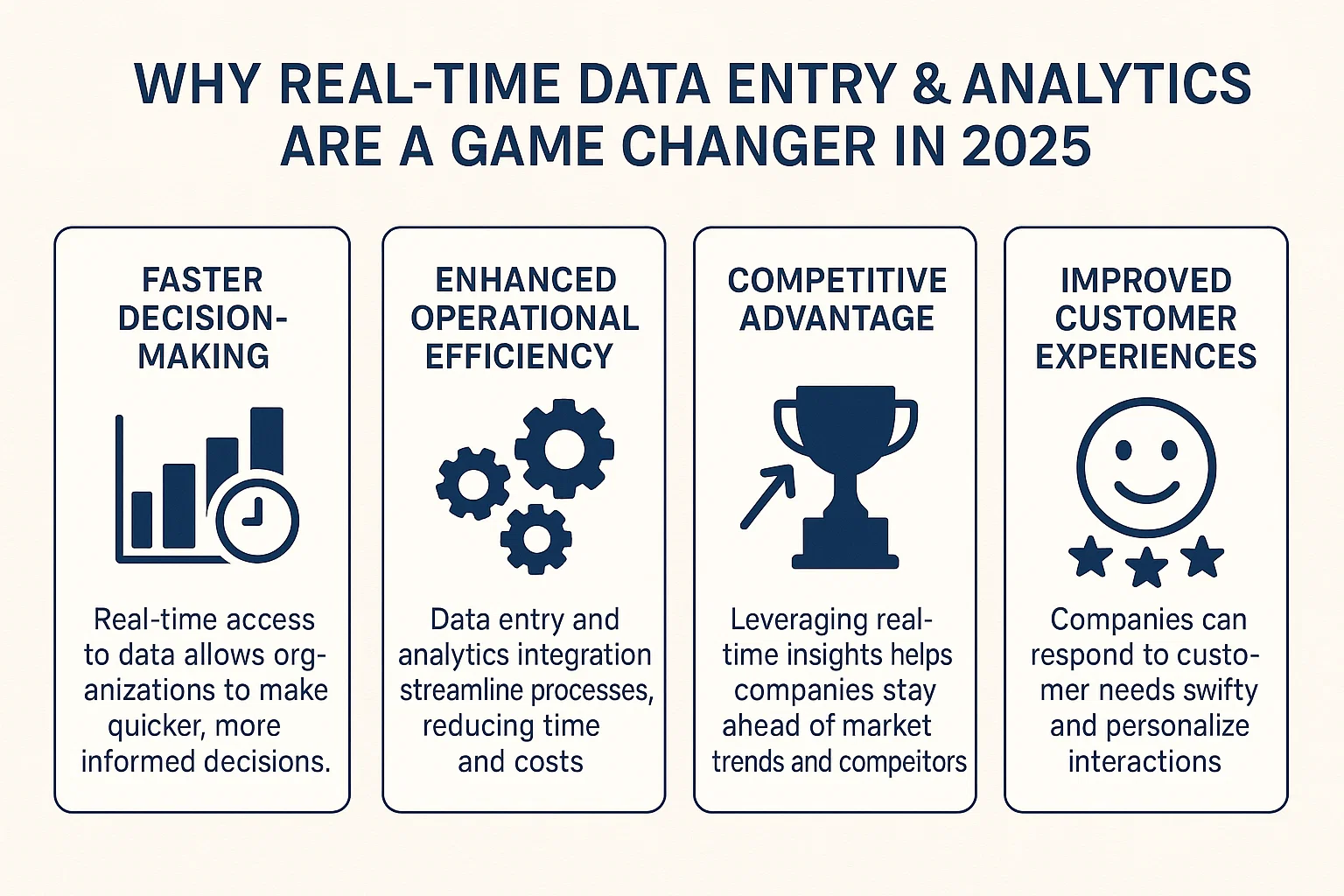
Real-Time Data Entry & Analytics: Why They’re Changing the Game in 2025

The explosion of real-time data entry and analytics is setting a new standard for business in 2025. Companies now expect answers and action instantly, not tomorrow or next week. Whether you run an office, a factory, or an online shop, this shift offers new ways to work smarter, not harder. The marriage of best AI admin assistant tools 2025 with live data handling is reshaping workflows, automating what used to be manual, and driving value every second of the day.

Let’s break down what real-time data entry and analytics mean, why they matter, and how the rise of edge computing and automation will change how we all do business—now and in the future.


best AI admin assistant tools 2025, how to automate data entry with AI free tools, AI-powered admin software remote teams, AI co-pilot for executive assistants, real-time data entry software for small business, how to set up live dashboard data entry, edge computing data entry solutions 2025

1. Understanding Real-Time Data Entry & Analytics

Real-Time Data Entry: What Is It?

Real-time data entry means capturing information the moment it’s created or received—no delays, no batch processing. Think of a sales rep logging a deal right at the meeting, or IoT sensors updating equipment status every second. It’s happening now across retail, logistics, healthcare, finance, and even admin offices.

Real-Time Analytics: How Is It Different?

Real-time analytics takes that fresh data and turns it into insights right away. Instead of waiting for a weekly report, you see trends, errors, or opportunities as soon as data hits the system. New tech like Apache Kafka and Google Cloud Dataflow allows for fast, continuous processing, supporting millions of events per second for instant feedback.

The Power of Combining Both

When you pair instant data capture with live analytics, you get a system that not only records but reacts in real time. This combination lets teams make smarter decisions faster and catch problems before they become costly. Businesses use this duo to spot fraud in finance, adjust production lines in manufacturing, or deliver personalized marketing offers while a customer is still shopping.


2. Key Benefits of Real-Time Data Entry & Analytics in 2025

1. Faster, Smarter Decision-Making

With up-to-the-second data, leaders no longer wait for monthly or even daily updates. Real-time information lets teams spot changes, respond to problems, and capture opportunities right when they appear. In retail, this might be identifying a best-seller to restock before it runs out. For finance, it means stopping fraud as it starts.

2. Higher Operational Efficiency

Manual data tasks are slow and error-prone. Live entry cuts mistakes and lets machines handle heavy lifting. Automation tools streamline workflows, reducing the need for double entry and constant manual checking. This shift leads to fewer errors and a much smoother process for everyone.

3. Enhanced Customer Experience

Real-time data makes customer service more personal and much quicker. Companies can analyze customer behavior instantly and adjust their approach on the fly—like offering custom discounts or recommending products at the right time. Fast response times build loyalty and keep people coming back.

4. Stronger Competitive Edge

The businesses that move fastest win. Real-time data entry and analytics turn speed into a big advantage. Firms can outpace slower rivals by seizing new trends, fixing issues before they spread, and delighting customers in the moment.

5. Significant Cost Savings

Identifying problems the instant they arise keeps downtime and waste to a minimum. Predictive analytics powered by real-time data help avoid expensive breakdowns, cut resource use, and optimize staffing. With instant insight, businesses spend less fixing issues and more time growing.

To see how outsourcing admin and data entry services can help boost both efficiency and savings, check out the advantages of outsourcing data entry for more details.


best AI admin assistant tools 2025, how to automate data entry with AI free tools, AI-powered admin software remote teams, AI co-pilot for executive assistants, real-time data entry software for small business, how to set up live dashboard data entry, edge computing data entry solutions 2025

3. Core Technologies Powering Real-Time Data Entry & Analytics

Internet of Things (IoT)

Sensors and smart devices track and send data in real time. From smart shelves that count stock in a store to medical monitors that check patient vitals, IoT fills systems with a flood of live, useful information.

Cloud Computing

The cloud has unlocked easy, scalable access to vast processing power. Services like AWS Kinesis or Google Cloud Dataflow make it simple to collect and crunch data, no matter how much you have.

Artificial Intelligence (AI) and Machine Learning

AI models, from fraud detection in finance to predictive maintenance in factories, sort through huge amounts of live data and find the important bits. Machine learning keeps these models getting smarter over time.

For a deeper look at how AI is being used in admin support and data processing, see the role of AI in data entry automation.

Edge Computing

Edge devices process data right where it’s collected—the factory floor, the hospital bedside, or next to a wind turbine. This slashes the time between action and reaction, so critical systems can make decisions without waiting for the cloud.

Data Integration Tools

APIs and middleware connect new and old systems, making sure data flows without delays. These tools are the glue that brings together everything from ERP software to warehouse databases.


4. Real-World Applications: How Industries Use Real-Time Data Entry & Analytics

Healthcare

Real-time patient monitoring means doctors get instant alerts for risky changes in heart rate or blood pressure. Hospitals make better staffing and treatment decisions using continuous data, improving patient outcomes and safety.

Retail

Dynamic pricing and instant inventory updates help stores avoid stockouts and boost sales. Live customer data supports tailored marketing, like sending discounts the moment someone abandons an online cart.

Manufacturing

Machines send live status updates so teams can fix problems before breakdowns shut down the line. Automated quality checks use real-time data to catch defects early.

Finance

Banks rely on real-time fraud detection and portfolio tracking. Transactions are flagged, blocked, or investigated within seconds, protecting both the bank and its customers from loss.

Transportation and Logistics

Fleet tracking, route optimization, and supply chain management all rely on live data to keep goods moving efficiently. Problems are addressed on the road, not after a shipment is late.

Smart Cities

Traffic lights, energy grids, and public safety systems now operate based on live sensor data. This leads to smoother traffic, lower costs, and safer, more responsive cities.

For industries looking to automate even more of their admin and back-office tasks, the BPO services overview explains current process automation options.


best AI admin assistant tools 2025, how to automate data entry with AI free tools, AI-powered admin software remote teams, AI co-pilot for executive assistants, real-time data entry software for small business, how to set up live dashboard data entry, edge computing data entry solutions 2025

5. Challenges to Real-Time Data Entry & Analytics in 2025

Data Quality and Accuracy

Fast isn’t always accurate. Bad data at the point of entry leads to wrong results, wasted time, and lost trust. Regular checks, validation rules, and human oversight remain vital.

Complex Infrastructure

Real-time systems need robust networks, reliable servers, and enough bandwidth to handle spikes in activity. This can mean higher costs and more IT support, which smaller businesses may struggle with.

Security and Privacy

Sensitive info, like health records or financial data, needs strong protection. Encryption, real-time access controls, and constant monitoring are standard, and complying with strict laws like GDPR or CCPA is a must.

Integrating with Older Systems

Many companies still run older databases or software that doesn’t play nicely with modern, real-time tools. Custom adapters, careful planning, and phased upgrades are common ways to connect it all.

Workforce Skills

Managing and analyzing live data streams requires updated skills. Training and hiring for these roles is tough—the demand for skilled workers keeps rising.


6. Best Practices for Success with Real-Time Data Entry & Analytics

Clear Data Governance

Assign data stewards, create clear rules for data use, and train staff on ethical guidelines. Strong policies keep systems trustworthy and compliant.

Scalable Technology Investments

Pick tools and platforms that grow with your business. Flexible, modular systems make it easy to add new features without a total overhaul.

Continuous Monitoring

Set up live dashboards and automatic alerts for odd behavior or errors. Catching problems early is cheaper and easier than dealing with major breakdowns.

Department Collaboration

IT, operations, and business teams need to work together. Shared goals and open lines of communication help projects move smoothly and deliver real value.

User-Friendly Interfaces

Simple, intuitive screens make data entry fast and accurate, even for new users. Good training and support help teams adopt new tech with less stress.


7. Future Trends for Real-Time Data Entry & Analytics in 2025 and Beyond

Smarter AI Automation

AI will take over more data capture and analysis tasks, further reducing human effort. Look for smarter bots, voice input, and hands-off controls.

5G and Faster Networks

Ultra-fast connections mean live video, huge file transfers, and constant updates are possible everywhere. This speeds up every part of the workflow.

Stronger Data Privacy

More tools for encryption and anonymizing data protect users and meet tough new privacy standards.

Advanced Predictive and Prescriptive Analytics

Real-time insights will go beyond what’s happening now to predict what’s next and even suggest or automate the best actions.

Augmented Reality (AR) Integration

AR will provide live visual insights, from highlighting machine issues on a factory floor to showing real-time sales trends right on a manager’s dashboard.


best AI admin assistant tools 2025, how to automate data entry with AI free tools, AI-powered admin software remote teams, AI co-pilot for executive assistants, real-time data entry software for small business, how to set up live dashboard data entry, edge computing data entry solutions 2025

8. Top Tools and Platforms for Real-Time Data Entry & Analytics

Best AI Admin Assistant Tools 2025

  • Microsoft Copilot: Automates admin tasks, schedules, and reporting.
  • Google Duet AI: Combines document management and data analysis in Google Workspace.
  • Notion AI: Generates reports and helps automate meeting notes.
  • Zoho Zia: AI-powered data entry and workflow automation.
  • Zapier with OpenAI: Connects apps for hands-free data syncing.

Leading Real-Time Analytics Platforms

  • Tableau: Live dashboards updated with streaming data.
  • Power BI: Instant reporting and AI-driven insights.
  • Apache Kafka: Event streaming for high-speed, reliable data pipelines.
  • AWS Kinesis: Cloud-based platform for real-time data ingestion and analytics.
  • Google Cloud Dataflow: Fully managed stream and batch data processing.

Open Source vs Proprietary Options

Open source choices like Apache Flink and Airbyte give flexibility and cost savings. Proprietary platforms such as Microsoft Power BI and Tableau offer support, security, and ease of use for business teams. Consider needs for integration, privacy, and long-term scalability when choosing a solution.

How to Automate Data Entry with AI Free Tools

Many startups turn to free tools like Google Forms’ built-in AI, OpenAI’s GPT models in Zapier, and Python automation libraries. These let you build custom data entry flows at little or no cost, ideal for testing before a full rollout.

When selecting tools, focus on compatibility, ease of use, scalability, and available integrations. Businesses looking for expert-driven admin support can benefit from reviewing a complete admin outsourcing service suite tailored to specific industry needs.


9. Industry Examples and Case Studies

Small and Medium Businesses (SMBs)

Local retailers use AI admin assistants to track inventory and sales daily, adjusting stock orders on the fly. Medical clinics automate patient check-in and appointment reminders, cutting administrative workload by half.

Large Enterprises

Global manufacturers run real-time quality control, flagging defects instantly and reducing waste. Banks rely on instant data entry and analytics for risk assessments, screening millions of transactions for fraud every day.

Startups

Startups harness AI-powered data entry to grow quickly—automating lead capture from social media and using chatbots to handle customer service around the clock.


10. Tips for Newcomers Ready to Start with Real-Time Data Entry & Analytics

  • Begin with a small pilot project. Get everyone comfortable with live data before expanding.
  • Prioritize security from the first day.
  • Invest in staff training and build a growth mindset for using new tools.
  • Don’t go it alone—use consultants or outsourced experts to smooth the transition.

11. Key Metrics to Track for Success

  • Data accuracy rates—measure errors at input and fix them fast.
  • Speed of decision-making—track how quickly your team acts on new info.
  • Cost reductions—watch expenses drop as you automate manual work.
  • Customer satisfaction—use surveys or NPS to spot gains in service quality.
  • ROI—compare costs saved and revenue gained from your new tools.

best AI admin assistant tools 2025, how to automate data entry with AI free tools, AI-powered admin software remote teams, AI co-pilot for executive assistants, real-time data entry software for small business, how to set up live dashboard data entry, edge computing data entry solutions 2025

12. Myths and Misconceptions About Real-Time Data Entry & Analytics

  • Only big corporations can afford it—today’s cloud and AI tools fit any budget.
  • You need massive budgets—many free or low-cost options exist.
  • Real-time analytics is too complex—modern platforms make setup and use much simpler, often by drag-and-drop.

13. Summary: Key Takeaways

  • Real-time data entry and analytics turn live business data into immediate action.
  • The best AI admin assistant tools 2025 make automation and analytics accessible to every size of business.
  • Set clear goals, start small, and focus on training for lasting success.
  • Prioritize data privacy and security as regulations grow stricter.
  • Automation can cut costs, reduce errors, and improve customer experience—whether you’re in retail, healthcare, logistics, or beyond.

For more practical resources on how to automate data entry with AI free tools or to maximize the value of real-time analytics, explore the full breadth of outsourcing and AI services for admin support.


Real-time data entry and analytics aren’t just buzzwords—they’re practical tools reshaping work as we know it. With the right approach, you can automate the tedious, speed up decisions, and focus on what truly matters for your business in 2025 and beyond.

How the Benefits of Hiring Data Entry Services Outsourcing Saved Us 100+ Hours Each Month [Exact Process Revealed]

Every month, our team scrambled to keep up with routine data entry. It felt like every hour we spent double-checking spreadsheets pulled us away from projects that actually moved our business forward. We needed a real solution, not just another temporary fix.

The benefits of hiring data entry services outsourcing were impossible to ignore once we crunched the numbers. Suddenly, we had 100+ extra hours each month to focus on what mattered—and the quality of our records improved, too. In this article, I’ll break down the exact process that helped us hit these results, showing how the right outsourcing strategy not only saved time but also gave us peace of mind. For those curious about how to get started, the Outsourced Data Entry Process we used proved to be a game-changer.

Why We Decided to Outsource Data Entry

Trying to juggle data entry on top of our daily workload was exhausting our team and draining our resources. With each passing month, the pressure kept building. At first, we thought this was just a temporary crunch. But soon, it was clear: manual data entry wasn’t just taking time, it was holding us back. Here’s how we reached our decision to outsource—what we learned and which roadblocks pushed us to find a better way.

The Hidden Time and Cost Drains of Manual Entry

Most teams underestimate the true cost of manual data entry. Ours did, too. On the surface, entering information looks simple and cheap. In reality, it ties up your smartest people in grunt work. Every spreadsheet check, typo fix, and data copy not only eats up hours but also costs real money.

Here are a few ways manual entry was silently hurting our business:

  • Frequent errors: Typos, skipped fields, and accidental deletions led to plenty of headaches. Fixing them was another time-sink.
  • Staff overload: Team members spent more time double-checking data than working on projects that needed their skills.
  • Lost opportunities: Every hour on data entry was an hour lost on sales, marketing, or product improvements.
  • Hidden costs: We underestimated how much we spent in overtime, sick days, and burnout resulting from endless manual work.

The benefits of hiring data entry services outsourcing went beyond costs. We saw improvements in accuracy, less stress for our team, and room to focus on growth. And as highlighted in the Benefits of Outsourcing Data Entry guide, letting professionals handle these tasks delivers long-term payoffs well beyond the basic dollar savings.

outsourced data entry process step by step, how to outsource data entry for time savings, benefits of hiring data entry services outsourcing,

Evaluating Our Data Entry Workload and Bottlenecks

Before outsourcing, we took a hard look at our process and pinpointed exactly where our time was going. We tracked everything for several weeks. Patterns emerged quickly.

  • Repetitive tasks kept piling up. Entering invoices, updating contacts, and moving records between systems filled up hours each week.
  • Bottlenecks stalled projects. One person out sick? The whole process slowed down.
  • Urgent work interrupted focus. Important tasks always got bumped for last-minute data entry needs.
  • Resource limits: We didn’t have room in the budget to hire more in-house help just for data work.

Documenting these pain points, plus our long-term business goals, proved we needed change. We realized our internal team was best used elsewhere and outsourcing could clear the clutter for good.

Through this assessment, it became clear that a professional partner could simplify our workflow and offer better results for less effort. For those considering their own options, resources like Data Entry Outsourcing Services can guide you through making an informed choice for your business.

How We Chose the Right Data Entry Outsourcing Partner

The decision to outsource was easy—the real challenge was choosing the right partner. We knew the benefits of hiring data entry services outsourcing would only pay off if we found someone that fit our workflow, budget, and trust level. We didn’t just hunt for the lowest price or fastest promises; we built a straightforward, hands-on approach to make sure we’d find a reliable provider who could grow with us.

Key Factors to Consider: Security, Accuracy, and Scalability

Before reaching out to any vendors, we mapped out our must-haves. Security, accuracy, and scalability topped the list. These elements are the backbone of a strong outsourcing relationship:

  • Data Security: Protecting sensitive info isn’t optional. We checked for clear security policies, data encryption methods, and compliance with privacy rules. We asked each provider about their experience with confidential business data, not just personal info.
  • Accuracy: Even a tiny error can cost time and money. We looked for proven track records, customer testimonials, and examples of error-reporting and correction systems.
  • Scalability: Our data needs shift at peak times. We needed a partner with enough bandwidth to handle bigger monthly loads, but who wouldn’t disappear if our project slowed down.

If you’re weighing different types of outsourcing, compare local and offshore options for cost, security, and speed. Typically, local partners offer tighter control, while offshore vendors bring price advantages and 24/7 support. For a clear comparison, see this Local vs Offshore Data Entry Comparison.

Building a Shortlist, Vetting, and Trial Projects

Armed with our criteria, we started building a shortlist. We researched and read reviews, skipping any agency with mixed feedback or no online presence. Once we had a few strong candidates, we set up discovery calls and walked through our data entry needs.

Here’s the process we followed to narrow down the field:

  1. Screen for Experience: We checked how long they’d handled similar projects, and whether they understood our industry.
  2. Ask for References: Good providers will connect you with past clients. Direct feedback gives the best sense of reliability.
  3. Demand Clear Communication: The best partners answer questions fast and share their process upfront—no runaround.
  4. Test with a Trial Project: Before signing any contracts, we ran paid test projects. We tracked their turnaround time, attention to detail, and how they responded to feedback.

Every trial gave us a clear view of their strengths and weaknesses. This step saved us from a few near-misses and pointed out the agencies that really valued partnership.

Foundations matter. By focusing on strict criteria and trying out each provider with small projects first, our search was grounded in results, not guesswork. Anyone hiring for the first time can take a similar approach—or review more tips and proven steps for evaluating providers through this resource on Data Entry Outsourcing Services.

If your team’s needs match those of a growing business or a startup, you’ll also want to read about Outsourced Data Entry Solutions for Startups for deeper insights into choosing a provider that fits a lean, fast-moving organization.

Clear criteria, hands-on testing, and a bit of legwork set us up for long-term success—not just a quick fix.

outsourced data entry process step by step, how to outsource data entry for time savings, benefits of hiring data entry services outsourcing,

The Step-by-Step Process We Used for Data Entry Outsourcing

Outsourcing data entry shouldn’t feel overwhelming. We found that following a clear, phased workflow made it simple to get real results fast. Here’s how we moved through each stage—preparation, onboarding, training, and ongoing improvement—to unlock the true benefits of hiring data entry services outsourcing. You can easily adapt this process to fit a larger team, a small business, or even a fast-moving startup.

Organizing and Preparing Data Before Outsourcing

Before handing anything off, we got our house in order. Clean, structured data is easier to outsource and prevents confusion.

  • We did a complete audit of the types of data we needed processed (like invoices, client records, contact lists).
  • All files were labeled in a uniform way with no cryptic folder names.
  • Redundant or outdated records were removed, cutting down the workload and potential errors for the partner.

This step is all about making sure what you give the outsourcing team is clear right from the start. If your data is scattered, you’ll waste time later answering questions or fixing mistakes. For those new to organizing data or building data processes, check out the Data Management Jobs and Tools Overview to see how professionals keep things efficient and tidy.

Setting Clear Instructions, KPIs, and Communication Channels

Our next move was making expectations crystal clear. Vague directions only cause frustration. We set up basic but detailed documentation, including:

  • Written step-by-step guides for each task (with screenshots, if helpful).
  • A one-page list of “must-fix” errors, so the provider knew what to double-check.
  • Definitions for quality benchmarks, like acceptable error rates and usual turnaround times.

KPIs (key performance indicators) gave us measurable ways to track progress. These included items like accuracy percentage, daily volume completed, and average response time to our messages.

We established communication channels with:

  • A dedicated email thread for formal updates.
  • Instant messaging for quick clarifications.
  • Weekly check-ins, which could be video calls or just a status email.

This early structure set up the relationship for success. If you’re working in a startup environment where clarity matters even more, the guide on Startup Data Entry Outsourcing breaks down how simple workflows and open communication help small teams win with outsourcing.

Ongoing Monitoring, QA Processes, and Iteration

The first few weeks are all about checking work, catching issues, and making improvements.

  • We ran frequent spot-checks on completed tasks, using real business scenarios.
  • Feedback was offered in real-time, not just at the end of the week.
  • When we spotted a trend (like repeated typos or misfiled records), we updated our instructions and retrained on the spot.

We didn’t treat the first workflow as set in stone. Every feedback loop helped us get better results with less stress for the partner and our team. By thinking of outsourcing as an ongoing process—not a one-time transaction—we kept improvements coming month after month.

This active management was how we made the benefits of hiring data entry services outsourcing last, not just look good on paper for one month. For a deeper look at how professionals keep data clean and operations efficient, see this Data Management Jobs and Tools Overview for methods you can apply in any business.

outsourced data entry process step by step, how to outsource data entry for time savings, benefits of hiring data entry services outsourcing,

The Results: How Outsourcing Transformed Our Operations

Once we handed off our data entry tasks to a trusted partner, the benefits were clear and measurable. This wasn’t just an incremental shift, it was a total reset on how our team worked, what they focused on, and how our business ran each day. Below, you’ll see the actual ways outsourcing improved everything from time management to team morale.

Time and Productivity Gains (100+ Hours Saved Every Month)

Handing off repetitive data entry unlocked time we never thought we’d get back. Each month, our team saved over 100 hours—hours we used to spend buried in spreadsheets and correcting entries.

Here’s how those time savings stacked up:

  • Faster turnaround: Tasks that took days to finish internally were completed in hours.
  • No more backlog: We went from always “catching up” to finally working ahead.
  • Room for bigger projects: With monthly hours freed, staff moved on to important initiatives, like customer outreach and product updates.

Actually seeing that time stack up in real-world productivity was powerful. Every extra hour helped us focus on business growth, not busywork. Plus, since our provider specialized in high-volume tasks, efficiency only improved month by month. For teams interested in exploring smart automation at the next level, the guide on AI in data entry automation highlights how technology can multiply results even further.

The benefits of hiring data entry services outsourcing go far beyond saving a few hours here and there. It’s a shift that gives your business scale and gives your employees energy for work that matters.

Improved Data Quality, Lower Error Rates, and Happier Staff

It wasn’t just about speed—outsourcing transformed our results. We saw record-high data accuracy and a much lower error rate. That meant fewer problems tracked back to the source and less time fixing mistakes later.

Some of the most noticeable improvements included:

  • Error rates dropped from about 3 percent to under 0.5 percent.
  • Consistent formatting: Our records finally followed the same structure, making reports a breeze.
  • Customer trust grew: Fewer mistakes in orders, invoices, and communication led to happier clients.
  • Staff relief: With fewer late nights fixing bad data, our team felt lighter and less stressed.

You could feel the difference in everyday work. People had more confidence in the results and more energy for creative problem-solving elsewhere. These quality gains came in part from our partner’s well-tested review process, as well as the simple fact that data professionals do hundreds of similar entries every day.

If you want to see hands-on steps for getting similar gains, check out Top Data Entry Tips for 2025 for proven quality control methods that keep error rates low.

Anyone curious about scaling these kinds of results, especially in fast-moving teams, should understand that the biggest benefits of hiring data entry services outsourcing come when you combine skill, experience, and clear communication. Our journey started with the right Professional Data Entry Outsourcing partner—and the impact on our business has been undeniable.

outsourced data entry process step by step, how to outsource data entry for time savings, benefits of hiring data entry services outsourcing,

Tips for Effectively Outsourcing Data Entry in Your Business

Getting the benefits of hiring data entry services outsourcing is about more than just sending tasks to another team. To see the same gains we did—saving over 100 hours a month—you need a smart plan and strong day-to-day habits. Here’s practical advice that can help your business avoid common traps and work well with your outsourcing partner from the start.

Common Pitfalls and How to Avoid Them

Even seasoned teams fall into familiar traps when outsourcing for the first time. The good news is, you can sidestep most headaches with a little preparation and the right mindset.

  • Vague Instructions: New partners can’t read your mind. Unclear guidelines create risky gray areas and wasted hours. Literally spell out step-by-step instructions and include samples where possible.
  • Missing Quality Checks: Some teams relax their standards once tasks leave the office. Keep regular spot-checks, especially during the first few weeks.
  • Untracked Extra Costs: Overtime charges, communication delays or unclear scope creep up on you. Build a system for tracking monthly costs and never skip a line-item review.

Consider keeping a living document for your process. Add new discoveries, rules and “gotchas” as you learn them. This doesn’t just protect you—it helps your partner deliver better work. If you want a strong foundation, getting a handle on basic Data Management Overview principles helps you avoid costly mistakes.

Best Practices for Collaborating With Your Outsourcing Partner

The benefits of hiring data entry services outsourcing become much more obvious when you treat your outsourcing team like an extension of your own staff. Solid habits set the tone for a productive relationship.

  • Clear Documentation: Write things down. Create checklists, record instructions, and keep process docs up to date. This helps your team and your partner get on the same page fast.
  • Regular Feedback: Don’t wait for monthly reviews. Give feedback every week, especially early on, to catch and fix issues quickly.
  • Defined Communication Channels: Choose your main method (email, messenger, video calls) and stick with it to avoid crossed wires.
  • Cost Controls: Always ask for clear monthly invoices and check against your own cost tracker. Don’t be shy about adjusting scope if you see waste.
  • Mutual Goal Setting: Align on KPIs that matter to both sides—like accuracy rates and response speed—so everyone works for the same results.
  • Continuous Improvement: Hold short monthly meetings to review what’s working and where things need to change. The habit of tweaking your process keeps you ahead of problems.

If you’re looking for practical, people-focused strategies to keep your outsourcing relationships healthy and productive, see how Finding Long-Term Clients for Data Entry can also help you think long-term and build lasting success.

The real value comes from consistency: do the small things right every week and your outsourced data entry team will feel like a true business partner, not just a vendor.

outsourced data entry process step by step, how to outsource data entry for time savings, benefits of hiring data entry services outsourcing,

Key Takeaways

If you’re thinking about making the shift, it helps to see what stands out from real-world experience. After moving our data entry tasks to a specialized partner, several lessons rose above the rest. These aren’t just bits of wisdom—they’re principles that made all the difference in saving time, improving accuracy, and reducing stress on our team.

Outsourcing Multiplies Your Efficiency

The main highlight: we saved more than 100 hours each month, just by letting experts handle repetitive work. This gave our team space to focus on what truly matters—projects that help us grow, not work that just eats up the clock. Freeing up that much time also helped us meet deadlines faster and tackle bigger projects without adding new hires.

Consistency and Accuracy Improve When You Use Professional Services

Handing data entry to specialists almost always leads to fewer mistakes and less time spent on fixing them. The quality checks, double-verification, and years of practice these partners bring often mean error rates drop significantly. Our records became more consistent, which built trust with clients and supported better business decisions.

Clear Communication is a Must

The benefits of hiring data entry services outsourcing pay off only when everyone is on the same page. Setting clear instructions, sharing expectations, and keeping communication open with your provider turns outsourcing from a handoff into a real partnership. Consistent feedback and agreed performance benchmarks are just as important as the contract itself.

Preparation Upfront Makes Everything Smoother

Success doesn’t just happen after you outsource. The results depend on how well you’ve organized your data, cleaned up old records, and documented your process before you bring in outside help. Skipping this step causes confusion, lost time, and higher costs. Investing time upfront means fewer bumps later.

Regular Reviews and Feedback Drive Nonstop Improvement

Even after things are running smoothly, ongoing checks keep everything on track. Reviewing work, sharing small fixes, and updating task guides turns outsourcing into a dynamic process that gets better with every month. This makes gains sustainable, not just a one-off win.

Choosing the Right Partner Changes Everything

Not all data entry providers are equal. Take your time to research, check references, and start with small test projects. Working with the right people is how you get scalable results that actually help your business thrive. Those interested in strategies for selecting reliable partners can find tips in the step-by-step outsourced data entry process.

Team Morale Goes Up When Burdens Go Down

Outsourcing didn’t just help our business numbers—it lifted the mood in the office. With fewer tedious tasks and late-night edits, everyone felt lighter, more focused, and ready for new challenges. That boost to team spirit is an unexpected but real benefit of hiring data entry services outsourcing.

Take these lessons as a checklist if you’re weighing the move. Focus on efficiency, accuracy, good communication, and smart preparation—you’ll see the benefits stack up, just like we did.

outsourced data entry process step by step, how to outsource data entry for time savings, benefits of hiring data entry services outsourcing,

Frequently Asked Questions (FAQs) About Outsourcing Data Entry

When you start looking into the real-life benefits of hiring data entry services outsourcing, it’s normal to have a few questions. If you’re not sure about giving up control or are concerned about security, you’re not alone. This FAQ section covers the most common concerns, clears up misunderstandings, and helps you make decisions with confidence. Let’s walk through what people ask before, during, and after making the switch to outsourced data entry.

How Soon Will I See Results After Outsourcing?

Most businesses notice the benefits of hiring data entry services outsourcing in the very first month. As soon as you get the handoff process going and clear instructions in place, you’ll start to see hours come back to your team. For us, the first full billing cycle showed a clear drop in mistakes, plus noticeable gains in speed and staff morale. Ongoing improvements tend to build up each month as you refine your process.

Is Outsourced Data Entry Secure?

Security is the top worry for many companies. Reputable providers use data encryption, secure file transfers, and strict privacy policies to keep your information safe. Always ask about their protocols, compliance with standards, and how they train staff to handle sensitive data. Well-established teams won’t hesitate to discuss their safety measures or provide references. Want a breakdown of what to look for? We found many answers in this resource on protecting data during outsourcing.

Can Outsourcing Work for My Small or Startup Business?

Absolutely. Outsourcing data entry isn’t reserved for big operations. In fact, small businesses and startups are often the ones who benefit most—they get professional support without the expense of hiring new employees. You can scale your services up or down as your company grows, staying flexible without adding payroll costs. For businesses running lean, tips from outsourced data entry for startups explain how to get started with a minimal upfront investment.

How Do I Make Sure Tasks Get Done Right?

Communication is what makes or breaks any outsourcing project. Write clear step-by-step guides, explain any special rules, and follow up with feedback after each batch of work. Set easy-to-check KPIs—like error percentages and daily volume. Good partners will ask you questions until they understand exactly what you want. If you need ideas for error-proofing and boosting quality, check out the section on top data entry tips.

What Tasks Are Best to Outsource First?

You’ll get the most out of outsourcing by starting with routine, repetitive tasks: invoice entry, updating contact records, or moving data between apps. These jobs are easy to hand off, don’t require deep insider knowledge, and make tracking results simple. Over time, as trust grows, you can add more complex projects or ask your partner to double-check work completed by your internal staff.

How Do I Compare Different Outsourcing Providers?

It’s smart to compare vendors by their experience, security practices, communication style, and ability to handle peaks in workload. Always ask for references and run a small paid trial before making a long-term commitment. We outline all the steps in our data entry outsourcing process, which gives practical tips for scoring and comparing different agencies.

Can Outsourcing Really Save My Business Money?

Yes, and not just in wages. The true benefits of hiring data entry services outsourcing include savings on overtime, lower rates of errors, and reduced need for costly in-house training or staff turnover. You pay for what you need, when you need it, and avoid expanding your staff for short-term projects. Month after month, savings add up and let you re-invest in areas that push your company ahead.

How Do I Track Progress Once I Outsource?

Set up simple dashboards or spreadsheets to review turnaround times, accuracy rates, and team feedback at least weekly. Ask your provider for regular reports, and check those against in-house results. The right partner should be open to as many updates and tweaks as needed to make the system work for you.


Feel free to revisit any of these answers as you weigh your own outsourcing options. Being informed is the first step to finding the partner that unlocks the true value in those 100+ extra hours each month!

Conclusion

Saving over 100 hours every month changed how we work and what we could accomplish. The benefits of hiring data entry services outsourcing went far beyond time saved. Our error rates dropped, team stress lifted, and the quality of our information rose across the board.

With a step-by-step process and a focus on communication, we built a partnership that gave us more than just extra hours—it helped us reach goals that once felt out of reach. Small changes up front led to reliable, repeatable results.

If you’re looking for ways to clear routine work from your plate and invest your energy where it matters most, now is a smart time to consider data entry outsourcing. The results are real, and the impact keeps growing. Thanks for reading—share your own stories or questions, and let’s keep improving how we work together.

How to 10x Your Team’s Output by Delegating These 7 Repetitive Tasks

Unlocking serious productivity gains starts with one key skill: delegation. Many teams miss their true potential because leaders cling to routine tasks that could be handled by others—or even outsourced. Delegating the right repetitive work means more time for strategy, coaching, and growth. This guide breaks down the tasks you should hand off, the benefits of delegation for your team, and practical steps for making it happen, including a detailed focus on the outsourced data entry process step by step with real-world examples of time saved and efficiency gained.


Understanding the Power of Delegation

Delegation means passing responsibility for certain tasks to others, not just dumping tasks from your plate. It lets you focus on priorities only you can do—like vision, leadership, and high-level decision-making. True delegation hands over not just tasks but also authority and accountability.

Done right, delegation delivers big gains. You get more time, your team grows their skills, and everyone wins. Delegated teams report higher productivity, better morale, and faster output. But common hang-ups still block progress. Many leaders fear losing control, doubt their team’s readiness, or struggle to explain their standards. Starting small, setting clear instructions, and building trust unlock this culture shift.


Identifying Tasks That Should Be Delegated

Start with the tasks anyone on your team could handle: routines that don’t need deep expertise but take up real time. These include:

  • Anything repetitive (daily, weekly, monthly)
  • Work that follows a process or checklist
  • Tasks not tied to your unique skills

Run a simple workload audit. Write down everything you touch for a week. Use a time tracker or spreadsheet to log each task. Highlight the ones that took you away from big-picture work. Ask: “Could someone else do this with clear instructions?” Typical examples include scheduling, data entry, inbox management, reporting, customer follow-ups, and supply tracking.


Preparing Your Team for Delegation Success

Success demands matching the right task with the right person. List out your team’s strengths, interests, and capacity. Map people to tasks that will help them grow but not overwhelm them.

Before delegating, arm your team with clear SOPs (standard operating procedures), templates, and a little training. Set clear goals, realistic deadlines, and standards for quality. Make check-ins the norm but don’t hover; regular feedback loops and checklists work best. When everyone knows what “done” looks like, you build confidence.


outsourced data entry process step by step


1. Scheduling and Calendar Management

Leaders and managers lose hours juggling meetings, calls, and reminders. Passing this off pays back in focused work time.

Delegate by grouping recurring meetings, sharing your calendar with an assistant, and agreeing on rules for resolving conflicts. Modern tools like Google Calendar and Calendly allow team members to book, reschedule, and organize meetings with set priorities. Spot-check for accuracy, but let others run the daily schedule. This small step adds up to big time savings.


2. Email Filtering and Initial Responses

Email drains focus. Most leaders spend 2-3 hours a day just sorting and replying. Handing off inbox management means you only see what matters.

Set rules so team members triage, archive, or flag your mail. Draft templates for common responses (meeting requests, product info, FAQs) so others can reply quickly. Assign someone to escalate only urgent messages. Use tools like Outlook or Gmail filters. Review flagged threads daily, not hundreds of emails.


3. Data Entry and Database Updates

Data entry is crucial but notorious for stealing time. Whether it’s updating CRM records, inputting invoices, or logging customer info, this routine work can and should be handed over—or outsourced.

Outsourced Data Entry Process Step by Step

Outsourcing data entry is now standard for startups and growth companies. Here’s how to outsource data entry for time savings and quality gains:

  1. Identify Data Tasks: List specific data entry needs—like digitizing receipts, updating CRM, or processing survey forms.
  2. Choose a Reliable Partner: Research vetted providers with data security certifications and strong reviews (look for ISO 27001, HIPAA, GDPR compliance).
  3. Scope the Work: Be clear about task volume, turnaround time, quality checks, and how you want results formatted.
  4. Set Up SOPs: Share detailed instructions and templates to minimize mistakes.
  5. Pilot the Process: Start small, review work, and give feedback.
  6. Scale Up: Once you’re confident, ramp up volume and include more complex jobs.
  7. Continuous Review: Schedule regular audits, and track accuracy and speed.

Data Entry Outsourcing: Time Saved & Benefits

  • Outsourcing data entry services can cut costs by 60-70%—eliminating in-house hires, training, and office space.
  • Real-world data entry outsourcing case studies show startups reclaiming 10+ hours per week from key staff, freeing up time for product development and sales.
  • Specialists use OCR and AI tools for higher accuracy (up to 99.5%) versus manual in-house teams.
  • Data entry outsourcing keeps your operations nimble, especially during seasonal spikes.

Data Entry Checklist for Busy CEOs, Founders, or Startups

  • List all data entry and update tasks by frequency (daily, weekly, monthly)
  • Select tasks ideal for delegation or outsourcing
  • Define SOPs and templates for each task
  • Vet and select a trusted data entry partner
  • Pilot with a sample batch and check for accuracy
  • Set up regular review checkpoints
  • Track time and money saved

Using a well-structured outsourced data entry process step by step, you can unlock huge time savings, boost accuracy, and skip the hiring headaches.


outsourced data entry process step by step

4. Preparing Routine Reports

Weekly sales, project status, web analytics, and regular performance reports consume hours and often repeat the same steps. Train team members to run these reports, fill out templates, and do basic analysis.

Use Excel, Google Sheets, or BI tools that automate part of the process. Provide a checklist so nothing gets skipped. Leaders should review highlights and insights, not build the reports from scratch every time.


5. Social Media Scheduling and Monitoring

Social media is crucial but endlessly repetitive, from scheduling posts to answering DMs. Delegate scheduling tasks to marketing assistants or use tools like Buffer and Hootsuite.

Set brand guidelines and escalation rules for comments or tricky questions. This keeps your feed active and brand voice consistent—without you spending hours each week online.


6. Customer Follow-Up and Feedback Collection

Quick responses matter, but timely follow-ups and asking for feedback can take over your day. Standardize scripts and templates for outgoing calls, surveys, or check-in emails. Assign a team member or virtual assistant to manage this process, track responses, and escalate issues that need your attention.

Regular reports give you a snapshot of feedback so you can spot trends and act quickly.


7. Inventory and Supplies Management

Tracking inventory and ordering supplies is a classic time sink in retail, service, and tech businesses. Set up clear inventory check schedules and give team members authority to reorder within preset limits.

Use automation tools or inventory management software for regular updates and alerts. Regular status reports and approval signoffs keep leadership in the loop without constant oversight.


outsourced data entry process step by step

Best Practices for Delegation Implementation

  • Clear documentation and SOPs for every delegated task
  • Use checklists to hand off work and track completion
  • Schedule weekly or monthly review meetings for high-value delegated work
  • Encourage team members to own their delegated tasks and share successes
  • Publicly recognize when delegation leads to big wins or saved time

Monitoring Progress and Measuring Impact

Set measurable goals: time saved, reduced errors, faster turnaround. Use project management or analytics tools to monitor these KPIs. Get feedback from team members on what’s working—or not. Stay flexible and adjust delegation plans as your team grows and tasks change.


Common Mistakes to Avoid When Delegating Repetitive Tasks

  • Micromanaging after handing off the task
  • Piling too much onto one person or team
  • Skipping SOPs or training, which causes confusion or errors
  • Dropping follow-up or skipping feedback cycles

Tools and Technologies to Support Delegation

  • Project management: Trello, Asana, Monday.com
  • Communication: Slack, Microsoft Teams
  • Automation: Zapier, IFTTT
  • Time tracking: Toggl, Clockify
  • Data entry outsourcing: Find partners through Clutch, Upwork, or specialized BPO agencies

Tips for Scaling Delegation As Your Team Grows

  • Keep SOPs and documentation updated as processes change
  • Cross-train team members to avoid bottlenecks
  • Gradually hand off more decision-making as people grow
  • Build a culture where delegation is seen as growth, not dumping unwanted tasks

The 7 Repetitive Tasks to Delegate—Quick Reference

  • Scheduling and Calendar Management: Saves leadership hours weekly, reduces admin stress
  • Email Filtering and Responses: Keeps inbox clear for priorities
  • Data Entry and Database Updates: Outsourced or automated, saves 60-70% on costs, boosts accuracy, and reclaims 10+ hours per week
  • Preparing Routine Reports: Frees up decision-makers for strategy instead of busywork
  • Social Media Scheduling and Monitoring: Ensures consistent posting and timely engagement, removes daily manual tasking
  • Customer Follow-Up and Feedback Collection: Improves response times and customer satisfaction, centralizes insights
  • Inventory and Supplies Management: Prevents shortages and over-ordering, removes repetitive checks from senior roles

Additional Resources and Templates


Call to Action

Take stock of the repetitive tasks draining your day. Run a quick audit, try at least one outsourced data entry process step by step, and track time saved over the next month. Share your delegation success stories in the comments, and subscribe for more actionable productivity guides. Focus on what matters most, and let delegated—and outsourced—efficiency do the rest.

Building a Data Management Plan: Steps for Success with Examples, Jobs, Services, and Tools

Every business or research project today runs on data. Yet without a clear approach to managing it, even the best data can get lost or misused. That’s where a data management plan comes in—it gives structure and direction so information stays accurate, accessible, and secure.

Understanding what is data management matters for everyone, from team leads to analysts. These days, companies are investing more in smart storage, updated processes, and expert data management services. There’s also a rising demand for organized systems and skilled pros, with a growing list of data management jobs offering new career paths.

In this guide, you’ll find easy steps to build a winning plan, see real-world data management examples, and discover handy data management tools. Everything you need to handle data the right way—confidently and efficiently.

Understanding Data Management and Its Significance

what is data management, data management jobs, data management examples, data management services, data management tools
Photo by Ofspace LLC on Unsplash

Think about how much information you handle in a week—notes, files, client lists, or even sales numbers. Now imagine if none of it was organized. That’s where data management steps in. Getting data sorted and cared for is more than a technical task. It’s a foundation for trust, efficiency, and informed choices, whether you’re running a local shop or a global business. With the right approach, teams stay productive, leaders make smarter decisions, and companies stay in line with legal rules. Let’s unpack what is data management, why it matters, and how it shapes every piece of progress inside an organization.

What Is Data Management?

Data management is the process of organizing, storing, protecting, and maintaining all the information a business creates and collects. It covers everything from handling basic customer details to complex financial records. In short, it answers the question: “How do we keep our data safe, accurate, and easy to find?”

Picture your company as a library. Data management is the system that labels each book, tracks who checks it out, and keeps everything from getting lost. This system keeps data:

  • Accurate and up-to-date
  • Secure from loss or theft
  • Ready to use when decisions need to be made

Understanding what is data management not only helps teams find information, but also prevents the chaos that comes from lost emails, duplicated records, or outdated spreadsheets.

Why Data Management Matters

Managing your information well is key to staying on top of daily work—and hitting long-term goals. Here’s how it makes a difference:

  • Better Productivity: Well-organized data lets teams spend less time searching for info and more time acting on it.
  • Stronger Decisions: Leaders rely on good data to guide choices, from pricing to hiring. If the data’s messy, everything gets riskier.
  • Compliance: Many industries require companies to follow strict rules about customer privacy and record-keeping. Good management keeps you out of trouble.
  • Long-Term Success: Data is a key business asset. Protecting and growing it helps organizations grow stronger over the years.
  • Lower Costs: When information is easy to manage, fewer mistakes happen, and less money is wasted fixing them.

The impact stretches into every job role. People in data management jobs help companies run smoother by keeping information systems reliable and user-friendly.

Core Concepts in Data Management

Whether you’re new to handling information or already familiar with the basics, a few ideas come up again and again:

  • Data Quality: Data should be accurate, complete, and consistent. Think of it as keeping your pantry stocked with only what you really need—no expired cans or stuff you don’t recognize.
  • Security and Privacy: Who should see what? Sensitive information needs extra protection so it doesn’t fall into the wrong hands.
  • Organization and Accessibility: Workers need data at their fingertips, but only what’s relevant for their roles. Use simple structures—folders, tags, or software tools—to maintain order.
  • Governance: This means the rules and people in charge of maintaining your systems. No wild guesses—everyone knows who’s responsible for what.

To help teams put these ideas into action, tech tools reduce manual work. New approaches like AI in data entry automation speed up routine tasks and help keep errors to a minimum.

The Role of Data Management Services and Jobs

With digital systems expanding, more businesses turn to data management services for expert backup. These services might cover setup, maintenance, security, or even custom reporting. Professional support means fewer headaches for in-house staff and better results for customers.

At the same time, the need for specialized data management jobs keeps growing. People working in these roles set up databases, create clear records, clean up errors, and protect sensitive info. These positions directly support business goals by making sure that information remains a reliable resource—not a hidden risk.

If you want to explore tools that make your workflow easier, check out these Essential Tools for Remote Data Entry.

Key Takeaways

Managing data isn’t just a back-office chore. It gives every type of organization a clear path to reliable reporting, smarter planning, and staying ahead of risks. When businesses invest in solid data management habits, they build strong roots for growth and innovation.

Key Components of a Robust Data Management Plan

A successful data management plan is like having a map for your most valuable information. It lays out how you’ll collect, store, protect, share, and update data through every stage of a project or business process. By understanding these key components—and seeing how they fit into everyday work—you can make your plan both practical and strong from day one.

what is data management, data management jobs, data management examples, data management services, data management tools
Photo by UK Black Tech on Unsplash

Data Collection

How you gather information sets the tone for everything that follows. Start with clear ground rules: What data do you need, and why? Create steps for tracking where data comes from, like customer forms, sales orders, or research surveys. For example, a retail store collects sales transactions at the register, logging dates and products for each sale. Using online forms and automation tools also keeps your data clean and traceable from the start. For more ideas on how to polish your data entry process, check out these Top Data Entry Tips for 2025.

Data Organization

After collecting, you’ll need a structure that makes sense. Organized data helps everyone find what they need fast—think folders, tags, or categories. For example, a hospital splits patient information by admission date and doctor for quick lookups. Use spreadsheets, project management tools, or databases to group similar records. Simple habits, like naming files with clear labels and keeping consistent formats, make a huge difference.

Data Storage

Choosing where to store your information is more than picking a folder. It’s about reliability and safety. Decide if your files live on in-house servers, cloud platforms, or secured drives. For businesses handling sensitive information—like financial records or client contracts—choose storage options with regular backups and version control. This way, if something goes wrong, you’re ready to recover without losing time or trust.

Data Security

Protecting data is non-negotiable, no matter your field. Every plan should outline who can access what, set strong passwords, and use encryption when sharing files. For instance, banks restrict access to account details with multi-factor authentication so only key staff members have entry. Set up automatic security alerts to catch unwanted activity, and create clear steps for what to do if there’s a breach. Here, simple habits like regular password updates and role-based permissions go a long way.

Data Sharing and Access

Information is most valuable when the right people can use it. Spell out in your plan how data moves between teams, partners, or clients. For instance, a marketing agency might share campaign results via protected documents to clients each month, while keeping raw data private. Make rules about file formats and sharing methods to keep workflows smooth and secure. Today’s cloud-based tools let you manage who sees what with a click, making sharing both simple and safe.

Data Maintenance and Quality Control

Collecting and storing aren’t enough—you’ll want steps to keep everything accurate and up to date. Set up routine checks to spot typos, duplicates, or outdated info. For example, an HR manager might review employee records quarterly to make sure addresses and emergency contacts are current. Set reminders, use data validation techniques, and invite team input to keep your records sharp and reliable.

Documentation and Compliance

Every good data management plan leaves a trail. Document your handbooks, policies, and any rules you must follow (like data privacy laws). Whether for an audit or a team handoff, having written instructions keeps everyone on the same page. For health, finance, or education organizations, this could include checklists for regulatory standards. Consider templates or field guides that make everyday management simple.

When you break down and focus on these building blocks, you’re laying a solid foundation for your data-driven goals. See practical data management examples to put these elements into action, or explore Efficient Data Entry Services if you want expert help organizing and protecting your company’s most important resource.

Step-by-Step Guide to Creating a Data Management Plan

Designing a solid data management plan can feel like setting up blueprints for a reliable house. Each step matters—if you skip one, the whole system can wobble. So, what is data management when you get practical? It’s about turning the big questions—where’s our data, who can use it, how do we keep it safe—into real actions your team can follow. Whether you’re building systems for business or research, these steps will help you create a plan that supports growth, security, and smart teamwork.

Identify the Types and Sources of Data

Before you map out processes, inventory what data you’re working with and where it comes from. Is it customer info, transaction records, or survey responses? List each type and note if it’s structured data (like spreadsheets) or unstructured (like emails).

Consider questions like:

  • Are you tracking sales, client interactions, inventory, or employee records?
  • Do you receive data from forms, software, or third-party vendors?
  • Is your information mostly digital or do you have paper records to convert?

This step sets the foundation for every other choice in your data management jobs. Understanding these data management examples helps you spot risks, avoid duplication, and focus your resources where they count.

Establish Data Policies and Compliance Measures

To keep data useful and legal, outline clear rules and privacy standards. You’ll need to set policies for:

  • How long each type of data is stored
  • Who can view, edit, or delete records
  • Encryption or password standards for sensitive info
  • Steps for responding to a breach or loss

Don’t forget about legal requirements—GDPR, HIPAA, or other regional rules may apply. Good documentation shields both your team and your clients.

For extra clarity, check documentation templates or reference guidelines from what is data management for policy inspiration.

Assign Roles and Responsibilities for Data Management Jobs

A strong data management plan doesn’t work without clear assignments. Who enters, updates, audits, or disposes of information? Spell out responsibilities for each task:

  • Data owners: Those who decide what’s collected
  • Data stewards: People who maintain daily data quality
  • IT/security staff: Oversee storage, backups, and access controls

Defining these roles reduces errors, boosts teamwork, and increases accountability. If team members know their duties, fewer things slip through the cracks, and audits become a breeze. Explore what these jobs look like day-to-day in data management jobs examples and tools to boost your staffing plans.

Implement the Right Data Management Tools and Processes

Choose tools that support your plan and scale as you grow. Good software and processes turn chores into quick wins:

  • Cloud storage for secure, remote access
  • Project management systems to track updates and approvals
  • Data entry automation for faster, cleaner input

Consider your budget and team needs—too many complex features can slow you down, but the right tool mix makes all the difference. If your staff works remotely or you want to automate repetitive tasks, see Essential Tools for Remote Data Entry for top picks that boost accuracy and speed.

what is data management, data management jobs, data management examples, data management services, data management tools
Photo by Campaign Creators on Unsplash

Monitor, Update, and Optimize the Plan Continuously

A data management plan isn’t a one-time setup. As your business grows and rules change, keep evaluating and improving your steps:

  • Schedule routine audits to spot gaps or outdated info
  • Collect feedback from staff using the system
  • Update checklists and training guides as software or policies change

Staying flexible keeps your data clean, secure, and easy to use while helping you meet new compliance rules with less stress. Setting clear review dates helps you correct issues early and find long-term improvements. For a closer look at how other organizations handle updates, compare Local vs Offshore Data Entry Comparison to see what’s working in real-world projects.

Following these steps helps your team work smarter, avoid costly mistakes, and build strong trust with clients and partners. With practice, your data management process becomes a natural part of daily work—keeping your information reliable and your business ready for what comes next.

Best Practices and Common Pitfalls in Data Management

Data management shapes the success of every project and business. When you keep your data clean, organized, and secure, the rest of your work flows better. But plenty of teams stumble over the same hurdles. Let’s look at the habits that help you stay ahead and highlight mistakes to avoid, so your data is always an asset, never a headache.

what is data management, data management jobs, data management examples, data management services, data management tools
Photo by Mapbox on Unsplash

Best Practices for Quality and Integrity

Well-managed data is a superpower for any team. Here’s how you keep yours accurate, safe, and easy to use:

  • Document everything. Write down your rules for collecting, naming, and storing info. Clear instructions mean fewer mix-ups when team members change or grow.
  • Automate where possible. Data management tools and scripts can catch errors and save hours on repetitive work.
  • Review regularly. Set a simple monthly or quarterly checkup to spot missing or duplicated fields.
  • Train your team. Even the best system fails if people don’t know how to use it. Share short guides or host refresher sessions.
  • Secure sensitive data. Limit access based on job role, and use passwords that get updated often. Consider multi-factor authentication for higher-risk info.

If you want expert support, many data management services offer customized help, from setup to ongoing maintenance.

Common Mistakes to Avoid

Many teams face the same avoidable pitfalls. Learn from these so you don’t have to clean up later:

  • Ignoring backups. Relying on a single source or skipping regular backups opens you up to data loss. Set automated backups and test restoring data quarterly.
  • Skipping change logs. If nobody tracks edits or deletions, it’s tough to find where things went wrong during an audit or recovery.
  • Too much or too little access. Giving everyone the same data rights can risk leaks, while restricting too much slows work and causes frustration.
  • Neglecting updates. Out-of-date software, old templates, or outdated lists can hurt your accuracy and security.
  • Overcomplicating systems. Fancy setups may slow teams down. Keep your processes easy to follow and match tools to your team’s real needs.

You can see in real life how these common data management pitfalls can sideline even big teams.

Tips for Sustainable and Secure Data Management

Building habits you can keep long-term makes all the difference. For a data management plan to last, aim for:

  • Simple maintenance routines
    Add small, regular check-ins instead of giant, infrequent overhauls.
  • Clear ownership and roles
    Identify one person for each key task, like exports or uploads, to avoid confusion.
  • Smart use of automation
    Let tools flag duplicates, empty fields, or policy violations, so you catch slip-ups before they become issues.
  • Continuous training
    Keep team skills and awareness updated. As data management jobs change, so should your training.

For extra protection, always watch for unexpected activity—such as odd login times or large data exports. For more on keeping your information safe, check how to spot legitimate data entry jobs and avoid scams. Strong hiring and training go hand-in-hand with good data security.


Maintaining strong data quality takes awareness, the right routines, and a willingness to review your habits. When your team pays attention to both the basics and the details, your plan stays strong—and your information keeps driving success.

Leveraging Professional Data Management Services

Professional data management services can make a huge difference for organizations facing growing complexity or mounting volumes of data. Whether your team is short on time, skill sets, or simply needs relief from daily headaches, outsourcing or consulting experts gives you a flexible, high-impact solution that’s tailored to your needs.

what is data management, data management jobs, data management examples, data management services, data management tools
Photo by Parvez Akther on Unsplash

Bringing in experienced pros can turn chaos into order. From cleaning up databases to protecting valuable information, these specialists help teams boost productivity, cut costs, and focus on what matters most. Let’s look at scenarios that call for professional help, common service options, and how local and offshore solutions compare.

When to Seek Expert Data Management Services

Many organizations start thinking about data management services when things get too messy or time-consuming in-house. Some signs it’s time to call in the pros:

  • Your team spends hours fixing or searching for incorrect data.
  • Regulations or audits feel overwhelming, especially in finance or healthcare.
  • Projects require scalable, short-term help—like digitizing backlogs or handling seasonal spikes.
  • In-house staff don’t have experience with current data management tools or security standards.

Expert data teams can step in to:

  • Transform piles of files and spreadsheets into clean, organized systems.
  • Build secure workflows that protect client privacy.
  • Automate routine data entry, freeing up skilled workers for higher-value tasks.
  • Provide ongoing maintenance and support for peace of mind.

Services can be one-time fixes or ongoing partnerships, adapting to your workload and growth.

Benefits of Outsourcing and Consulting

Bringing in outside specialists for your data management plan offers several unique advantages:

  • Scalability: Ramp up or scale down quickly as your business changes.
  • Specialty Skills: Access to advanced data management tools and job expertise you might not have in-house.
  • Cost Savings: Save money by only paying for the services you need, skipping the cost of hiring full-time staff.
  • Reliability: Consistent, expert care for your databases means fewer errors and smoother operations.

Outsourcing lets teams tackle data-heavy tasks without worrying about coverage gaps. Professional data management services can also introduce new processes, recommend better technology, and customize strategies for specific industries.

For a closer look at what experienced providers offer, see data management services for an overview of trusted options.

Local vs Offshore Solutions: What Works Best?

Choosing between local or offshore data management jobs often depends on your project goals, budget, and the sensitivity of your data.

  • Local Teams:
    • Easier communication and fewer time zone issues.
    • Understanding of local regulations and compliance needs.
    • Quicker turnaround for urgent tasks.
  • Offshore Providers:
    • Typically lower costs due to differences in labor markets.
    • Access to round-the-clock service if you operate globally.
    • Strong for high-volume or routine tasks.

Each approach impacts data quality, speed, and security in different ways. If security, communication, or regulation is a priority, local services may suit you better. For larger projects or budget flexibility, offshore options can offer real value if chosen wisely.

You’ll find plenty of companies using a hybrid approach—combining local oversight with offshore teams for efficiency and oversight.

To dig deeper into how offshore and local data solutions stack up, check out this side-by-side Local vs offshore data entry comparison.

Choosing the Right Partner

With so many options, it’s important to find a provider who matches your requirements. Here’s what to consider:

  • Check client reviews and service track records.
  • Look for transparent security policies.
  • Clarify support response times and escalation plans.
  • Ask for details on the data management tools they use.

Reputable providers offer onboarding and easy handoffs, making the transition feel smooth—not stressful.

When you partner with the right experts, you unlock more than extra hands; you bring proven experience into your business, freeing up your team for bigger priorities. And if you’re looking for ways to keep your business profitable in this area, consider these Profitable data entry strategies for even more ideas.

Bringing in the right help can mean the difference between data chaos and clarity. Outsourcing and consulting bring professional insight and reliable execution—exactly what you need for a strong, sustainable data management plan.

Key Takeaways

A strong data management plan sets the stage for consistent progress, accuracy, and trust. After exploring the building blocks and strategies for what is data management, you should come away with several clear points to keep your efforts focused and effective.

Data Management Starts with Purpose

You can’t organize or protect information without first knowing why you need it. Identify your data types, sources, and uses. This clarity helps pick the right data management tools and shapes the rest of your plan. Get specific about the outcomes and compliance demands that drive your data management jobs.

Structure and Simplicity Beat Chaos

Clear categories, naming systems, and file paths are at the heart of every successful data management plan. Simple structures mean your team can find, use, and share data without hassle. Think about the way a good business chart makes a complicated idea easy to see.

what is data management, data management jobs, data management examples, data management services, data management tools
Photo by Ofspace LLC on Unsplash

Secure and Maintain for the Long Run

Security and upkeep are never “set it and forget it.” A reliable plan always includes password habits, backups, and regular audits. Protecting data builds confidence with clients and keeps you ahead of any compliance problems. Regular check-ups help keep your project on course.

Clear Roles Build Accountability

Assigning responsibilities streamlines every task, from entering new data to reviewing old records. With clearly defined data management jobs, your team knows who controls each step. Building this trust internally translates to a smoother workflow and fewer mistakes.

Professional Help Has Its Place

Not every team has the resources or time to handle every step in-house. Professional data management services can fill knowledge gaps, automate repetitive tasks, and maintain quality as your needs grow. Outsourcing isn’t about giving up control—it’s about smartly focusing your energy where it matters.

Tools Matter—but Only if They Fit

Choose data management tools that solve your core problems, not the ones with just the most features. Even small upgrades can have a big impact when they fit your real workflow. Explore practical job tools and examples to get inspired by what’s working now.

Quality Habits Outlast Quick Fixes

Build routines around checking, cleaning, and updating information. Small, steady improvements beat one-time overhauls. This keeps your plan flexible and ready for change, no matter what the future holds.

Putting these takeaways into action means you’re not just storing data—you’re using it to move forward. Each step makes your information more useful, your team more confident, and your organization better prepared for what’s next.

Frequently Asked Questions about Building a Data Management Plan

When it comes to building a solid data management plan, people often have similar concerns and curiosities. This FAQ section tackles the most common questions, helping you make sense of what is data management, how to fill key data management jobs, and which data management tools or services can actually help your business. Whether you’re fine-tuning your current process or starting from scratch, these answers should clear things up.

What is a Data Management Plan?

A data management plan (DMP) is a structured outline that details how you collect, store, organize, protect, share, and maintain your data through its entire lifecycle. Think of it as a playbook for your company’s information—a roadmap that spells out exactly what happens to your data from start to finish.

Key elements usually include:

  • Data types and formats: What kind of information you handle (e.g., spreadsheets, documents, images).
  • Collection methods: Where data comes from and how you record it.
  • Storage details: Where and how your data is kept secure.
  • Access controls: Who can view, edit, or delete data.
  • Backup and recovery plans: How you protect data against loss or breaches.

Having a clear plan not only meets compliance but keeps your team organized and your clients’ information safe.

Who Should Be Involved in Developing a Data Management Plan?

Putting together a strong data management plan should be a team effort. You’ll want input from the folks who know the data best and those who keep it safe. Consider including:

  • Project or department leads who set data goals.
  • IT specialists focused on security and systems.
  • Data entry staff or analysts who work directly with records.
  • Compliance or legal experts, especially for sensitive fields like healthcare or finance.

Assign someone to oversee daily data management jobs and keep the plan updated. This point person makes sure new rules or tools are rolled out smoothly.

How Often Should a Data Management Plan Be Updated?

A data management plan isn’t something you write once and forget about. Businesses grow and change, and so do their data needs. At minimum, review your plan every year. But also revisit it any time you:

  • Introduce a new data management tool or software.
  • Expand your services or offerings.
  • Face new compliance laws or industry changes.
  • Experience any security incidents.

Ongoing review keeps the plan effective and your team out of trouble.

What Are Good Examples of Data Management Tasks for Small Teams?

Small teams don’t need huge, complex systems, but they do need consistent habits. Here are some practical data management examples:

  • Collecting customer info through secure online forms.
  • Storing sales data in a cloud-based sheet with restricted access.
  • Weekly backups using an external hard drive or cloud storage.
  • Labeling files with dates and project tags for easy retrieval.
  • Regular checks for duplicates or outdated info.

Want more concrete ideas or templates? Explore this collection of data management jobs, examples, and tools designed for businesses of all sizes.

What Are the Most Important Data Management Tools Today?

Effective data management depends on picking the right tools for your needs. Currently, key tools include:

  • Cloud storage solutions (e.g., Google Drive, Dropbox) for central organization.
  • Project management apps (such as Trello, Asana) to track changes and approvals.
  • Data entry software for reducing manual errors and boosting speed.
  • Security apps offering encryption and access controls to protect sensitive files.

Before investing, list your main pain points: Is it speed, security, or organization? Match the tool to your biggest need for the best results.

When Should a Business Use Professional Data Management Services?

Professional data management services help when you’re short on time, expertise, or facing a particularly challenging project. Consider hiring help if:

  • Backlogs or messy records are slowing you down.
  • You need to digitize paper records.
  • Industry rules demand high security or specialized reporting.
  • Internal staff spend more time cleaning up than adding value.

For more on how outside help can save time and money, learn about available data management services.

How Does a Data Management Plan Protect Against Cyber Attacks?

Your data management plan acts as your first line of defense in case of cyber risks. It lays out steps like:

  • Password policies and two-factor authentication.
  • Permissions so only the right people see sensitive info.
  • Regular security training for your team.
  • Scheduled backups ready for fast recovery.

With these basics in place, an attack won’t paralyze your business—and recovery is much smoother.

Do Small Businesses Need Detailed Data Management Plans?

Yes, even a one-person shop benefits from organized, secure record-keeping. A simple plan helps you:

  • Avoid lost files or missed deadlines.
  • Keep customer and business data safe.
  • Look more professional to clients, partners, and auditors.
  • Scale up your operations confidently as you grow.

You don’t need fancy tech or consultants—just regular habits, basic tools, and some written guidelines.

Where Can I Find More Examples, Templates, and Resources?

Plenty of businesses share their tips and workflows. Explore:

  • Industry blogs focused on small business operations.
  • Online guides about what is data management and how it helps day-to-day tasks.
  • Free templates from reputable project management and cloud storage providers.

Investing a little time in learning now saves your company hours of cleanup and confusion later.


By tackling these common questions, you’ll feel more confident about putting your data management plan into action. With the right balance of routines, people, and tools, strong data habits become part of your everyday workflow—making your business stronger and more resilient.

Conclusion

Building a strong data management plan comes down to clear steps, smart tools, and active teamwork. Start with a clear sense of what is data management, map your data types, and set simple rules for security and access. Define roles so everyone knows what to do, and keep your processes simple so your team can stay focused.

Businesses succeed when they make their data plan fit their real needs—not just an off-the-shelf checklist. This means paying attention to how your team works and what your clients expect. Professional data management services can fill any gaps, making it easier to grow or handle tough projects.

For more about how these ideas look in real workplaces, check out these examples of data management jobs and tools. Use what you’ve learned to keep your data habits sharp and build a plan that grows with you. If you’re ready to take the next step or want new ideas for your own business, keep exploring. Your efforts now will set up your team for better results and less stress later.

Thanks for reading—let us know what’s worked for you, or what tips you’d like to see next.

What to Expect When Hiring a Data Entry Outsourcing Service Provider in India

Thinking about hiring a data entry outsourcing service provider in India? You’re not alone. Many real estate professionals, e-commerce businesses, and start-ups trust India for reliable, cost-effective data solutions. Fast turnaround, access to skilled talent, and the benefits of offshore data entry services are just a few reasons why.

Companies pick a data entry service provider in India to cut costs, improve accuracy, and free up time for what matters most. Picking the right team helps you secure customer service data entry that matches your industry’s needs. Knowing what to expect helps you make smart choices and get the best from your outsourcing partner.

Understanding the Indian Data Entry Outsourcing Landscape

India stands out as the top choice for businesses seeking reliable data entry outsourcing service providers. Thousands of companies, from local start-ups to large global players, choose to outsource data entry tasks to India to streamline their workload and improve productivity. The country’s unique combination of cost benefits, skilled professionals, and robust work ethics has positioned it as a major hub for data entry services India.

Young woman seated in a park working on her laptop, surrounded by greenery, Greater Noida, India.
Photo by Shantanu Kumar

Why India Leads in Data Entry Outsourcing

Choosing India as a destination for offshore data entry services isn’t just a trend. It delivers a practical mix of quality, cost savings, and convenience:

  • Skilled Talent Pool: Indian universities produce a large number of graduates with strong English skills and technical knowledge each year, making the workforce adaptable, educated, and skilled in data entry.
  • Cost Efficiency: Companies often achieve up to 60% in savings compared to hiring in-house, without compromising on speed or accuracy.
  • Time Zone Advantage: India’s time zone allows providers to offer overnight turnaround for clients in the US, Europe, and Australia, ensuring businesses have key information processed by the start of their day.
  • Advanced Tech Infrastructure: Modern IT parks and a focus on digital skills put Indian teams ahead in using the latest tools and software for efficient data management.

Industries That Gain Most from Indian Data Entry Services

Not every industry is the same, but several niches gain the most when they opt for an India-based data entry service provider. The most prominent sectors include:

  • Real Estate: Fast property listing updates, data collection, and records management boost accuracy for agents and brokers.
  • E-Commerce: Inventory updates, product data entry, and order processing become seamless, supporting businesses as they scale.
  • Start-ups: Rapidly growing companies benefit from the flexibility and cost control of outsourced data entry, freeing them to focus on innovation.
  • Financial Services: Accurate transaction processing and data validation ensure smooth back-office functions.
  • Healthcare: Secure and compliant patient data management meets strict regulatory standards.

Each of these industries counts on customer service data entry to keep operations running. For more on how outsourcing can help daily operations, check out insights on Efficient Data Entry Services.

Key Advantages of Partnering with Indian Data Entry Service Providers

When you outsource data entry to India, you gain much more than cost savings. Here’s a look at the real business benefits:

  1. Consistency and Accuracy: With quality-focused workflows, Indian teams deliver high accuracy and fast turnaround in customer service data entry.
  2. Scalability: As your company grows or faces seasonal spikes, your provider adjusts quickly to manage more or fewer tasks without missing a beat.
  3. Data Security: Reputable providers adopt strict security protocols to keep your information safe, using advanced encryption and access controls.
  4. Bespoke Solutions: Flexible service packages let you choose exactly what you need, from one-time projects to ongoing, full-service support.

India’s strong reputation for dependable data entry services means you can trust your chosen partner to handle sensitive and large volumes of data with professionalism. Whether you’re searching for “data entry services near me” or looking for offshore expertise, India delivers on every front.

Types of Data Entry Services Offered in India

Indian data entry outsourcing service providers offer a vast range of solutions crafted for efficiency, flexibility, and high accuracy. Whether you run a real estate business, manage an e-commerce platform, or build a start-up, you’ll find services that suit both your routine and specialized tasks. Let’s break down the main categories you’ll encounter when searching for “data entry services India” or an offshore data entry partner.

General Data Entry Services

Woman in office workspace using a computer focused on work tasks.
Photo by EqualStock IN

General data entry services stand as the foundation for businesses looking to streamline operations and cut manual workload. These services include:

  • Document Digitization: Transforming physical records into searchable digital files, making access and storage both easier and safer.
  • Spreadsheet Work: Entering, sorting, and updating data in Excel or Google Sheets, such as customer lists, inventories, or sales records.
  • Database Management: Updating, maintaining, and cleaning databases to keep information relevant and correct for daily business use.
  • Manual Data Processing: For those tasks that need a human touch—like handwritten forms, legacy system imports, or quality checks.

Such offerings shape the backbone of efficient back-office routines and eliminate tedious paperwork. Businesses working with a reliable data entry service provider can tap into high-quality results, error reduction, and workflow scalability.

For businesses wanting to raise efficiency standards, smart techniques and automation tools play a key role. Find more on boosting accuracy in our Data Entry Tips for 2025.

Customer Service Data Entry Solutions

Customer service data entry is more than just updating records; it’s about supporting the smooth running of your customer touchpoints. Service providers in India specialize in:

  • CRM Data Entry: Keeping customer relationship management systems up to date, ensuring every contact and query is accurately logged.
  • Lead Management: Adding and sorting prospect details in databases, which helps sales teams respond faster and stay organized.
  • Help Desk Operations: Logging issues, solutions, and communications, so your support team can keep track of tickets and customer queries in real time.

For organizations handling large volumes of customer inquiries, having a dedicated team for customer service data entry can make interactions quicker and more personal. Offloading these repetitive tasks allows your in-house staff to focus on real engagement and troubleshooting.

For companies aiming to build a resilient and responsive support system, tools matter. Discover the must-have Essential Tools for Remote Data Entry Workers that every business should know about. For more coverage on customer support workflows, visit customer support representative articles.

Industry-Specific Offshore Data Entry Services

India’s data entry outsourcing services aren’t one-size-fits-all. Providers shape their solutions for industries like:

  • Real Estate: Quick property listing updates, market research, and document management are routine needs. Offshore teams can upload, edit, or remove listings, plus handle legal records and manage rental agreements.
  • E-Commerce: Product data entry takes the effort out of listing thousands of SKUs. Teams manage catalog updates, product descriptions, pricing changes, and order processing to keep stores running at full throttle.
  • Start-Ups: Start-ups often face shifting needs and rapid scaling. Offshore data entry services deliver flexible solutions for lead gathering, CRM setup, customer order logs, or bookkeeping—the backbone functions that help you grow.

These services meet international standards, using strong quality checks, regular training, and modern data security measures. Offshore data entry service providers in India tailor workflow and reporting to each industry, helping businesses worldwide keep pace with detailed, accurate, and up-to-date information.

Choosing a partner familiar with your sector ensures your unique workflow is understood and maintained. For more strategies on ramping up your operations, take a look at Top Data Entry Strategies 2025 for extra insight.

Key Considerations Before Hiring a Data Entry Service Provider

The decision to outsource data entry isn’t just about cost savings. It’s about building a partnership that directly affects your business accuracy, speed, and reputation. Before you say yes to any data entry service provider in India, take a closer look at several key areas that separate the pros from the rest. Finding the right fit creates a smoother onboarding, reduces risk, and ensures your sensitive data is always in safe hands.

A person typing on a keyboard with documents on a wooden desk. Modern workspace setup.
Photo by Tima Miroshnichenko

Proven Expertise and Industry Experience

Working with an experienced data entry outsourcing service makes a dramatic difference in your outcomes. Knowledgeable providers understand the specifics of sectors like real estate, e-commerce, and growing start-ups. They can adapt their skills to manage data formats, regulatory considerations, and workflow quirks unique to each field.

A top-tier provider brings:

  • Relevant client case studies and testimonials
  • Portfolio depth in your business sector
  • References from similar clients

Choosing a provider with proven experience helps you avoid rookie errors and back-and-forth corrections that cost time and money.

Strong Data Security Practices

Your business data is sensitive. High-quality data entry services India will invest in robust security from day one. This includes secure file transfer protocols, strong password policies, and strict workspace controls for remote teams.

Look for providers that:

  • Use encrypted connections and secure cloud platforms
  • Require background checks for staff handling private data
  • Maintain clear policies for deleting and archiving files

For a deeper dive into protecting information and mitigating risks, you can find more on often overlooked data security strategies in the outsourcing process.

Modern Technology Stack and Tools

A reputable offshore data entry services company will stay current with leading software, AI tools, and automation platforms. This means smoother data migration, better error checking, and less time fixing formatting problems.

Ask potential partners about:

  • The core data entry tools and platforms they use
  • How they automate repetitive or bulk entry tasks
  • Ability to integrate with your CRM or ERP system

Providers who invest in new technology are ready to scale and adapt as your business grows.

Scalability and Flexibility

No two projects are the same, and workloads shift quickly. Do they ramp up or down without drama? Top outsourcing teams offer flexible contracts, transparent pricing, and simple ways to adjust services as you grow.

You benefit from:

  • Easy expansion during busy seasons
  • Tiered packages for start-ups vs. enterprise-level tasks
  • Clear service level agreements based on your needs

This flexibility means you aren’t locked into rigid packages, giving you greater control over your budget and timing.

Comprehensive Quality Assurance

Good enough isn’t good enough when accuracy matters. Top data entry service providers in India implement rigorous quality checks at every step—often with multi-level review systems. This reduces error rates and builds long-term trust.

Most providers ensure:

  • Double-entry verification where two professionals input data independently
  • Regular audits of accuracy and formatting
  • Automatic flagging of inconsistencies for review

To see how the best services manage quality control, check these insights on building high accuracy into data entry processes.

Effective Risk Mitigation Strategies

Leading Indian data entry companies don’t just react to problems—they plan for them. Top providers develop business continuity plans and hold cyber insurance to limit the impact of any issues. They document workflows, define response steps for data breaches, and train teams regularly.

They usually share:

  • Disaster recovery policies
  • Escalation contacts for urgent problems
  • A clear roadmap for issue resolution

Choosing a partner with solid risk policies gives you peace of mind during busy, high-stakes projects.

Transparency and Communication

Smooth outsourcing relationships depend on steady, straightforward updates. You want a partner who tracks project milestones, sends regular status reports, and is reachable for quick answers.

Reliable teams promise:

  • Dedicated account managers as your point of contact
  • Routine reporting schedules (daily, weekly, or as needed)
  • Rapid responses for critical questions or changes

Open communication guards against misunderstandings and keeps everyone on track.

As you compare your short list of “data entry services near me” or Indian offshore providers, keep these criteria front and center. You’ll avoid common pitfalls and find a partner built for your long-term growth.

Onboarding Process and What to Expect

Starting with a new data entry outsourcing service provider in India doesn’t have to feel complex. Knowing the typical onboarding steps helps you stay in control, set clear expectations, and move smoothly into your first projects. As you outsource data entry for your business—whether you run a real estate office, manage an e-commerce store, or belong to a busy start-up—you’ll find a structured onboarding process designed to build trust and get results quickly.

Close-up of a diagram showing points and details for strategy planning.
Photo by RDNE Stock project

Initial Consultation and Goal Setting

Your onboarding journey begins with simple but meaningful conversations. Here, you’ll share your business needs, challenges, and any existing pain points with your chosen data entry service provider. This isn’t just paperwork—this is about understanding what you want to achieve. You’ll discuss:

  • The size and scope of your data sets
  • Preferred formats and delivery schedules
  • Any specific industry requirements (like compliance rules in real estate or order processing in e-commerce)
  • Urgency or deadlines

Providers use this information to map your project goals so nothing falls through the cracks. This foundation means your unique workflow is understood from the first day.

Requirement Gathering and Workflow Documentation

Once there’s clarity on the big picture, the next step is gathering detailed instructions. This stage is all about accuracy and ensuring that your offshore data entry services team knows exactly how you want tasks done. You’ll work together to document:

  • Data formats, templates, and naming conventions
  • Access requirements and secure login processes
  • Preferred communication channels and update frequency

The right data entry services India team will ask good questions here, so their team doesn’t just follow a checklist—they get your business priorities.

Trial Runs and Quality Checks

Before you hand over large volumes of work, many providers run a trial or pilot project. This trial helps both sides catch potential missteps early:

  1. You supply a sample data set.
  2. The team enters and processes the data using agreed guidelines.
  3. Results are checked for accuracy, speed, and attention to detail.

Your feedback is crucial now. Providers want to correct small errors before they become habits. Some offer multiple iterations until you’re satisfied. This “test drive” phase is key—think of it like finding the right gears before you hit the highway.

Defining Performance KPIs

Clear goals make everything easier, and measurable KPIs are the compass. At this stage, you and your data entry service provider agree on specific metrics like:

  • Accuracy rates (target often above 98%)
  • Turnaround time for different project types
  • Response times for queries or revisions
  • Error tolerance level and rework protocol

By setting these up front, you make it easy to check if your provider delivers on what matters—high quality and reliability. This also motivates teams to own their performance and exceed benchmarks.

For ideas on customizing metrics and workflows, check out advice for building high accuracy into data entry outsourcing.

Transition Management and Full Project Rollout

With pilots and KPIs in place, you’re ready for a smooth handover of real work. Transition management is about making sure operations continue without delays or lost data. The best offshore data entry services in India will:

  • Assign a dedicated manager or point of contact to guide you
  • Use phased onboarding, rolling out batches of work instead of everything in one shot
  • Monitor early batches closely to catch issues with formatting, delivery, or understanding

During this phase, your feedback remains important. Small tweaks are much easier now than later, so most teams stay in close touch until you feel confident.

Outsourcing data entry becomes much less stressful when your provider takes onboarding seriously. From first meeting through project ramp-up, this clear process builds trust every step of the way. As you look for the right “data entry services near me” or explore options to outsource data entry, remember: a structured onboarding is your foundation for ongoing success.

Measuring ROI and Ensuring Success When Outsourcing to India

Choosing to outsource data entry services to India is a business decision driven by more than cost savings. Success depends on tracking the true impact on your organization—speed, quality, customer response, and peace of mind. Setting clear benchmarks and measuring returns ensures that every dollar and every hour spent improves your workflow and bottom line. Let’s break down the key areas to watch so you can keep your data entry outsourcing service on track and see continuous value.

Overhead view of financial reports, charts, and a calculator on a desk.
Photo by RDNE Stock project

Setting Clear Performance Benchmarks

Every strong business relationship starts by spelling out what success looks like. Before you outsource data entry, establish clear targets for quality, delivery, and customer service.

  • Accuracy benchmarks: Define what’s acceptable—many top providers in data entry services India shoot for 98% or more. Document these numbers.
  • Turnaround time: Agree on how quickly batches must be delivered—real estate firms or e-commerce stores may need next-day updates.
  • Error tolerance: Set clear boundaries for rework. Fast feedback loops fix small issues before they grow.

Tracking these KPIs lets you compare providers and identify bottlenecks early. If you’re new to setting expectations, look at practical tips for improving accuracy and output in your outsourced projects.

Tracking Quality and Turnaround Time

Consistency wins in data entry outsourcing. Monitor quality through regular spot checks and by reviewing summary reports from your provider. Insist on:

  • Monthly quality audits: Your offshore data entry services partner should provide error rate reports and flag recurring mistakes.
  • Turnaround tracking: Simple logs or dashboards help track if service level agreements are being met for delivery times.
  • Random sample checks: Review a portion of each batch to confirm accuracy aligns with expectations.

Companies who track these metrics spot trends fast. For example, e-commerce businesses quickly see if product records are lagging, and real estate firms know if listings get posted on time.

Transparent Communication Protocols

Effective communication keeps projects moving and builds trust. Set protocols on:

  • How often you meet: Weekly video calls or real-time chat can resolve questions before they become costly mistakes.
  • Reporting frequency: Decide if you need daily, weekly, or bi-weekly written project status reports.
  • Issue escalation: Know exactly whom to contact for quick answers or urgent support.

Clear, open communication creates a feedback loop, meaning you can course-correct without drama or missed deadlines.

Customer Support and Relationship Management

A responsive support team can turn a good experience into a long-term partnership. Evaluate your data entry service provider’s customer support by looking at:

  • Availability: Can you reach them during your workday or only theirs?
  • Response times: How quickly do you get an answer if you have a data entry or customer service data entry issue?
  • Proactive updates: Do they alert you if problems come up or changes are needed?

You want a partner who treats your business as their priority. Consistent support is especially important when workflows shift, sales spike, or new regulations affect your data.

Calculating ROI: Cost Savings and Value Add

Measuring ROI is more than just comparing payroll costs. When you outsource data entry, consider these value factors:

  1. Total cost comparison: Sum direct costs (wages, benefits), indirect costs (software, workspace), and compare them to the monthly fee from your offshore provider.
  2. Time saved: Calculate hours freed up by your local team, then assign a dollar value to this extra productivity.
  3. Error reduction: Fewer costly mistakes mean less rework, refunds, or reputational damage—a powerful, though sometimes hidden, return.
  4. Opportunity gain: Think about projects or services you can now develop with your new-found bandwidth.

When you look at ROI, include both financial savings and the strategic value your new partner brings.

The AI Factor: How Automation Changes ROI

AI and automation now have a growing role in data entry services India. Some providers use machine learning to reduce manual keying, spot errors, and speed up repetitive work. This tech can increase ROI by:

  • Lowering error rates through automated checks.
  • Delivering faster turnaround times.
  • Allowing your provider to handle larger volumes at the same cost.

Want to understand more about automation’s effect on your outsourced data entry team? There’s a detailed analysis in Will AI Take Over Data Entry Jobs? Here’s the Truth in 2025.

Ongoing Success: Continuous Improvement

Getting the most from your offshore data entry services means regular adjustments. Each month or quarter, review:

  • Where targets are being met (accuracy, speed, service).
  • Which areas need tweaks (workflow, tech upgrades, process changes).
  • Lessons from past surprises or bottlenecks.

Many companies run performance reviews and brainstorming sessions with their providers to keep improving. This helps you stay competitive and keeps data entry outsourcing service providers motivated to give their best.

When you outline and monitor these steps, your partnership in India moves from “nice-to-have” to “must-have,” building momentum for every business goal down the line.

Frequently Asked Questions About Data Entry Services in India

With more businesses in real estate, e-commerce, and start-up domains exploring data entry outsourcing service providers in India, a lot of common questions come up. Reliable, customer-focused answers can set expectations and put your mind at ease. Here’s a no-nonsense guide to the most frequently asked questions about offshore data entry services India, so you know what you’re really getting.

How Are Data Entry Tasks Priced in India?

Data entry pricing is one of the top questions for any company. Indian service providers offer flexible models based on your needs. The most common options include:

  • Hourly Rates: Expect to pay between $3 and $6 per hour, depending on complexity and expertise.
  • Project-Based Pricing: For bulk work or one-off projects, you’ll often get a flat rate.
  • Dedicated Resources: Monthly plans (typically $500–$600 per month per operator) offer a fixed team for ongoing work.

Your final rate depends on task volume, data type, required skill set, and turnaround needs. Many companies are happy to run a free trial before you commit to a long-term contract. If you want to see how this impacts your ROI, check out these insights on how cost savings and value are measured when outsourcing.

What Confidentiality Agreements and Security Measures Are Standard?

Data security ranks high for most clients. Top Indian data entry service providers use several approaches to keep your information private and protected:

  • Non-disclosure agreements (NDAs) signed by all staff
  • Encrypted data transfer channels like secure FTP and SSL
  • Restricted access to data, both digital and on-site
  • Firewall and anti-virus systems on office networks
  • Offsite backups and disaster recovery protocols

Projects often start with a mutual NDA, and companies frequently adhere to ISO 9001:2015 or similar certifications. If you’re handling sensitive real estate or e-commerce data, these layers of security are non-negotiable. For extra details on protecting your business, explore practical data security strategies for outsourcing.

What Is the Usual Turnaround Time for Projects?

Turnaround depends on project size and data complexity. Most providers can complete standard data entry jobs within 24–48 hours. Large-scale e-commerce or real estate documentation projects may take longer, but firms in India are known for rapid delivery. Many offer rush services for urgent requests, usually for an extra fee.

Key factors that affect delivery:

  • Volume of data
  • Quality and clarity of source documents
  • Level of verification or research required
  • Preferred delivery format

You can request daily or weekly updates to keep your finger on the project’s pulse.

Close-up of hands typing on a keyboard in an office setting with clipboard nearby.
Photo by Yan Krukau

Which Data Formats Do Providers Accept and Deliver?

Flexibility is a strength for Indian data entry outsourcing service teams. They accept a massive range of formats, including:

  • Spreadsheets: Excel, Google Sheets, CSV
  • Databases: Access, MySQL, SQL Server
  • Documents: PDFs, scanned images, Word files
  • Industry software exports: Real estate and e-commerce platforms

Output can be tailored to your needs—whether for uploading to CRM, product listings, or internal dashboards.

How Is Quality and Accuracy Guaranteed?

Accuracy rates of 98% or higher are standard. Providers use several techniques to keep errors low:

  • Double-entry keying: Two operators input the same data separately, then compare for differences.
  • Validation tools: Field checks, logical rules, and automated review scripts.
  • Dedicated quality control teams: Every batch is checked before delivery.
  • Pilot projects: Early small runs help iron out kinks.

For business-critical records, you can request custom QC protocols or even regular audits.

Can I Start with a Free Trial or Pilot Project?

Yes, free trials are popular and a low-risk way to check fit and quality. Providers work with a sample of your data, submit the results, and seek your feedback. This “test drive” lets you fine-tune requirements and decide if the provider’s service and attention to detail match your standards.

How Are Communication and Progress Updates Handled?

Ongoing communication is a highlight of top offshore data entry services in India. You get a single point of contact or project manager and can choose the update cadence:

  • Regular email or phone reports
  • Live chat or video meetings
  • Online dashboards for real-time tracking

Response times can be as quick as a few hours—especially for urgent e-commerce or customer service data entry issues.

Do Providers Offer Customization for My Industry?

Absolutely. Indian data entry service providers aren’t just document typists—they understand the needs of real estate listings, e-commerce catalogs, and start-up business models. Custom templates, naming schemes, and workflow integration are part of the package. They’ll even adapt to your CRM or back-office software.

For more on how industry expertise shapes better outsourcing, explore this discussion on industry-specific requirements for data entry.

Is There a Minimum Contract Term or Volume?

Most providers offer scalable, pay-as-you-go, or monthly plans. You’re not tied into year-long deals, which helps start-ups or seasonal e-commerce sellers scale up or down without stress. Minimums (if any) are usually very manageable—ask about short trials or small project pilots.

What Happens If There’s a Problem or Change Needed?

Flexible problem-solving makes working with Indian data entry outsourcing service teams simple. If you spot an error or want to change instructions:

  • Report the issue to your project manager
  • Expect swift investigation and resolution
  • Most errors are fixed at no extra charge, and feedback is welcomed

Long-term relationships are built on clear, open fixes, not finger-pointing or delays.


Getting answers to these FAQs gives you a clear view of how a top-tier data entry service provider operates in India—saving money, solving real challenges, and supporting your growth.

Key Takeaways

If you’ve made it this far on your journey to hiring a data entry outsourcing service provider in India, you may be weighing a dozen moving parts. This section condenses the most important points into quick, clear insights. Think of it as your go-to list for making a confident decision—quick reminders that help you cut through noise and focus on what really matters for your real estate, e-commerce, or start-up business.

Top Benefits You Can Count On

  • Cost-effective talent: Outsourcing to India slashes operational costs by up to 60% vs. hiring in-house, without trading away accuracy or speed.
  • Quick turnaround: Most providers deliver bulk tasks in 24–48 hours, thanks to time zone advantage and streamlined workflows.
  • Scalable staffing: Easily adjust team size as your needs change—whether it’s peak holiday sales in e-commerce or busy listing seasons in real estate.
  • Specialization for your sector: You’ll find customized services for property updates, catalog management, or CRM data, all tailored to your exact business.
  • Strong data security: Leading companies in India invest in encryption, secure access, and strict NDAs, helping you keep client records or sales data safe.

Want the inside scoop on what makes Indian providers so adaptable? Check this discussion on choosing offshore data entry services that scale with your workflow.

What to Expect from Quality Service Providers

  • Experience matters: Top providers bring proven records, client testimonials, and sector-specific expertise.
  • Process-driven onboarding: You’ll get detailed workflow mapping, pilot runs to test quality, and a clear roadmap before large-scale rollout.
  • Transparent metrics: Performance indicators—like accuracy rates (98%+), delivery time, and quick fixes—are tracked and reviewed.
  • Open communication: A dedicated contact and regular status updates keep you in the loop, even on complex or changing projects.
  • Flexible contracts: Short-term pilots, monthly plans, or pay-as-you-go models put you in control.

For businesses aiming for the highest accuracy, it’s smart to review advice on building quality checks into every data entry project.

Common Risks and How to Avoid Them

  • Data safety: Partner with providers who pass background checks and use secure, encrypted file transfers.
  • Hidden fees or unclear terms: Always ask for detailed quotes, clarify deliverables, and get service agreements in writing.
  • Poor fit for your sector: Insist on case studies or references from companies like yours—don’t settle for one-size-fits-all solutions.
  • Communication snags: Set up routine calls or reports, and confirm your point of contact is responsive on your schedule.

Close-up of hands typing on a laptop with a USB device on a white background. Ideal for tech and cybersecurity themes.
Photo by cottonbro studio

What Sets India Apart for Outsourcing

When you outsource data entry to India, you’re not just buying low-cost labor. You’re tapping into:

  • A large pool of English-fluent, tech-savvy specialists
  • Providers confident in both routine entry and complex, industry-specific tasks
  • A business culture built on service, reliability, and direct communication

This combination means you get more value than from any generic “data entry services near me”—you get a team that feels like an extension of your business.

Where to Go Next

Before you sign on with a data entry service provider, use this key takeaway list as your checklist. It brings focus, helps with apples-to-apples comparisons, and lets you explain your choice (with pride) to colleagues or bosses. From customer service data entry to massive product catalogs, remember that the right provider in India is ready for the job—and ready to help your business grow.

For even more practical advice, check out other tips on selecting the best data entry outsourcing service for your business goals.

Frequently Asked Questions (FAQs) About Hiring a Data Entry Service Provider in India

Hiring a data entry outsourcing service provider in India often sparks a lot of questions—especially for busy real estate pros, e-commerce owners, and fast-moving start-ups. That’s normal. You want your customer service data entry and core information handled quickly and securely, with no surprises. This section covers the most common queries, so you know exactly what to expect and can focus on growing your business.

How is Pricing Structured for Data Entry Tasks?

Indian providers usually offer a few clear billing options:

  • Hourly rates for ongoing support (common range: $3–$6/hr, depending on skills and task type).
  • Per-project pricing for big jobs or simple one-off lists.
  • Monthly dedicated staff for steady workloads, letting you “own” a remote operator.

Rates depend on volume, data complexity, and speed requirements. Complex customer service data entry (with research or validation) can cost more than basic text entry.

What Security Measures and Confidentiality Agreements Are in Place?

Indian data entry services take privacy seriously. Top providers require all staff to sign NDAs, use secured (SSL-encrypted) file transfers, and restrict access to sensitive databases. Many also hold ISO certifications for data safety.

You should always clarify security specifics before you start a project. For details on standard privacy commitments, check the Data Entry Genius Privacy Notice.

What Turnaround Time Can I Expect for Typical Projects?

Speed is a hallmark of offshore data entry services in India.

  • Small projects: 24–48 hours.
  • Large catalog updates or bulk real estate lists: 2–5 days.
  • Rush jobs: Sometimes same-day, usually at an extra fee.

Turnaround varies with document clarity and how much manual validation is needed. For recurring data entry services India, expect consistent delivery within set timeframes.

Can Providers Handle My Industry’s Specific Data Formats?

Yes. A top data entry service provider in India easily works with:

  • Excel, CSV, Google Sheets
  • PDFs, scanned images, and handwritten forms
  • Standard databases: Access, MySQL, and more
  • Custom CRM and e-commerce systems

Most will customize delivery to match your unique needs for real estate, e-commerce, or start-up operations.

How Do Providers Guarantee Accuracy and Quality?

Leading providers use a few proven methods:

  • Double keying (two people enter the same data for cross-checking)
  • Validation tools (automated error checks)
  • Manual QA teams for spot-checks
  • Pilot projects for new clients (so you see quality before scaling up)

You can often request custom quality controls or performance reports if your data is highly sensitive.

Is a Free Trial Offered Before Committing?

Most Indian data entry outsourcing service providers will run a small free trial. This gives you a clear sense of work quality, speed, and how well your instructions are followed—without risk. It’s standard practice, especially for new business relationships.

How Will Communication and Status Updates Be Managed?

Expect a single point of contact (project manager) and regular updates by email, chat, or phone—whatever suits your style. Many providers now offer secure dashboards for live status checks. Response times are typically a few hours, making it easy to keep things moving or address urgent changes.

Are Service Plans Flexible in Terms of Volume and Duration?

You can usually pick from month-to-month, pay-as-you-go, or task-based billing. Minimum commitments are rare, so you’re free to scale up for a busy e-commerce season or slow down when volumes drop. This flexibility is a core advantage for growing businesses.

What Happens if Corrections or Changes Are Needed?

If there’s an error or a new requirement:

  • Contact your assigned manager or team lead.
  • Rework is handled quickly, often at no extra charge.
  • Providers encourage clear feedback to improve accuracy and build trust.

Providers value long-term clients, so they fix mistakes without pushback and help tweak processes as your needs change.

Do Providers Support Customer Service Data Entry and Specialized Tasks?

Yes. Indian teams often handle not just “plain typing” but CRM records, help desk ticket logs, product catalog management, or even more technical data. They adapt templates and processes for each industry, from real estate documentation to fast-changing e-commerce listings.


Getting these questions answered upfront will help you partner confidently with a data entry outsourcing service provider in India and set your business up for smooth success.

Conclusion

Choosing a data entry outsourcing service provider in India brings clear cost savings, reliable turnaround, and skilled support for your business data. Real estate professionals, e-commerce companies, and start-ups gain from flexible, secure solutions tailored to their workflows.

For the best results, look past low prices alone. Review a provider’s quality controls, technology, communication style, and track record in your industry. A solid partner will improve your accuracy, speed up tasks, and let your core team focus on higher-value work.

Stakeholders should compare options with ROI in mind, making sure the service fits current needs and can grow with the business. Your careful assessment now lays the groundwork for better data security, measurable results, and a trusted long-term relationship.

Stay informed about the latest trends in customer service data entry and outsourcing by visiting the Data Entry Gurus Blog. This knowledge will help you keep your strategy effective and your business moving forward.
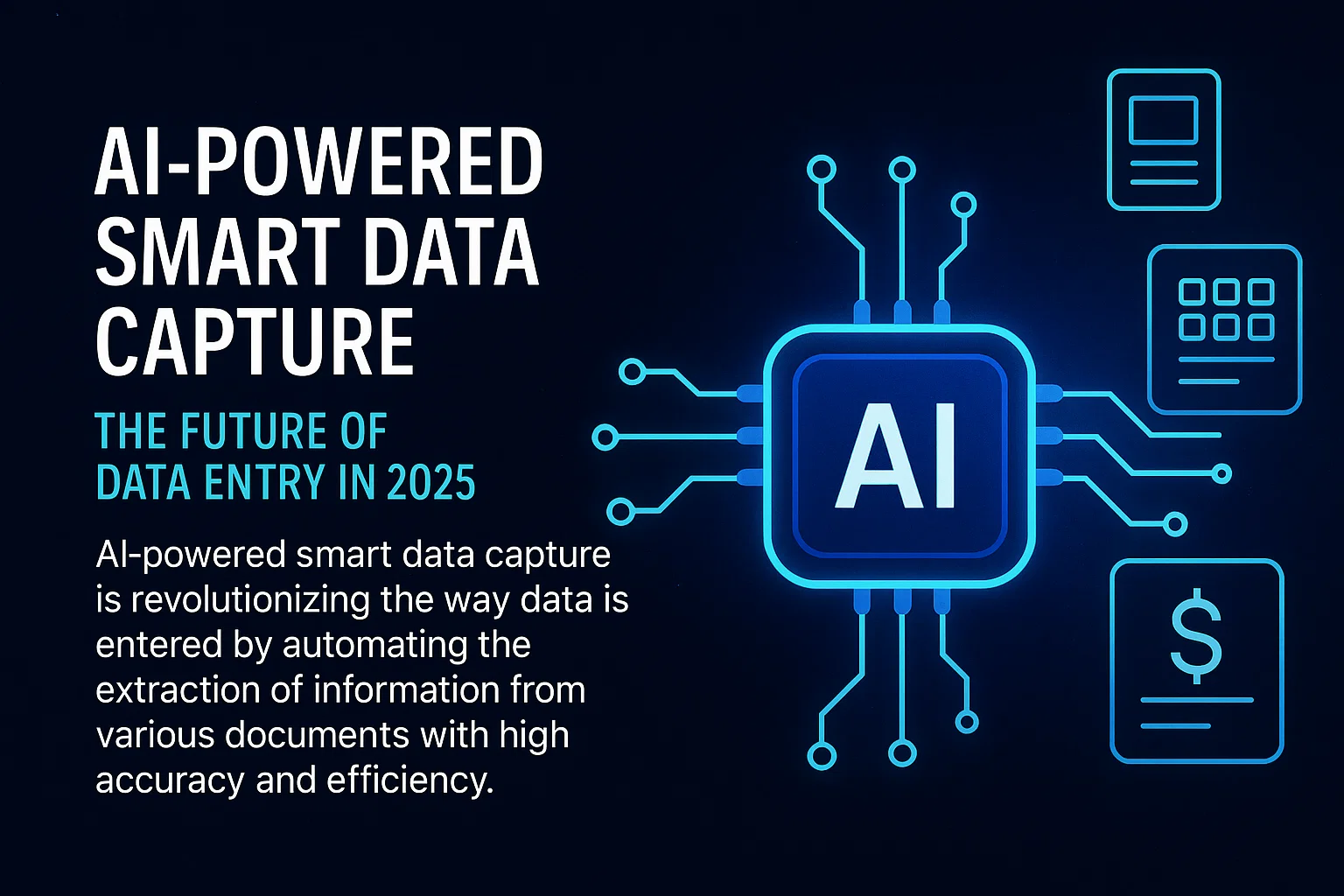
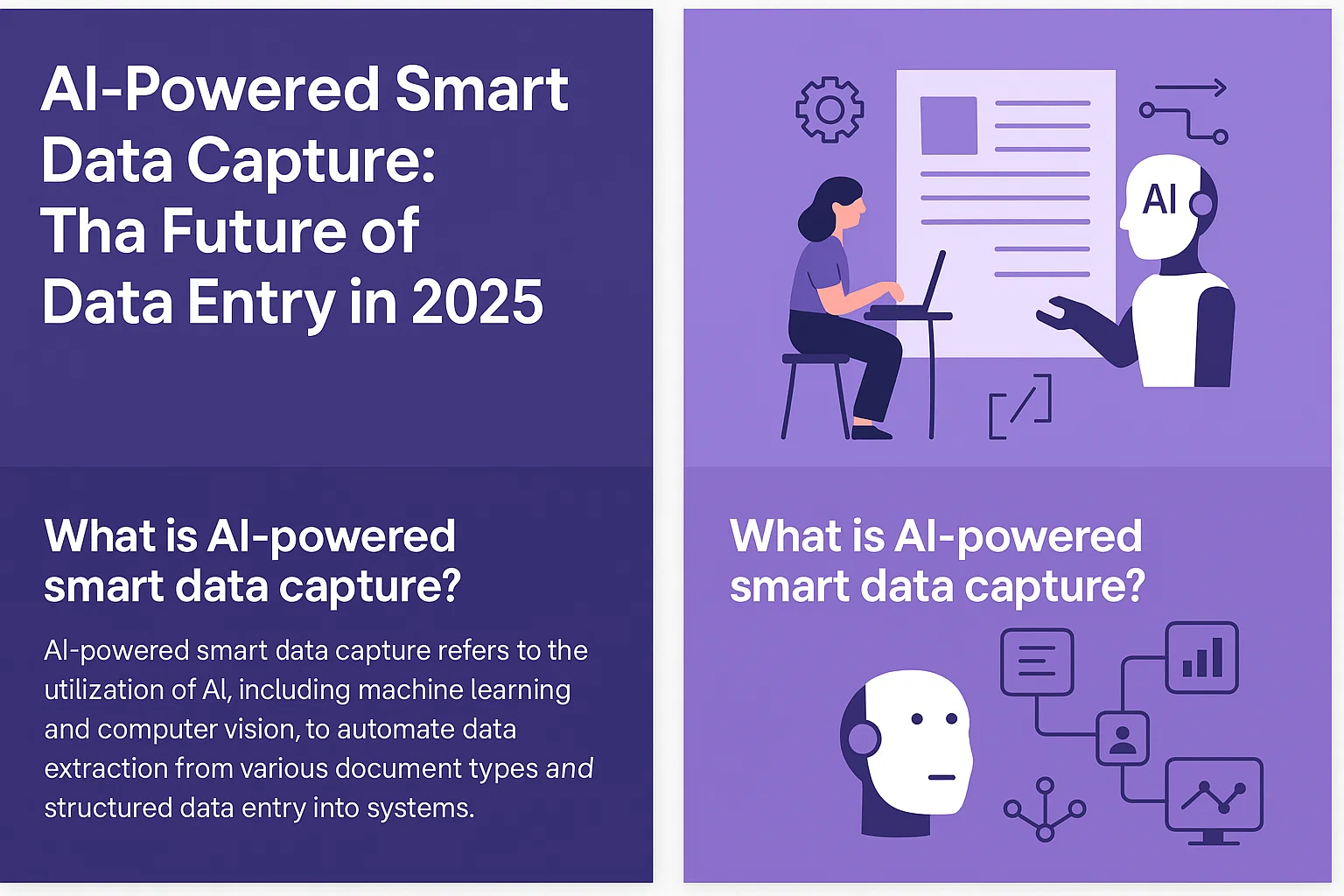
Interview Tips for Landing Data Entry Jobs Near Me and Work from Home Clerk Roles in 2025

Landing data entry jobs near me and top data entry clerk work from home jobs is easier when you walk into interviews with the right mindset. Local employers want to know if you can work quickly, stay accurate, and handle real-world demands. That’s why preparing well for each interview can be the difference between another rejection and the flexible job you’re looking for.

Most data entry clerk jobs near me focus on your typing skills, attention to detail, and your fit for remote or hybrid roles. Practicing common questions, knowing what to expect, and understanding what employers look for are all part of a smart interview strategy. If you want tips on spotting genuine data entry jobs from home before you start applying or interviewing, check out this guide on how to spot legitimate data entry jobs.

A strong interview doesn’t just show you have the skills—it helps you stand out among hundreds of other data entry clerks work from home and in-office candidates. Let’s get started on ways to boost your interview confidence and land a role close to home.

Understanding the Local Data Entry Job Market

Looking for “data entry jobs near me” or data entry clerk work from home jobs means knowing what local employers need and what options are out there. The local data entry job market blends old school office roles, hybrid work, and remote jobs—all offering different perks depending on your skills and lifestyle. Knowing which job fits your goals can help you shine during interviews and pick the right job for your future.

Types of Data Entry Jobs You Can Find Near Home

Hands typing on a laptop keyboard, ideal for concepts of remote work and technology.
Photo by MART PRODUCTION

When you search for “data entry jobs near me,” you’ll see a mix of job postings—some set in classic offices, many with flexible hybrid schedules, and a growing number that let you work from your couch. Here are the most common local data entry roles you’ll come across:

  • Traditional Office Data Entry Clerk Jobs: These usually mean a 9-to-5 in an office. You’ll plug in data, file forms, and work closely with team members in person. Local offices still need reliable, detail-focused people who can keep information organized.
  • Hybrid Data Entry Roles: Some employers let you split your workweek between the office and home. If you want in-person support but also enjoy home comforts, hybrid jobs offer balance.
  • Remote Data Entry Clerk Work from Home Jobs: Demand for fully remote roles is high. If you search for “data entry jobs from home,” you’ll spot listings from small businesses, clinics, and larger companies looking for reliable workers nationwide. Popular with parents and those needing flexibility, remote gigs often expect you to communicate online and meet deadlines without in-person supervision.
  • On-Demand or Temporary Work: Short-term contracts, gig work, or part-time data entry is ideal if you need extra income or want to build skills before finding something permanent.

Right now, companies want accuracy and fast turnaround. Tech skills matter too, as even “entry level” jobs use software and spreadsheets. Remote data entry jobs from home and hybrid models have surged, mainly due to tech making it easier for companies to manage teams wherever they are. If you want stability, traditional office jobs can offer steady routine; remote and hybrid roles often promise more freedom and less commuting.

Check out some expert insight on data entry industry trends at Top Data Entry Tips for 2025 to better understand where demand is heading.

How to Identify Legitimate Data Entry Opportunities

Not every job ad for local or remote data entry clerk jobs near me is genuine. Scammers sometimes post fake offers hoping job seekers skip the details. Knowing what to watch for keeps you safe and saves you time.

Here’s how to spot real data entry jobs:

  1. Check the Employer’s Reputation: Search the company online. Real companies have a web presence, staff profiles, and reviews. If you can’t find basic info or if details don’t match up, move on.
  2. Validate Job Details: Legit jobs list clear daily tasks, skill requirements, and pay ranges. If a posting is vague or promises huge pay for no skills, it’s likely a scam.
  3. Beware Upfront Fees: Real employers never ask you to pay for training or equipment up front. If fees come up, walk away.
  4. Trust Your Instincts: If anything feels off—poor grammar, urgent requests, or unprofessional emails—slow down and double-check.

For more tips on spotting real from fake, read this must-see guide on spotting legitimate data entry jobs. If you’re building a long-term data entry career, it’s also worth learning about finding long-term clients for data entry.

Staying alert lets you focus your energy on interviews that could land you a real, rewarding job—right where you want to work.

Preparing for the Data Entry Job Interview

Landing data entry jobs near me or reliable data entry clerk work from home jobs isn’t just about submitting your resume—it’s about walking into the interview ready to show why you’re the best candidate. You’ll need to talk about your skills, know the employer, and tailor your resume to local needs. This section will help you prepare confidently, so you show up interview-ready and one step ahead.

Key Skills and Software to Highlight

For any data entry position, employers want more than just fast fingers on a keyboard. They look for people who can juggle multiple tasks, keep errors to a minimum, and adapt quickly to new tools.

A young woman with dyed hair takes notes during a job interview.
Photo by Anna Shvets

Focus on calling out these key skills:

  • Typing Speed & Accuracy: Being fast is good. Being accurate is great. Most companies will test both, so practice before the interview.
  • Attention to Detail: Mistakes can mean lost data or unhappy customers. Show you care about getting everything right the first time.
  • Organization & Time Management: Keeping digital files sorted and deadlines met shows you’ll be a reliable hire.
  • Communication: Remote and hybrid roles depend on clear written updates and responding quickly to messages.
  • Confidentiality: Many jobs handle sensitive data. Let them know you take privacy seriously.

Software knowledge can set you apart. Here’s what you’re likely to need:

  • Microsoft Excel: Essential for spreadsheets and quick calculations.
  • Google Sheets: Useful for sharing data with teams online.
  • Database Tools: Basic know-how in Access or similar apps shows wider ability.
  • CRM Software: Companies hiring for data entry jobs from home may ask about tools like Salesforce or Zoho.

Highlight practical examples. For more, check out these lists of data entry skills to include on your resume and be sure to practice with the tools employers want.

Researching the Employer Thoroughly

Interviewers can tell when you’ve done your homework. When you know about the company, you can tailor your answers so your skills match their needs perfectly. This step helps you stand out, especially for local “data entry clerk jobs near me” or remote roles with a regional focus.

Here’s how to approach your research:

  • Company Website: Start with their About and Careers pages to get a feel for the culture, values, and current projects. Make notes on anything that shows a need for accuracy, organization, or confidentiality.
  • LinkedIn: Look up the company and any staff you might meet. Check for recent updates, company achievements, and growth.
  • Recent News: A quick search for news articles or press releases helps you see where the company is going.
  • Social Media: Review their social channels for the latest company events, announcements, or client stories.
  • Ask Around: If you know anyone in the company or similar jobs, ask what daily tasks and challenges look like.

By combining these steps, you show real interest and gain insights on how to frame your answers. For details on using professional networks and company websites for targeted research, this guide on researching a company before an interview offers actionable steps.

Customizing Your Resume and Portfolio for Local Roles

Tailoring your application for “data entry jobs near me” or local remote work can make a big difference. Recruiters want to see you understand local business needs and have experience relevant to the region, whether it’s addressing time zones, compliance, or language preferences.

When you revise your resume and portfolio:

  • Use your address or indicate proximity in your summary if applying for onsite or hybrid roles.
  • Highlight local experience: Mention local companies, events, or community work that fits the job.
  • Showcase remote work skills: For work from home jobs, give examples that prove you can manage tasks, stay organized, and keep communication clear even without in-person oversight.
  • Quantify your achievements: List your typing speed, error rates, project turnarounds, and any recognition you received from past jobs.
  • Keep your portfolio updated: Include work samples, client testimonials, and short project descriptions focused on both technical skill and customer satisfaction.

Building your digital presence is smart too. For tips on developing a data entry portfolio, see how a strong showcase of past work can win you more interviews.

Explore more sample templates and targeted advice on how to build a strong data entry resume to give your application the professional edge local employers want.

Careful prep, a bit of research, and a resume that matches the job at hand will put you ahead of the crowd for data entry jobs near me and top data entry clerk work from home jobs.

Acing the Interview: Questions and Answers

Stepping into an interview for data entry jobs near me or data entry clerk work from home jobs takes more than rattling off skills. Employers want to see if you can be counted on, work through distractions, and keep mistakes to a minimum. Expect the conversation to dive into your work habits, technical skills, and your preference for where and how you work. This section will help you walk in ready for anything, from behavioral questions to skills tests and questions about your work style.

Behavioral Questions: Showcasing Reliability and Detail-Orientation

Professional interview setting with a female journalist and woman discussing indoors.
Photo by Greta Hoffman

Interviewers often rely on behavioral questions to predict how dependable and accurate you’ll be on the job. These questions let you give real examples, showing you’re not just talking the talk—you’ve walked the walk.

Common Behavioral Interview Questions Data Entry Employers Ask:

  • Tell me about a time you caught an error before it became a bigger problem.
  • Describe a day when you had to meet a tight deadline. How did you prioritize your tasks?
  • Can you recall a situation where you had repetitive, detailed work? How did you keep focused?
  • Share a time when you had to handle confidential information.

The best way to answer? Use a clear structure like the STAR method (Situation, Task, Action, Result). Explain the context, your responsibility, what you did, and the positive outcome.

Example:

“In my last role, I noticed a typo in a data report before submission (Situation/Task). I double-checked the entries, found a pattern, and corrected all similar errors (Action). The client received a clean, error-free document, which led to positive feedback from my supervisor (Result).”

Here are helpful resources to practice structuring these answers:

Boost your answers by giving numbers where you can (“I processed 200 records with 100% accuracy”) or mentioning positive feedback from previous supervisors.

Practical Skills Assessments During the Interview

In data entry interviews, it’s common to complete at least one test on the spot or online. Most companies want to see your accuracy, your speed, and how well you handle the tools they use every day.

You might face challenges such as:

  • Typing tests to measure speed (words per minute) and accuracy.
  • Correcting intentionally flawed data sets.
  • Entering information into a spreadsheet or database within a set time.
  • Spotting and fixing errors in a data sample.

Here’s what helps you perform your best:

  • Practice using free typing assessment sites and spreadsheet drills.
  • Stay calm and read instructions carefully.
  • If you make a mistake, show how you identify and correct it.
  • After the test, don’t be afraid to explain your process or mention techniques you use to catch errors.
  • Brush up on Excel or Google Sheets—these are the tools nearly all employers will ask about.

Explore some classic and modern skills tests and what to expect in the interview at 25 Data Entry Interview Questions with Examples of Answers. You’ll also find more technical question types in Interview for Entry Level Data Support Role.

For hands-on practice, review internal guides like Top Data Entry Tips for 2025 to strengthen your practical skills ahead of time.

Discussing Work Preferences: Office, Hybrid, or Home-Based

Your answer about where you prefer to work carries weight—employers want someone who fits their setup, understands the perks and challenges, and can succeed in that environment.

When responding, think about:

  • Your best environment for focus and productivity.
  • Past success working solo (for remote), or as part of a team (in-office or hybrid).
  • Reliable internet, workspace setup, or commute flexibility (when working from home).

Sample talking points for each setting:

  • Data Entry Clerk Work from Home Jobs:
    “I thrive in a quiet home office where I can focus without interruptions. In my last remote role, I consistently met tight data deadlines, even with minimal supervision. I use checklists and communication tools to stay connected with my team.”
  • Hybrid Data Entry Jobs:
    “I enjoy the flexibility of hybrid work. I’m comfortable coming to the office to collaborate and happy to work remotely on individual tasks. This mix keeps me productive and connected.”
  • Traditional Office Data Entry Jobs Near Me:
    “I value face-to-face interactions. I find it easier to collaborate and resolve questions quickly when I’m in the office. Being local means I’m always on time and available when needed.”

For more on matching your style with job requirements, tips in How to Find Long-Term Clients for Data Entry cover how to highlight your reliability and flexibility—key to local and remote roles.

If you’re hoping for a remote or hybrid gig, pointing out successful remote experience goes a long way. For in-office roles, show you know the value of teamwork and direct support.

Whatever your preference, make sure your reasons build trust and relate directly to how you’ll succeed in their environment.


By prepping for these questions and scenarios, you’ll walk into your next “data entry jobs near me” or data entry clerk work from home interview not just ready, but confident.

What to Do Before and After the Interview

Landing data entry jobs near me or data entry clerk work from home jobs doesn’t stop once you send in your application. Your actions before and after the interview shape an employer’s lasting impression of you. With such competitive roles, getting these details right means you’re one step closer to a job offer. The next steps will help you walk in feeling confident and follow up like a pro.

Interview Day Preparation Checklist

A close-up view of a handwritten to-do list on a spiral notebook with numbers for tasks.
Photo by Suzy Hazelwood

Being fully prepared on interview day helps calm nerves and lets your skills take the spotlight. Use this checklist as you gear up for your big day:

The Day Before:

  • Pick Your Outfit: Choose neat, clean, and professional clothes. For in-person roles, dress up slightly more than the company’s standard. For remote interviews, stick with business casual.
  • Review the Job Posting: Read it again and jot down key points and skills that match your experience.
  • Print or Prep Documents: Bring multiple copies of your resume and a list of references. Have a notepad and pen ready to jot down notes or questions.
  • Plan Your Route or Setup: Know where you’re going and how long it’ll take to get there. For video calls, double-check your tech, background, and lighting.

On Interview Day:

  • Arrive Early: Get to the site 10-15 minutes ahead of time. For video calls, log in about 5 minutes early to test everything.
  • Carry Essential Documents: Have your ID, resume, reference list, and any needed paperwork with you. For remote interviews, keep digital copies open and ready.
  • Eat a Light Meal: Keep your focus sharp with a simple breakfast or snack.
  • Silence Devices: Put your phone on silent so you’re not distracted.
  • Mind Your Body Language: Greet with a smile, make eye contact, and give a firm handshake. For remote, look into the camera for better connection.
  • Bring Relevant Questions: Show your interest with questions about the team, growth, or training.

For more in-depth ideas, check out the 11-step preparation process from How To Prepare for an Interview in 11 Steps. This thorough approach applies whether you’re aiming for data entry jobs from home or seeking a role nearby.

Post-Interview Actions for a Strong Impression

The interview may end, but your chance to stand out isn’t over. What you do next signals your interest and sets you apart from other candidates for data entry clerk jobs near me or remote data entry positions.

Here’s how to follow up with impact:

  • Thank the Interviewer Promptly: Send a personalized thank-you note by email within 24 hours. Reference a specific part of your conversation to show you paid attention and value their time.
  • Reflect on the Interview: Write a brief summary of what went well and what you might want to mention or improve next time.
  • Send Any Additional Material: If the interviewer asked for extra samples, assessments, or references, respond quickly and clearly.
  • Follow Up (But Don’t Overdo It): If you haven’t heard back by the timeline given—or after a week if no timeline was set—send a polite follow-up email.
  • Update Your Job Search Notes: Mark the details of the company and interviewer. It’ll help you track progress and tailor future applications.
  • Stay Professional Online: Keep your social profiles job-search friendly, in case someone checks you out after meeting you.

Review these guidelines on things to do before, during, and after your interview for extra details on best practices after your meeting.

For those planning a data entry career, consider adding strong follow-up habits to your routine. Solid communication shows you’re detail-focused and reliable—traits hiring managers want for local and data entry clerk work from home jobs. For more strategies to make your data entry role profitable after you land it, have a look at how to build a profitable data entry business.

Bonus Tips for Maximizing Success in Data Entry Careers

To stand out and build a lasting career in data entry jobs near me or secure data entry clerk work from home jobs, it helps to focus on more than typing speed and accuracy. Setting yourself up for long-term success involves making connections, learning new skills, and thinking ahead about your career growth. Here’s how you can boost your results long after the interview ends.

Networking and Community Involvement

Being part of a network can make a big difference, whether you’re applying for data entry clerk jobs near me or aiming for remote work. Many job openings aren’t advertised and are filled by recommendation. By connecting with others in the field, you can find these hidden roles.

  • Attend local business mixers or job fairs. Meeting hiring managers in person builds trust fast.
  • Join online forums and groups. Many data entry clerks work from home, so look for online communities like LinkedIn groups or specialized Facebook groups where people share job leads and advice.
  • Stay active in professional platforms. Post updates, industry news, or tips for others. This keeps your name fresh with recruiters and other professionals.

Volunteering your data entry skills for local charities, clubs, or small businesses can also strengthen your resume. You’ll build goodwill and may even score job offers later.

Upskilling: Training and Certifications

As competition increases, the data entry jobs from home and in-office roles are looking for candidates with more than the basics. Upskilling keeps you marketable.

Woman writing notes while working with a laptop and documents at a glass desk indoors.
Photo by Kaboompics.com

Here are smart ways to build your value:

  • Take online courses in Excel, Google Sheets, or specialized database programs. Short tutorials from platforms like Coursera, Udemy, or even YouTube can refresh your skills.
  • Earn certifications. Several online programs offer certificates for office software, typing speed, or data privacy. Employers notice these credentials.
  • Stay updated on new data entry technologies. The field continues to change, and understanding the tools companies use helps you rise above the rest.

For more advice on staying sharp and learning what matters most to employers, check out the top data entry tips for the year. Taking these steps helps you stand out in a crowded market.

Long-Term Career Development Strategies

Getting the job is just the start. To keep moving up, think about how you interact with employers, clients, and the broader data entry community.

  • Build relationships with your supervisors and team members. Good rapport makes it easier to get positive references, advance to new roles, or hear about internal openings.
  • Follow up with past clients. Thank them for the opportunities and occasionally check in on their new projects or needs.
  • Ask for feedback. Constructive criticism helps you improve and shows you’re committed to doing quality work.
  • Keep a record of your accomplishments. Track projects completed, speed improvements, or accuracy records. This makes annual reviews and resume updates much easier.

To deepen these skills, see this helpful guide about finding long-term clients for data entry work. Building reliable connections pays off with steady work and referrals.

A steady approach to networking, regular training, and building real connections will help you grow from a job seeker to a sought-after professional in data entry clerk jobs near me or flexible data entry jobs from home.

Key Takeaways

The right approach can make landing data entry jobs near me or data entry clerk work from home jobs a lot easier and less stressful. Here are the main points you need to remember to make every interview count. Use these insights to improve your confidence, boost your preparation, and get closer to your goal of landing a reliable job close to home or from your living room.

  • Preparation pays off
    Research the company, know the most common questions, and understand the specific expectations for data entry clerk jobs near you. Bringing local insight and demonstrating you’ve done your homework makes a strong impression.
  • Highlight skills that matter
    Employers want accuracy, reliability, and solid typing skills. Don’t just mention these—prove them with specific examples and, where possible, metrics. For more on presenting these abilities, see data entry interview questions and sample answers which can help you practice.
  • Show that you’re tech-ready
    Get familiar with the latest software. Know your way around Excel, Google Sheets, and basic databases. Mention special skills like handling confidential info or working successfully with remote teams—these come up again and again in modern interviews.
  • Tailor your application to local needs
    If you’re aiming for data entry jobs near me, let your resume reflect your understanding of local or regional business needs. Add references to local experience or any special skills you bring for in-person, hybrid, or work-from-home data entry clerk roles.
  • Practice smart interview habits
    Answer questions clearly, using brief examples that show you’re dependable and detail-focused. Behavioral and skills-based questions are common, so rehearse using prompts and answers from resources such as 36 Data Entry Interview Questions (With Samples and Answers).
  • Prepare for practical tests
    Many employers will test both your speed and accuracy. Use free typing tools and spreadsheet drills to stay sharp. Knowing what to expect gives you an edge, especially if you get nervous with live exercises.
  • Express your work preferences honestly
    Whether you’re hunting for traditional office data entry clerk jobs near me or fully remote data entry jobs from home, communicate your preferred setup confidently. Show how your preference makes you a better, more reliable employee.
  • Nail the details on interview day
    Bring the right documents, dress for the role (on-site or on-camera), and be early. Small steps like these set the tone for the whole experience. For a step-by-step approach, visit How To Prepare for an Interview in 11 Steps.
  • Follow up every time
    Always thank your interviewer and send any requested materials fast. Following up displays professionalism and keeps you top-of-mind, especially in competitive hiring cycles.
  • Keep learning and adapting
    Stay up to date with the latest data entry strategies, remote work habits, and ways to find quality, long-term work. Dive deeper into how to build a profitable data entry business if you want to grow from a starter role to something bigger.

These key takeaways will help you approach each interview for local and work-from-home data entry jobs with confidence and clarity. Carry them with you—written in your own words—and you’ll be ready for whatever an interviewer throws your way.

Top view of a laptop, charts, and resume on a wooden desk, showcasing business analysis and job application.
Photo by Lukas

Frequently Asked Questions: Data Entry Job Interviews Close to Home

As more people search for “data entry jobs near me” and flexible data entry clerk work from home jobs, questions pile up about interviews, expectations, and what helps candidates stand out. Here’s a clear, honest FAQ section that covers what job seekers like you ask most, with tips that save time and help you prepare.

What skills do employers want for data entry jobs near me or work from home roles?

Employers look for a handful of core skills and traits no matter where the job is. Top on the list:

  • Fast and accurate typing (usually at least 40-60 words per minute)
  • Strong attention to detail so mistakes are rare
  • Comfort using spreadsheets and databases (like Excel or Google Sheets)
  • Good time management to handle tight deadlines
  • Communication skills for updating others or clarifying tasks

Remote positions often need even stronger organization and self-motivation. For deeper insights, review top data entry clerk interview questions and tips.

How can I prepare for the typing or skills test?

Practice is your best friend. Most typing tests used by employers are a lot like what you’ll find on free sites such as Typing.com or Keybr.com. For spreadsheet or data accuracy tests, spend time on sample tasks that mirror real jobs: entering numbers, reviewing small errors, or sorting lists.

Employers usually care as much or more about accuracy as speed. If you can show steady, accurate work on your application or in the first few minutes of a test, you’ll quickly make the shortlist.

What if I have no experience—can I still get a data entry clerk job?

Definitely. Many employers fill entry-level data entry jobs from home and in local offices, provided you can show good typing skills, basic computer know-how, and a positive attitude. If you have experience with spreadsheets at school or in another job, mention it. If you volunteer or help local groups keep records, add that too.

Start by applying to jobs that offer training. Don’t hesitate to include a short cover letter explaining that you’re a fast learner and detail-oriented.

Will artificial intelligence take my job in data entry?

AI is changing how companies handle data tasks, but there’s still plenty of work for people who pay attention to detail and can manage special cases. Some tasks are now automated, while others—like handling exceptions or working with sensitive data—still need a human touch. If you want to know more about this trend, explore how AI in data entry automation is shaping the industry.

What questions should I expect in my data entry interview?

You can expect both general and job-specific questions. Interviewers want to know about your experience, your approach to accuracy, and how you manage tight deadlines. For example:

  • Why do you want this job?
  • Tell me about a time you found and fixed an error.
  • How do you keep focused during repetitive tasks?

See more sample questions with real answers at Data Entry Interview Questions and Sample Answers.

How do I handle questions about pay and hours?

Be honest and simple. Before your interview, check average pay rates in your area. You can mention a range if asked, and it’s fine to say you want fair compensation for your skills and experience. For hours, share when you’re available and if you need flexibility (for example, remote, evenings, or part-time work). Don’t be afraid to ask about overtime or weekend work if it matters to you.

Is working from home in a data entry role realistic?

Yes, there are many real data entry clerk work from home jobs. Employers often list these directly or use reputable job sites. The key is to choose legitimate offers (avoiding scams) and be ready to show you can stay organized without direct supervision. To protect yourself, follow advice on how to spot legitimate data entry jobs.

What equipment do I need for remote data entry jobs from home?

For most remote roles, all you need is:

  • A reliable computer (laptop or desktop)
  • High-speed internet
  • Basic office software (like Microsoft Office or Google Workspace)
  • A quiet place to work

Some employers may send you software or specific tools. Make sure your setup is comfortable and distraction-free.

How do data entry jobs near me usually schedule work?

Schedules can vary. Local in-office jobs usually have set hours (like 9 to 5), while remote jobs may offer more flexibility. Temporary or contract data entry clerks work from home can often work evenings or weekends if needed. If you prefer a certain schedule, talk about it clearly during your interview so there are no surprises later.

What’s the biggest mistake to avoid during a data entry interview?

Don’t wing it—come prepared. Lack of preparation shows, especially if you can’t answer questions about the company or mess up the skills test. Also, don’t exaggerate your typing speed if you’re not sure. Simple, honest answers work best.

A little prep, a lot of practice, and a clear sense of what the job needs are your best ingredients for success.


These FAQs aim to cover the questions most readers have when applying for data entry clerk jobs near me or seeking data entry jobs from home. For even deeper preparation, check out the best advice from experts at the top data entry tips for 2025 and get ready to shine at your next interview!

Conclusion

Landing data entry jobs near me or reliable data entry clerk work from home jobs starts with smart preparation and honest self-assessment. Strong skills, a solid understanding of job needs, and the willingness to keep learning make you stand out—whether sitting in an office or at home.

Each interview offers the chance to show hiring managers your confidence, accuracy, and genuine interest in their business. Focusing on ongoing growth helps you stay sharp for today’s interviews and tomorrow’s changes in the industry.

To dig deeper into building a steady, rewarding data entry career, check out essential strategies for finding long-term clients for data entry work.

Thanks for reading, and good luck as you take the next steps toward your ideal local or remote data entry job. If you have interview tips or questions, share your experiences below and join the conversation.

Will AI Take Over Data Entry Jobs Here’s the Truth in 2025

As technology continues to transform various industries, including the U.S. job market, the field of data entry is not exempt from this evolution.

This article examines the relationship between artificial intelligence (AI) and data entry positions, beginning with definitions of both terms and progressing to an analysis of their evolving dynamics.

We assess how AI has historically impacted data entry roles, evaluate the current landscape influenced by workplace culture and AI adoption, and provide predictions for the future.

This discussion will highlight the essential skills required in this changing field and explore the opportunities that will be available for data entry professionals moving forward, including hybrid work and technology integration.

Key Takeaways:

  • AI will continue to impact data entry jobs, but professionals can adapt by developing skills such as critical thinking and emotional intelligence that are not easily automated by AI.
  • The potential advantages of AI in data entry include increased efficiency and accuracy, but there are also potential disadvantages such as job displacement and the need for retraining strategies.
  • In 2025, data entry professionals can expect to see new job opportunities in areas such as data analysis and financial modeling, as AI takes over more routine tasks.

What is AI?

What is AI?

Artificial Intelligence (AI) denotes the simulation of human intelligence processes by machines, particularly computer systems, which are integral to AI platforms. This advanced technology spans multiple domains, including machine learning, where algorithms autonomously improve through experience, and natural language processing, which allows tools such as GPT and ethical AI models to comprehend and generate human language.

As AI tools continue to evolve, they are becoming essential in various sectors, including healthcare and finance, driving productivity enhancements and transforming the workforce landscape, especially in the context of economic uncertainty and job automation.

What are Data Entry Jobs?

Data entry jobs primarily involve the input, verification, and management of data within computer systems or databases, ensuring both accuracy and accessibility of information, often collaborating with AI engineers. These roles typically require strong digital proficiency and meticulous attention to detail, as they encompass routine tasks across various sectors, including customer service and telemarketing, where timely and precise handling of information is essential for skilled trades.

Professionals in these positions must adeptly navigate complex software systems and databases, skillfully inputting data while cross-referencing details to maintain consistency across multiple platforms, which are often used by personal assistants. Employers seek individuals who can manage supplementary tasks such as data analysis, report creation, and diligent maintenance of data integrity, reflecting market trends. This level of responsibility underscores the necessity for excellent organizational skills and a proactive approach to problem-solving, aligning with human resources demands.

Key Responsibilities:

  • Data input and management
  • Verification of information accuracy
  • Report generation and analysis
  • Collaboration with other departments

As companies increasingly adopt automation to streamline operations, the importance of manual data entry skills remains paramount, as human oversight is often crucial to ensuring data quality and reliability amid AI impact. This evolving landscape presents both challenges and opportunities for individuals aspiring to enter the field.

What are the Current Trends in AI and Data Entry Jobs?

Current trends in artificial intelligence and data entry positions reflect a substantial transformation in the workforce landscape, largely propelled by the swift adoption of AI technologies and the increasing capacity for automation in routine tasks, driven by predictive analytics.

This evolution is influencing workplace culture as organizations contend with economic uncertainty and investigate innovative AI tools designed to enhance productivity and ethical AI practices. However, this progress also raises valid concerns regarding potential job displacement in sectors that heavily depend on data entry, such as telemarketing and customer service.

How has AI impacted Data Entry Jobs in the Past?

How has AI impacted Data Entry Jobs in the Past?

Artificial intelligence has profoundly influenced data entry positions by automating routine tasks that were once performed by humans, resulting in significant productivity enhancements and efficiency gains across AI-generated content. The advent of AI tools has enabled organizations to manage larger volumes of data with greater accuracy and speed, thereby reducing the demand for manual data entry roles and redirecting focus towards more complex decision-making and critical thinking tasks, which are essential in healthcare sectors.

This transformation is particularly apparent in sectors such as healthcare and finance, where integrated AI systems have become essential for processing patient records and financial transactions, necessitating retraining programs. For example, automated systems are capable of processing hundreds of forms within minutes, ensuring automation potential:

  • Higher accuracy rates
  • Streamlined operations
  • Elimination of human errors

This, in turn, enhances overall service quality. Consequently, traditional job roles have evolved, necessitating a workforce equipped with new skill sets, including digital fluency. Individuals are now expected to possess a strong understanding of AI technologies, data analysis, and strategic thinking to effectively leverage these tools, often requiring collaboration with AI trainers.

This shift has prompted organizations to prioritize training initiatives that foster the development of these competencies, creating a dynamic environment in which human and artificial intelligence collaborate closely to achieve improved outcomes, as championed by the World Economic Forum.

What is the Current State of Data Entry Jobs in 2025?

As of 2025, the current state of data entry jobs presents a challenging environment influenced by economic uncertainty and the increasing impact of artificial intelligence on job displacement and the need for retraining strategies. Numerous traditional roles, particularly within industries such as telemarketing and customer service, are experiencing downsizing as organizations increasingly adopt AI-driven solutions to perform data entry tasks more efficiently, raising concerns about job security.

This transformative shift necessitates a reevaluation of workforce requirements across various sectors, compelling employees to adapt to new technologies and skill sets. Data entry professionals may now find themselves in positions that emphasize data analysis, interpretation, and management rather than simply inputting information, with the assistance of virtual assistants. As the demand for advanced skills rises, many workers are confronted with the need to reskill or upskill in order to maintain their relevance in an evolving job market, supported by platforms like Coursera and LinkedIn Learning.

Trends within the job market, highlighted by the Institute for Public Policy Research, include:

  • An increased emphasis on data privacy and security, which requires a more educated workforce.
  • Collaboration with AI tools to enhance productivity boosts rather than replace jobs.

Organizations also face the challenge of integrating these advanced solutions while ensuring that their employees remain engaged and capable of navigating this changing landscape, fostering empathy-driven roles.

Will AI Take Over Data Entry Jobs in the Future?

The future of data entry positions in the context of advancements in artificial intelligence presents significant considerations regarding job automation and the potential for AI to completely assume these roles, impacting personal assistants. While a consensus among experts indicates that AI will progressively automate routine tasks, resulting in the displacement of traditional data entry jobs, it is also expected that new roles will be created that necessitate human skills such as critical thinking and emotional intelligence, fostering creative professionals.

This is particularly relevant in complex sectors such as healthcare and legal research, where human oversight and nuanced understanding remain essential, requiring input from skilled data scientists.

What are the Predictions for AI and Data Entry Jobs in 2025?

What are the Predictions for AI and Data Entry Jobs in 2025?

Predicting the landscape of artificial intelligence (AI) and data entry jobs by 2025 indicates a significant transformation, wherein job automation is anticipated to prevail, resulting in a considerable decline in traditional data entry positions, highlighting the importance of AI impact. This transition may concurrently facilitate the emergence of new job roles that emphasize human skills such as creativity, empathy, and strategic decision-making, opening opportunities for AI-generated content specialists. This suggests a profound transformation of the workforce, aimed at complementing AI technologies rather than competing with them, facilitated by AI trainers.

As predictive models indicate, the integration of AI into data entry processes will generate a demand for professionals proficient in interpreting data outputs and managing AI systems, aligning with job market demands. Emerging job roles, such as AI trainers, data quality managers, and analytics specialists, are likely to require individuals to possess a comprehensive understanding of both data management and machine learning principles, enhancing ethical AI applications.

To successfully navigate this evolving landscape, workers should consider adopting the following strategies, as recommended by the World Economic Forum:

  • Engaging in upskilling through relevant training programs
  • Acquiring experience with data analytics tools
  • Cultivating adaptability to new technologies and workflows

Industry-specific competencies will become increasingly essential, allowing professionals to leverage AI innovations effectively while enhancing their unique contributions to the workforce transformation.

What are the Potential Advantages of AI in Data Entry Jobs?

The integration of AI tools into data entry roles offers several significant advantages, including considerable increases in productivity and enhanced accuracy in managing routine tasks, making it a prime example of AI impact on the industry.

By automating repetitive data entry processes, organizations can effectively leverage technological advancements to reallocate human resources toward more strategic roles, resulting in improved efficiency and a more effective utilization of employee talents.

By streamlining repetitive tasks, AI minimizes the risk of human error, allowing employees to concentrate on more complex and rewarding projects that demand critical thinking and creativity. This transition not only enhances job satisfaction among employees but also contributes to overall organizational performance.

The implementation of AI solutions can yield the following benefits:

  • Increased Efficiency: Significantly accelerating data processing times.
  • Enhanced Accuracy: Reducing errors frequently associated with manual entry.
  • Resource Reallocation: Enabling teams to engage in more innovative activities.

Consequently, organizations that adopt AI technologies can anticipate not only enhancements in their operational processes but also the cultivation of a more dynamic and motivated workforce, ultimately leading to improved outcomes in a competitive environment.

What are the Potential Disadvantages of AI in Data Entry Jobs?

Despite its benefits, the rise of artificial intelligence (AI) in data entry roles presents significant challenges, particularly regarding job displacement and economic uncertainty. As organizations streamline their operations with AI technologies, employees may experience insecurity related to their job positions. This situation necessitates the development of effective retraining strategies to facilitate transitions into new job opportunities that require advanced skill sets.

One of the most pressing challenges is the potential for job losses across various industries, which may leave many individuals seeking new career paths with insufficient support. The rapid advancement of automation raises critical questions about job security, as positions that were once stable may become obsolete in a short period. The demand for workers skilled in technology is anticipated to increase, underscoring the urgent need for:

  • Comprehensive retraining programs
  • Focused on developing essential skills
  • Necessary to adapt to emerging roles in the workforce

In this rapidly changing environment, embracing change and remaining informed about industry trends will be crucial for workers aiming to secure their futures. Organizations must invest in educational initiatives to cultivate a workforce capable of transitioning from traditional data entry tasks to more complex responsibilities that utilize AI-enhanced capabilities.

What Skills are Required for Data Entry Jobs in 2025 According to the World Economic Forum?

What Skills are Required for Data Entry Jobs in 2025?

As we approached 2025, the skill set required for data entry positions is expected to undergo significant evolution, necessitating a combination of technical proficiency and soft skills.

While expertise in AI tools and digital literacy will continue to be fundamental, there will be a growing emphasis on emotional intelligence and critical thinking.

These skills will be essential for managing complex decision-making tasks that artificial intelligence is unable to perform independently.

What Skills will be Automated by AI in Data Entry Jobs?

AI is set to automate various skills associated with data entry jobs, primarily focusing on routine tasks that require minimal human intervention. Skills such as data input, basic data verification, and simple record management are expected to be efficiently managed by AI tools, thereby allowing human resources to concentrate on more complex responsibilities.

As intelligence-driven systems continue to evolve, the capability to process large volumes of data accurately and swiftly will transform traditional roles. This transformation necessitates that employees adapt to positions that prioritize strategic decision-making and critical thinking, rather than repetitive data entry tasks.

The automation of data entry is anticipated to:

  • Reduce the necessity for manual data collection and verification.
  • Enhance productivity through increased efficiency and accuracy in data processing.
  • Enable human resources to focus on tasks that require creativity and problem-solving skills—capabilities that AI cannot replicate.

The implications of these advancements highlight the need for a significant shift in workforce training, as acquiring new skills will be essential for individuals to thrive in an increasingly automated environment.

What Skills will be in Demand for Data Entry Jobs in 2025?

In 2025, the demand for data entry positions will increasingly rely on a diverse skill set that integrates both technical and interpersonal abilities. Skills such as emotional intelligence, critical thinking, and advanced digital fluency will be essential as data entry professionals adapt to collaborate effectively with AI systems and engage in tasks requiring human insight and creativity.

As organizations refine their data management strategies, individuals aspiring to secure roles in this field must enhance a variety of competencies.

  • Adaptability to rapidly changing technologies will be crucial, allowing professionals to stay ahead of emerging software and automation tools, including AI adoption.
  • Attention to detail is imperative to ensure accuracy in data handling and entry.
  • Strong communication skills will also be significant, facilitating the exchange of information with cross-functional teams.

The capability to analyze data trends and provide actionable insights will further augment the value that data entry professionals contribute to their organizations, especially when utilizing AI platforms and tools.

Therefore, those who develop both hard and soft skills will be better positioned in an increasingly competitive job market.

How Can Data Entry Professionals Prepare for the Impact of AI in 2025 Through Platforms like Coursera and LinkedIn Learning?

Data entry professionals can proactively prepare for the anticipated impact of artificial intelligence (AI) in 2025 by investing in retraining programs that enhance their digital fluency and proficiency with AI tools, similar to training provided to AI engineers and healthcare professionals.

Embracing lifelong learning and upskilling through reputable platforms such as Coursera and LinkedIn Learning will be crucial for adapting to the evolving workforce landscape and maintaining relevance in an AI-driven economy.

As automation technologies continue to transform various industries, the necessity for a robust skill set becomes evident. Professionals in data entry should consider developing a personalized learning plan that encompasses both technical and soft skills.

  • Technical Skills: Familiarity with AI-driven software and data management systems is essential.
  • Soft Skills: Proficiency in communication and critical thinking will enhance their ability to collaborate effectively in complex project environments.

Additionally, seeking mentorship and participating in industry-focused workshops can provide valuable insights into the future of data management. Staying informed about trends such as data privacy regulations and AI ethics will further enable these professionals to navigate the complexities of their roles with greater confidence.

What Other Job Opportunities Will be Available in the Data Entry Field in 2025?

By 2025, the data entry field is anticipated to undergo significant evolution, leading to the emergence of new job opportunities that capitalize on human skills, particularly in sectors that necessitate emotional intelligence and complex decision-making. Positions such as AI trainers, data analysts, and data scientists are expected to gain prominence as organizations endeavor to integrate AI tools while preserving a human-centric approach to data management.

As industries adapt to this transformation, professionals within this domain will assume increasingly specialized roles that extend beyond traditional data entry tasks. Potential new positions may include:

  • Data Governance Specialists: These professionals will ensure compliance with data quality and security standards while adhering to relevant regulations.
  • Machine Learning Model Trainers: This critical role involves instructing algorithms to accurately interpret data and predict outcomes.
  • User Experience Analysts: This position focuses on optimizing user interactions with data systems, ensuring that interfaces are intuitive and accessible.

With the rise of automation, the emphasis will shift towards strategic thinking and innovative problem-solving skills. Consequently, the data entry field will evolve from a mere focus on information input to a concentration on deriving value from data to inform decision-making.

Conclusion: The Future of AI and Data Entry Jobs in 2025

The future of AI and data entry jobs in 2025 presents a multifaceted landscape, characterized by both challenges and opportunities arising from the impact of AI on job security, AI platforms, and workforce transformation. While traditional roles may decline due to the pressures of automation, the emergence of new job functions that emphasize critical thinking and emotional intelligence will facilitate the development of a redefined workforce, one that enhances human capabilities in conjunction with AI technologies.

As organizations increasingly adopt advanced technologies, such as machine learning, AI tools, and automation, the nature of work continues to evolve. This evolution necessitates a reevaluation of the fundamental competencies required in the modern workplace.

  • Adaptability is essential; employees must be prepared to acquire new skills and adjust to changing demands in a world influenced by ethical AI and AI impact.
  • Strong interpersonal skills will be critical for fostering effective collaboration between humans, AI trainers, and AI systems.
  • A commitment to lifelong learning will enable professionals to maintain relevance and drive innovation, especially with platforms like Coursera and LinkedIn Learning.

These shifts indicate that, while the landscape may present challenges, it also offers substantial opportunities for those who are prepared to embrace change and proactively shape their futures in a technology-driven economy, particularly in regions like the U.S..

Frequently Asked Questions

Will AI Take Over Data Entry Jobs?

While AI technology is advancing at a rapid pace, it is highly unlikely that it will completely take over data entry jobs by 2025. The use of AI in this field will likely continue to grow, but human workers will still be needed for more complex tasks and to oversee the accuracy of the data entered.

What is the current state of AI in data entry, particularly with AI-generated content?

Currently, AI is being used to automate certain aspects of data entry, such as data extraction and data cleansing. This technology is still in its early stages and is not yet advanced enough to completely replace human workers. However, it is making the data entry process more efficient and accurate.

Will data entry jobs become obsolete in the future?

While the role of data entry may evolve with the use of AI technology, it is unlikely that it will become completely obsolete. Human workers will still be needed to oversee and manage the data entry process, as well as handle more complex tasks that require critical thinking and problem-solving skills.

How will AI impact data entry jobs in the long run?

In the long run, AI will likely continue to automate certain aspects of data entry, making the process more efficient and accurate with the help of GPT technologies. This may result in a decrease in the number of data entry jobs available, but it will also create new opportunities for human workers in the field of AI and data analysis.

What skills will be important for data entry workers in the age of AI?

In the age of AI, data entry workers will need to have strong analytical and problem-solving skills, as well as the ability to adapt to new technology. It will also be important for them to have a solid understanding of data analysis and be able to work collaboratively with AI technology to ensure accurate and efficient data entry.

Is AI a threat to the job security of data entry workers?

No, AI is not a direct threat to the job security of data entry workers, according to research by World Economic Forum and Institute for Public Policy Research.

While some aspects of the job may be automated, there will still be a need for human workers in the data entry process. Companies will continue to depend on human workers to manage and oversee the accuracy and quality of data entered by AI technology.

The Top Remote Data Entry Clerk Jobs You Can Do From Anywhere

Remote data entry clerk positions have emerged as some of the most sought-after roles in today’s digital landscape. These online jobs offer the flexibility to work from any location, enjoy adjustable hours, and achieve a healthier work-life balance. This article explores the nature of remote data entry clerk jobs, the skills required to excel in these roles, and highlights some of the best job opportunities available. Additionally, it discusses effective strategies for finding remote data entry positions and outlines the advantages of pursuing such remote employment roles. This information is valuable for anyone looking to earn extra income through part-time work or seeking to embark on a new full-time job career.

Key Takeaways:

  • Remote data entry clerk jobs offer flexibility, work-life balance, and no commute, making them popular options for many individuals.
  • To be successful in a remote data entry clerk job, you need skills such as typing speed and accuracy, attention to detail, computer skills, and time management.
  • Some of the top remote data entry clerk jobs include virtual assistant, online data entry clerk, freelance data entry clerk, remote data entry specialist, and remote data entry operator.

What Is a Remote Data Entry Clerk Job?

What Is a Remote Data Entry Clerk Job?

A Remote Data Entry Clerk position is a versatile role that primarily involves entering, updating, and managing data using various computer systems, allowing individuals to work from the comfort of their home or any other location.

This role typically requires strong typing skills, attention to detail, and familiarity with data management software to ensure accurate information input, making it suitable for roles like administrative assistant and executive assistant.

As remote employment opportunities continue to expand, many organizations are actively seeking skilled individuals for these online jobs, making them highly accessible to job seekers in places like Indianapolis and across regions in Latin America.

Why Is Remote Data Entry Clerk Job Popular?

Remote Data Entry Clerk positions are gaining popularity due to their unique advantages, enabling individuals to pursue flexible work options while maintaining a healthy work-life balance.

As more companies implement remote work policies, these roles have become increasingly attractive to job seekers, particularly those looking for entry-level opportunities or careers that allow them to work from home.

Additionally, the rising demand for skilled professionals in customer service and data management enhances the appeal of these positions.

Flexibility

Flexibility is one of the most appealing aspects of remote data entry jobs, as it allows employees to adjust their work schedules to meet their personal needs. This flexibility enables individuals to choose when and where they work, whether from home or while traveling in locations like Latin America. In today’s fast-paced world, this level of flexibility is especially important for those with family responsibilities, educational commitments, or health issues.

These jobs give the power to employees to manage their personal obligations without being tied to a fixed office environment. With the availability of tools and technologies that facilitate remote communication, individuals can:

  • Schedule work hours around family events or educational needs.
  • Be productive in cafes or coworking spaces by working from various locations.
  • Achieve a better overall lifestyle, which contributes to greater job satisfaction.

This increasing demand for online jobs that offer flexibility is attracting a diverse array of people seeking to build successful careers while maintaining a healthy work-life balance.

Work-Life Balance

Maintaining a good work-life balance is essential, and remote data entry clerk positions offer a viable solution for achieving this. These roles enable individuals to harmonize their professional responsibilities with their personal lives. By having control over their work hours, employees can allocate time for family, relaxation, or other interests. Consequently, remote data entry clerk jobs often attract those who prioritize personal well-being.

One of the primary benefits of remote data entry jobs is the flexibility in scheduling. Employees can choose to work during their most productive hours, which is particularly beneficial for those with family obligations, personal projects, or a hybrid schedule. Furthermore, the absence of a daily commute saves time and alleviates the stress often associated with traveling to and from work.

Remote data entry jobs enhance work-life balance in two significant ways.

  1. Improved job satisfaction: Employees tend to feel more energetic and engaged when they spend less time commuting, enhancing their capability for customer service roles.
  2. Enhanced customer service: Workers with a well-balanced mindset are generally more engaging with clients, resulting in a smoother customer service experience.

No Commute

One of the most significant benefits of remote data entry jobs is the time gained and the stress relief from not having to commute. Working from home allows employees to start their day positively without battling traffic, which enhances their overall quality of life and makes remote work highly attractive.

The absence of a commute benefits workers in various ways, particularly in time management. The hours saved by not traveling can be redirected towards more productive work, pursuing hobbies, or spending quality time with family. This flexibility helps create a better balance between work and family life, ultimately contributing to improved job satisfaction.

Surveys indicate that remote work also enhances general well-being, as employees can establish a comfortable home office space that caters to their individual needs.

Benefits of Remote Work:

  • Better Time Management: Employees can utilize their time more effectively without the need for commuting.
  • Reduced Stress: Working from home in a quiet environment helps clear the mind and promotes relaxation, making remote data entry a desirable option.
  • Greater Job Satisfaction: The extra free time gained from not commuting leads to increased happiness among workers, especially those in remote customer support roles.

The advantage of not having to commute significantly impacts the work experience, making remote data entry jobs even more appealing.

What Skills Are Required for a Remote Data Entry Clerk Job?

Individuals trained in the data entry skills necessary for a Remote Data Entry Clerk position possess a high typing speed, accuracy, attention to detail, and strong computer skills. These competencies are crucial for efficiently executing data entry tasks while minimizing errors.

This is particularly important in roles that may involve a combination of data entry, customer service functions, or administrative responsibilities, such as those of executive assistants.

Typing Speed and Accuracy

Typing Speed and Accuracy

Typing speed and accuracy are essential skills for remote data entry clerks, significantly impacting both productivity and the quality of their work. Most employers prefer candidates who can achieve a typing speed of 60 words per minute or higher, along with a comparable level of accuracy when inputting data.

When considering data entry skills, it’s important to understand that these metrics are not arbitrary; they are critical indicators of a candidate’s ability to perform data entry tasks effectively while minimizing errors. It is vital for data entry clerks to input data accurately, as even minor mistakes in processing substantial amounts of information can lead to serious consequences, such as faulty reporting or incorrect analyses.

Organizations typically require new hires to achieve a minimum accuracy rate of 95% in their data input tasks. A high typing speed combined with high accuracy can enhance performance reviews, increase job satisfaction, and improve prospects for promotion.

By typing quickly, data entry clerks can allocate more time to other essential responsibilities, thereby improving overall workflow.

Attention to Detail

Attention to detail is an essential skill for remote data entry clerks, as even minor errors can lead to significant repercussions in data management and customer service functions. The ability to meticulously examine information for discrepancies is crucial for ensuring high levels of accuracy and reliability.

In today’s fast-paced remote work environment, where many organizations depend heavily on digital documentation, precision is paramount. Data entry clerks play a vital role in maintaining organizational efficiency, as their work often serves as the initial step in various processes. If they fail to pay close attention to detail, even the smallest error can disrupt workflows, mislead decision-making, and harm client relationships.

For instance, a simple mistake in a customer’s address could result in a failed delivery attempt and lost revenue. The consequences of neglecting attention to detail can manifest in several ways, including:

  1. Increased error rates: Without thorough checks at each stage of data entry, the likelihood of costly errors rises.
  2. Time inefficiency: The time required to correct avoidable mistakes often exceeds the time it would have taken to accurately enter the information in the first place.
  3. Reputational damage: Companies risk damaging their reputation if they become known for poor data handling.

Therefore, cultivating a strong attention to detail is not merely beneficial but essential for success in remote data entry positions.

Computer Skills and Assistive Technology

Proficient computer skills and understanding of assistive technology are essential for remote data entry clerks, as they must be adept at using various data entry software and tools to execute administrative tasks efficiently.

Familiarity with spreadsheet applications, databases, and customer relationship management (CRM) systems is often necessary for success in this role. Plus the aforementioned software, the ability to navigate email platforms and online communication tools is crucial for ensuring seamless collaboration with team members.

For example, data entry professionals frequently use applications like Microsoft Excel for data analysis and organization, while Google Sheets enables real-time collaboration among team members. Familiarity with database management systems, such as Microsoft Access, or CRM software like Salesforce, is equally important for effectively managing client information and sales data.

Furthermore, adaptability to new software, basic troubleshooting skills, and proficiency with time management tools like Trello or Asana are also beneficial for maintaining efficiency and meeting deadlines in a remote work environment.

Time Management

Effective time management is essential for remote data entry clerks, enabling them to complete tasks efficiently while balancing other responsibilities that come with working from home. Staying organized and prioritizing tasks can significantly enhance productivity and ensure that deadlines are met without compromising quality.

Optimal time management for remote workers involves a structured approach that includes setting daily goals, which can be broken down into smaller tasks to provide clarity on immediate objectives.

Here are some key methods to consider:

  1. Use a Task List: Each day, create a list of prioritized tasks. This practice keeps you focused and provides a sense of accomplishment as you complete items on your list.
  2. Set Specific Time Blocks: Allocate specific time periods for individual tasks. This strategy helps minimize distractions, which can be a common challenge when working remotely.
  3. Make Time for Short Breaks: Take brief breaks to step away from your work. This helps replenish mental energy and maintains a consistent level of productivity throughout the day.

By implementing these effective time management strategies, remote data entry clerks can enhance their efficiency and ensure compliance with reporting standards.

What Are the Top Remote Data Entry Clerk Jobs and Remote Opportunities?

The remote work landscape has significantly expanded, now encompassing a wide range of top remote data entry clerk positions that cater to various skill sets and preferences.

Some of the most sought-after remote data entry clerk jobs and remote opportunities include:

  • Virtual Assistant with experience in order management and remote customer service
  • Online Data Entry Clerk
  • Freelance Data Entry Clerk
  • Remote Data Entry Specialist

Virtual Assistant

A Virtual Assistant is a remote work professional who often handles data entry tasks along with various administrative responsibilities for businesses. They can perform a wide range of tasks that are essential for the efficient functioning of a remote business.

One of the primary tasks of a Virtual Assistant involves data entry, which may include the following activities:

  • Entering data into databases and management systems as a Legal Transcriptionist.
  • Modifying existing data and maintaining accurate, up-to-date records while ensuring their integrity.
  • Organizing spreadsheets and databases by adding categories and keywords to facilitate easy data retrieval.
  • Transcribing and editing audio recordings into typed documents.
  • Collecting information for research by gathering and organizing relevant data and materials.

By carrying out these tasks and more, a Virtual Assistant, acting as an administrative clerk or executive administrative support, helps alleviate the workload for business owners, allowing them to focus on the growth of their business.

Online Data Entry Clerk

Online Data Entry Clerk

An Online Data Entry Clerk is an individual who works for an organization to enter and manage data in an online environment, typically from a remote location. Strong typing skills and attention to detail are often essential for this role. It emphasizes data accuracy and efficient management processes, making it crucial across various industries.

The responsibilities of Online Data Entry Clerks include the following:

  • Inputting Information: Entering data into databases or systems while ensuring consistency and adherence to established protocols.
  • Verifying Data: Cross-referencing data with source documents to ensure accuracy and prevent errors.
  • Updating Records: Keeping existing records current and accurate to enhance data reliability and usability.
  • Streamlining Processes: Collaborating with team members, including remote teams in locations like Indianapolis and Latin America, to improve efficiency in data collection processes.

Additionally, Online Data Entry Clerks may handle sensitive information, necessitating confidentiality and strict adherence to data protection regulations. These practices are vital for ensuring the success of the organization.

Freelance Data Entry Clerk

A Freelance Data Entry Clerk is an independent contractor who provides data entry services to various clients or organizations, operating outside the confines of traditional employment. Freelancers enjoy the flexibility to choose which projects they undertake, but they must possess strong self-discipline and data management skills. Freelancing as a data entry clerk presents a unique set of opportunities and challenges, both of which can be equally rewarding and exhausting.

One significant advantage of freelancing is the ability to set your own schedule, allowing for greater freedom and the opportunity to balance personal and professional obligations simultaneously. Due to the nature of the work, clients seeking to hire freelance data entry clerks often look for individuals with a keen attention to detail and the capability to manage and organize large sets of information. Additionally, working as a freelancer helps individuals develop valuable technical skills, which can enhance their marketability.

However, freelancers must also exhibit excellent self-management skills. They need the discipline to meet deadlines, communicate effectively with clients, and ensure the accuracy of their work. While the freedom to select projects is a positive aspect, it also requires a commitment to quality.

Remote Data Entry Specialist

A Remote Data Entry Specialist is a professional with specialized skills in data accuracy and management, often handling complex data entry tasks that require a higher level of expertise. These specialists are typically proficient in various software applications and possess well-developed keyboarding skills, enabling them to input information quickly and accurately.

Since data accuracy is essential for making reliable decisions across different industries, a detail-oriented nature is crucial for this role. Frequently, they collaborate closely with data analysts and other business units to not only input data but also verify its accuracy.

A Remote Data Entry Specialist typically possesses the following skills:

  • Proficiency in spreadsheet tools such as Excel
  • An understanding of database management systems
  • Excellent organizational skills
  • Strong communication abilities

The role of a Remote Data Entry Specialist is vital in ensuring data quality and integrity, ultimately contributing to the achievement of business goals and success in remote career paths.

Remote Data Entry Operator

A Remote Data Entry Operator is responsible for managing the processing of data input from various sources, ensuring that information is entered accurately and efficiently. This position often requires proficiency in data entry software and the ability to perform administrative tasks that support overall data management efforts.

The role of a Remote Data Entry Operator goes beyond simple typing; these professionals are essential for maintaining the integrity of data across various platforms. Their responsibilities typically include:

  • Verifying the accuracy of entered data to prevent discrepancies.
  • Organizing files and documents systematically for easy retrieval.
  • Collaborating with team members to streamline workflows.

To excel in this position, strong attention to detail and efficient time management skills are crucial. Familiarity with spreadsheet applications and database management systems significantly enhances their effectiveness.

As technology continues to advance, staying updated with the latest tools in data processing, including Remote Employment, becomes essential for anyone looking to succeed in this field.

How Can You Find Remote Data Entry Clerk and Data Entry Specialist Jobs?

The most effective way for a data entry clerk to find remote jobs is to utilize a combination of sources, including online job boards, freelance websites, and social media platforms. Personalized job alerts can also be beneficial.

Networking within professional communities can enhance your chances of discovering unposted job opportunities and connecting with employers seeking data entry clerks or a customer support representative who possess your skill set.

Online Job Boards and Remote Job Alerts

Online job boards are an effective way to find remote data entry jobs, as they feature a vast array of listings across various industries. Websites like Indeed, FlexJobs, and Remote.co are particularly useful for searching for data entry positions that align with your qualifications and needs.

Utilizing these platforms not only streamlines the job search process but also enhances the visibility of job seekers to employers seeking to recruit remote workers. With hundreds of thousands of job listings available, users can apply several strategies to filter and refine their search results.

  • For instance, using specific keywords like remote data entry or “entry-level positions” can help narrow down the available openings.
  • Additionally, employing advanced filtering options for different job types, such as part-time or freelance, can be beneficial.
  • Users can also save searches and set alerts to be notified when new listings are posted.

To increase the chances of securing interviews, it is advisable to tailor your resume for each application, highlighting skills such as typing speed and software proficiency.

Freelance Websites

Freelance Websites

Freelance websites provide an excellent opportunity for job seekers looking for contract work in remote data entry, offering numerous job prospects for those willing to work on a project basis. Platforms such as Upwork, Fiverr, and Freelancer cater to a diverse clientele seeking skilled data entry professionals.

To effectively navigate these platforms, it is essential to create a compelling profile that highlights relevant skills and previous experience. Emphasizing competencies in data entry, attention to detail, and proficiency with tools like Excel or Google Sheets can help attract potential clients. Additionally, including a professional photo and a brief introduction that establishes credibility is beneficial.

When bidding on projects, it is crucial to customize each proposal to meet the specific job requirements. Addressing the client’s needs and demonstrating how your expertise aligns with their goals can significantly increase your chances of securing contracts. Utilizing keywords in your profile description can enhance visibility, while regularly updating your skills and certifications will help you remain competitive. Engaging in community forums can also assist in building a network for future opportunities.

Social Media and Job Alerts Inbox

Social media platforms play a crucial role in job searches by offering unique networking opportunities and access to remote work listings. Channels such as LinkedIn, Facebook groups, and Twitter can effectively connect individuals with employers and other professionals in the remote data entry field. By leveraging the power of social media for job hunting, individuals can significantly enhance their chances of securing desirable positions.

To optimize profiles on platforms like LinkedIn, it is essential to clearly highlight relevant experience and skills related to remote data entry. Joining pertinent groups focused on remote work or data entry allows job seekers to share information and learn about job openings directly from peers.

Additionally, updating profile photos to reflect professionalism, regularly sharing industry-related posts, and interacting with industry experts can demonstrate expertise and engagement. Furthermore, using hashtags appropriately on Twitter can improve visibility and facilitate connections with potential employers.

Networking

Networking is an effective strategy for finding remote data entry jobs, as it leverages professional communities and social connections to uncover job openings that may not be publicly advertised. By participating in industry-related events and forums, individuals can develop important relationships and gain referrals.

Establishing a strong network involves not only making initial contacts but also maintaining those relationships over time. Building professional connections is essential for creating a supportive ecosystem that enhances one’s job search efforts.

Here are some ways to build and maintain these connections:

  1. Attend Networking Events: Participate in webinars, conferences, and meetups to engage with industry professionals.
  2. Utilize Social Media: Platforms like LinkedIn offer excellent opportunities to connect with potential employers and peers.
  3. Join Professional Groups: Engage in online forums and groups focused on data entry and remote work.

By actively engaging with these networks, job seekers can increase their chances of discovering unadvertised positions and obtaining valuable insights and advice to help them achieve their career goals.

What Are the Benefits of Working as a Remote Data Entry Clerk or Administrative Assistant?

The advantages of working as a Remote Data Entry Clerk are numerous, making it one of the most sought-after online jobs. These benefits extend beyond the professional realm and positively impact personal life.

The flexibility of remote work, including adaptable scheduling and the ability to work from virtually anywhere, has been shown to enhance both job satisfaction and overall well-being. Such work from home jobs offer numerous advantages.

Flexible Schedule

One of the key advantages of remote data entry clerk jobs is the flexibility of the schedule, which allows individuals to set their work hours according to their personal needs and obligations. This flexibility promotes a better work-life balance and enhances job satisfaction. For instance, a worker might choose to complete their tasks early in the morning, freeing up the afternoon for family commitments or personal projects. Others may prefer to work in the evenings when they feel more focused, enabling them to make the most of their productive hours.

This adaptability is particularly valuable for those balancing work with responsibilities such as schooling for children or other obligations, as it allows for necessary adjustments to be made without compromising work quality. Additionally, structured breaks can be effectively utilized; taking short breaks throughout the day can help boost energy levels and maintain motivation. Engaging in exercise or hobbies during scheduled off-times may further restore an individual’s mental state and productivity.

Some individuals may designate specific days for collaborative work while reserving others for independent tasks. This tailored structuring is invaluable for improving the remote work experience.

Work from Anywhere

The ability to work from anywhere is a significant benefit of remote data entry jobs, offering geographic freedom that traditional jobs do not provide. This flexibility allows workers to choose their work environment, whether it be at home, in a café, or even abroad, thereby enriching their lives.

Such freedom not only reduces work-related stress but also contributes to a better work-life balance. Individuals can select their preferred workspace, creating an atmosphere that fosters creativity and comfort while enabling better time management and flexibility.

Remote workers frequently report higher job satisfaction since they can align their work hours with their personal lives, pursue hobbies, or spend quality time with family. The freedom to travel while working, the opportunity to live in chosen locations, and reduced commuting stress are just a few of the advantages.

Consequently, the benefits of remote positions extend beyond mere salary; they cultivate a lifestyle that prioritizes well-being, personal development, and fulfillment.

Potential for Higher Pay

The potential for higher pay is another appealing aspect of remote data entry jobs, especially as more companies recognize the value of skilled workers in this field. With competitive salaries and a growing demand for data entry professionals, individuals can secure better financial opportunities while enjoying the benefits of remote work.

As organizations increasingly rely on data-driven decisions, the need for proficient data entry specialists becomes even more pronounced. This rising market demand has resulted in enhanced compensation packages for those equipped with the right skills.

It is not just the availability of remote roles that drives salaries up; rather, it is the expertise in software tools and data management platforms that increases a candidate’s value in the job market.

Key competencies that boost employability include:

  • Adaptability with modern software: Familiarity with applications such as Microsoft Excel, data management systems, and medical billing software significantly enhances employability.
  • Attention to detail: Accuracy is crucial, and employers are willing to pay more for individuals who can ensure error-free data handling in data entry typing and transcription editor roles.
  • Analytical skills: The ability to interpret data trends adds further value to roles like data entry assistant, allowing certain candidates to stand out from the competition.

The combination of these competencies ultimately positions remote data entry roles as not only flexible but also financially rewarding career paths.

Variety of Job Opportunities in Indianapolis and Latin America

Remote data entry roles offer a significant number of job opportunities across various skill levels and career paths, including freelance, part-time, and full-time positions. This diversity increases the likelihood that individuals will find roles that align with their interests and lifestyles, such as work from home and hybrid schedule options, enhancing career fulfillment.

The remote data entry job market is extensive, encompassing a wide range of sectors and responsibilities. Some positions may involve straightforward data entry tasks, while others demand specialized skills in areas such as data analysis, software management, or legal transcriptionist duties.

For instance, remote data entry jobs can be categorized into three main types:

  1. Freelance positions, which provide flexible hours and a variety of project work, ideal for online jobs seekers.
  2. Part-time roles, suitable for students or individuals seeking to reduce their work hours, such as entry level assistant positions.
  3. Full-time jobs for those desiring stable employment with benefits and opportunities for advancement, like data entry clerk and executive assistant roles.

This broad spectrum of remote data entry opportunities caters to different skill sets and personal circumstances, ensuring that everyone can find a job that meets their needs.

Frequently Asked Questions

1. What are remote data entry clerk jobs and how are they different from traditional data entry jobs in the United States and Latin America?

Remote data entry clerk jobs involve entering data into computer systems from a remote location, such as a home office or co-working space. This is different from traditional data entry jobs, which are usually performed on-site in a company’s office.

2. What skills do I need to have to be successful in a remote data entry clerk job?

Some important skills for remote data entry clerk jobs include strong typing and data entry skills, attention to detail, time management abilities, and proficiency in relevant computer programs and software.

3. Can I work as a remote data entry clerk from anywhere in the world?

Yes, remote data entry clerk jobs can be done from anywhere with a stable internet connection. This allows for more flexibility and the ability to work from any location, as long as the job requirements are met.

4. Are there any specific industries or companies that offer remote data entry clerk jobs?

Remote data entry clerk jobs can be found in a variety of industries, including healthcare, finance, technology, and customer service. Many companies now offer remote work options, so there are plenty of opportunities available.

5. What are the typical responsibilities of a remote data entry clerk?

Some common responsibilities of a remote data entry clerk include entering data accurately and efficiently, organizing and maintaining databases, creating and updating reports, and communicating with team members and clients as needed. These tasks are often part of entry level positions in data entry specialist roles.

6. How can I find and apply for remote data entry clerk jobs?

There are several ways to find and apply for remote data entry clerk jobs. You can search online job boards, network with professionals in your desired industry, or reach out to companies directly to inquire about remote job opportunities or sign up for job alerts. It’s also helpful to have a polished resume and cover letter to submit with your applications.